Skip to content
Writing

Notes on inbox hygiene.

What we're learning about privacy-first engineering, product trade-offs, and what helps the humans behind the inbox.
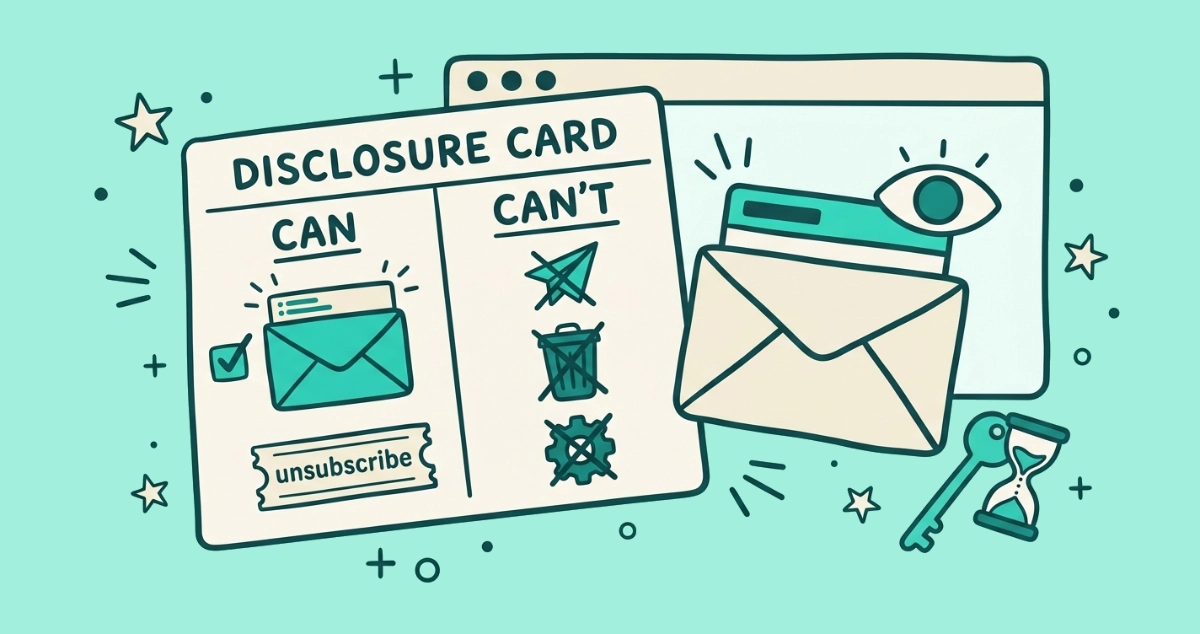
Flat vector illustration of a two-column CAN and CAN'T card, a sealed envelope showing only its address bar, a read-only eye, and a key fused to an hourglass, inside a browser frame.
Behind the Scenes

Exactly what we can and can't see when you connect your inbox

A plain, itemized list of what our unsubscribe app can and can't see when you connect Gmail or Outlook: read-only headers, in your browser, nothing stored.
7 min read
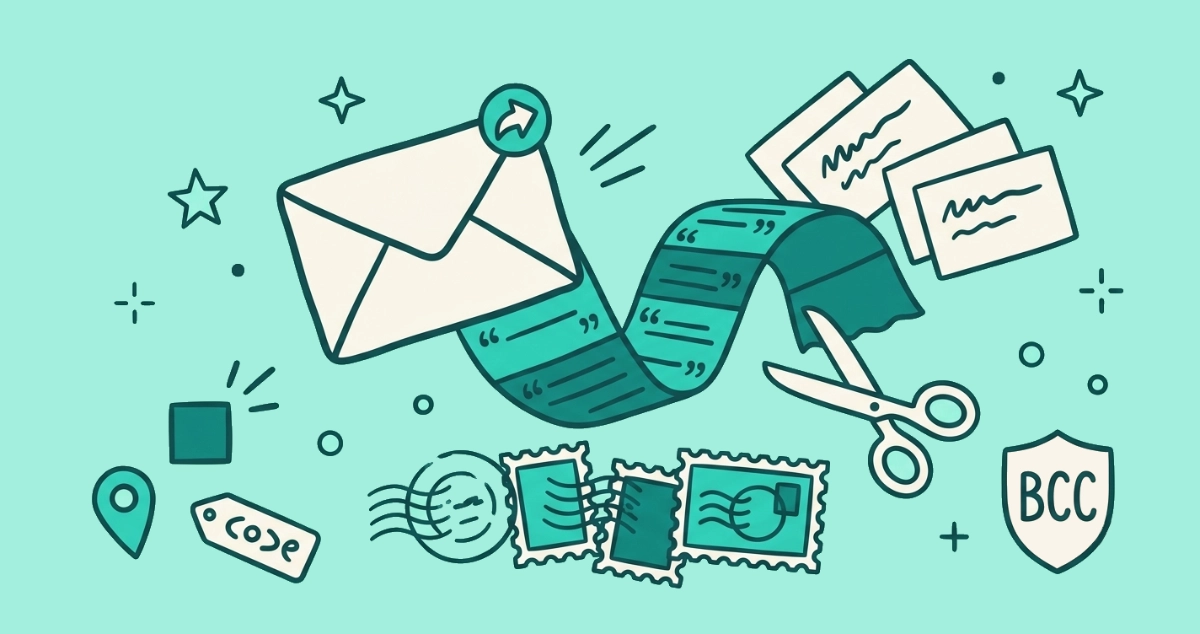
Flat vector illustration of a forwarded cream email trailing a thread tail spilling address cards, beside routing postmarks, a relit pixel square, a location pin, and scissors.
Privacy & Safety

What a forwarded email actually leaks about you

Forward an email and more than the text travels: the quoted thread, everyone's addresses, full headers, and re-firing tracking pixels. Here's what leaks and how to stop it.
7 min read
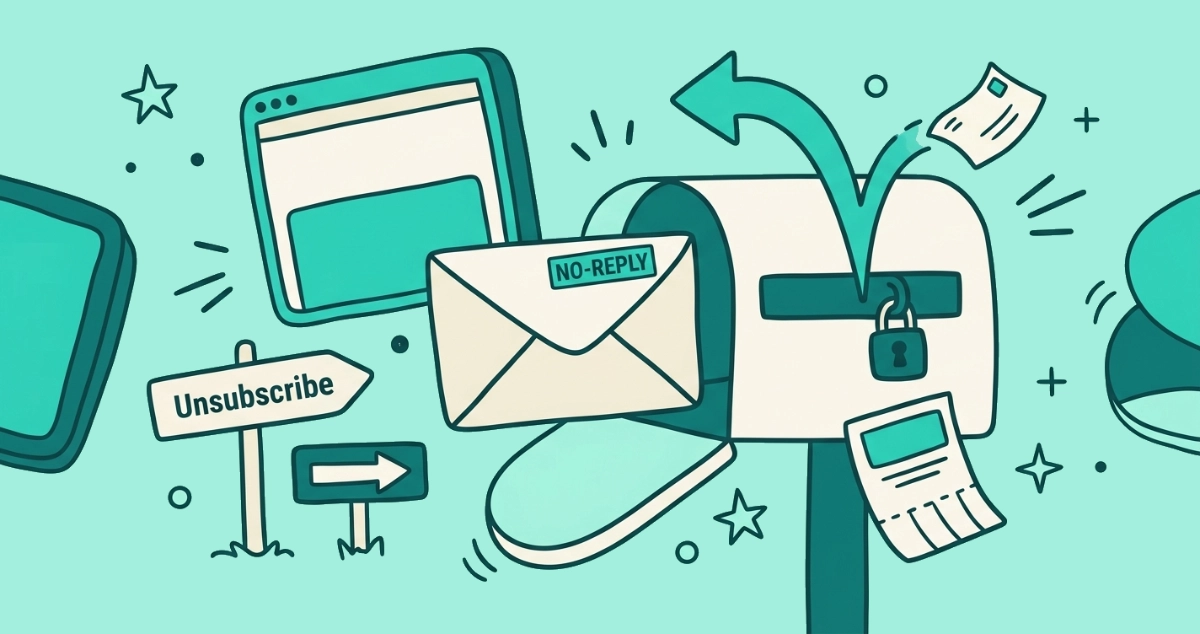
Flat vector illustration of a cream NO-REPLY envelope leaving a mailbox with a sealed reply slot, a reply arrow bouncing back, and an Unsubscribe signpost pointing the way out.
Guides

What is a no-reply email address (and why you can't reply)

A no-reply email address sends automated mail but ignores your replies. Here is why you can't reply, why companies use it, and how to opt out anyway.
8 min read
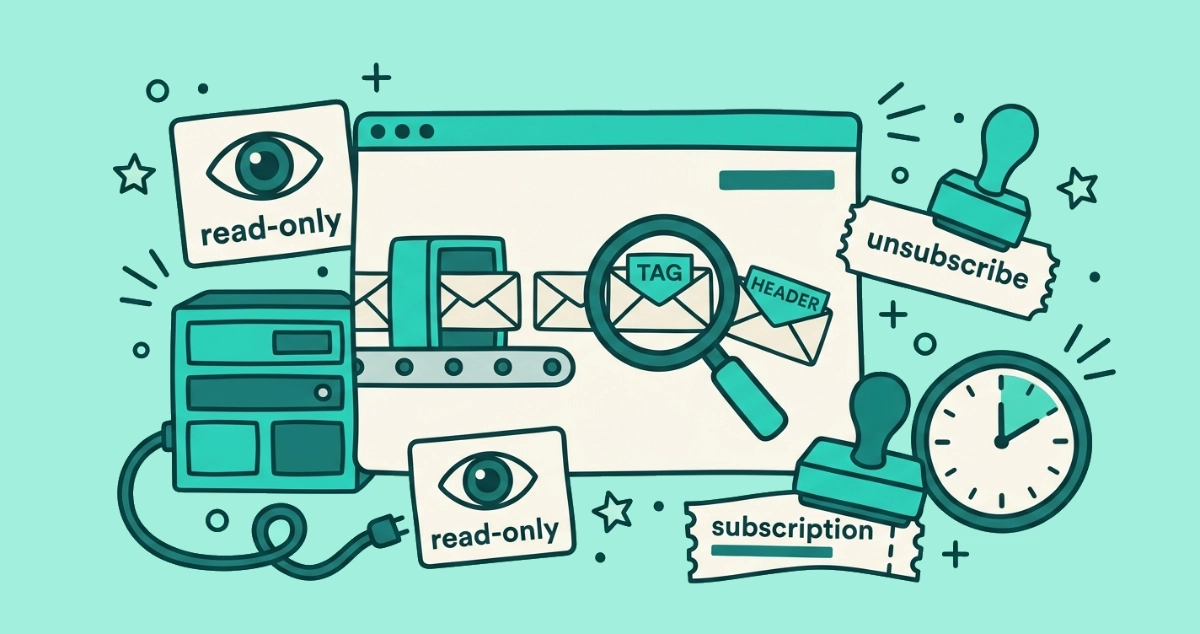
Flat vector illustration of a browser window running a small conveyor-belt scanner over letters under a magnifying glass, beside an unplugged server rack and a one-hour clock.
Behind the Scenes

How our browser-only scanner works

A plain-English walkthrough of how our browser-only scanner reads your inbox on your device, so your email content never reaches our servers.
7 min read
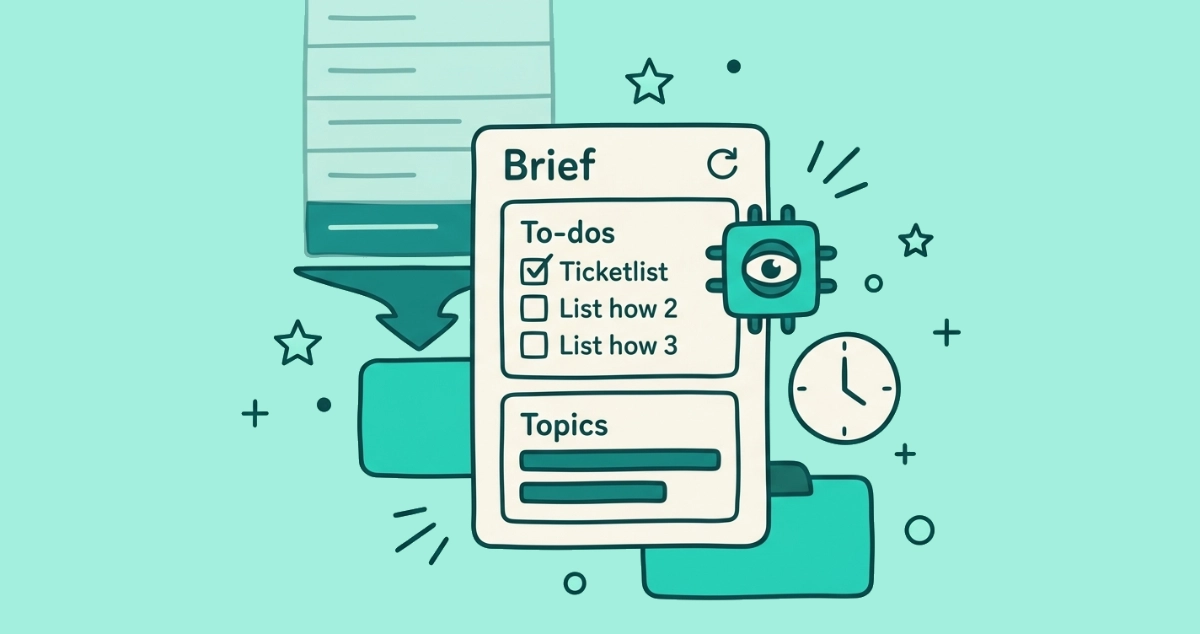
Flat vector illustration of a cream briefing panel with a ticked to-do checklist and a topics card of summary bars, beside a faded stack of chronological message rows funneling into it and a small AI chip.
AI & I

Gmail's AI Inbox: your email as a briefing, not a list

Gmail's AI Inbox turns your email into a briefing of to-dos and topics instead of a message list. What it surfaces, what it hides, and how to switch it off.
9 min read
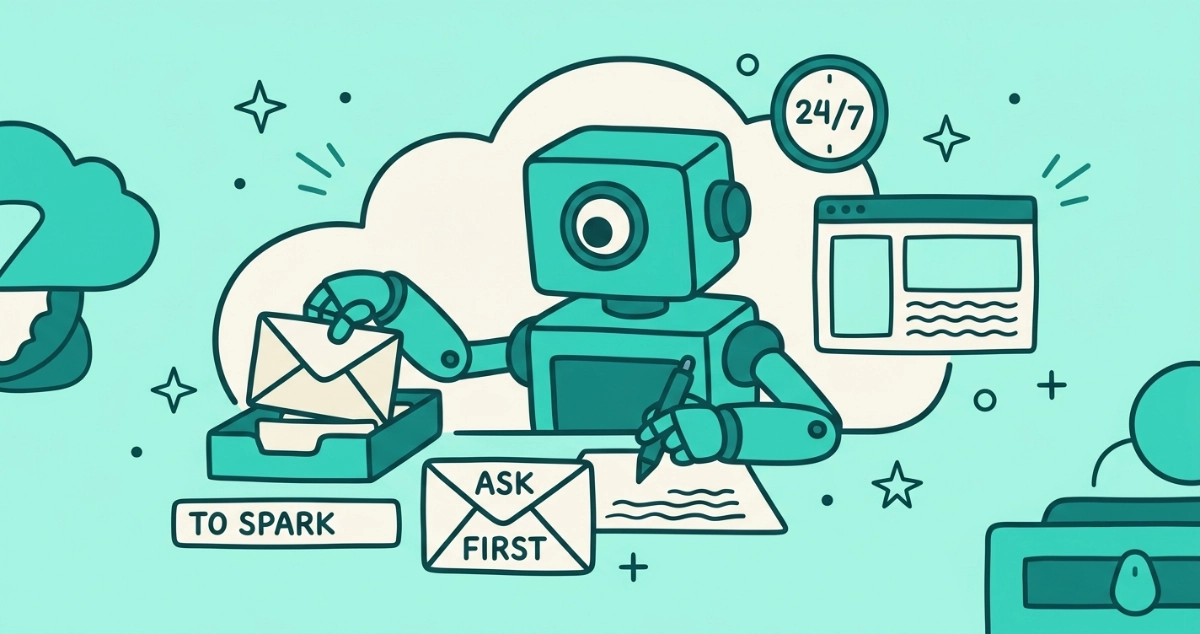
Flat vector illustration of a boxy AI agent with one lens eye inside a cloud server, lifting a letter from its own labeled inbox and drafting a reply, beside an ASK-FIRST gate, a browser window, and a 24/7 clock.
AI & I

Gemini Spark: what a 24/7 AI agent in your inbox actually does

Google's Gemini Spark is a 24/7 AI agent that reads and acts on your Gmail. Here's what it actually does, and the trade-off of the access it needs.
7 min read
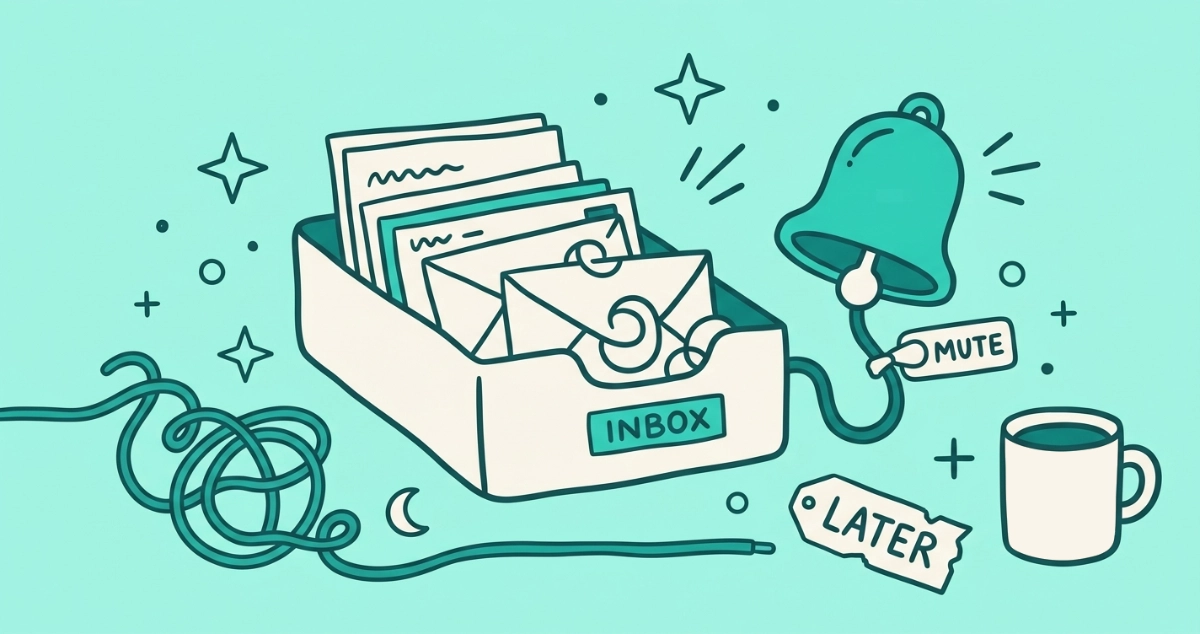
Flat vector illustration of a cream inbox tray overflowing with envelopes drawn as unclosed loops, wired to a ringing teal notification bell silenced by a MUTE toggle, beside a loosening tangled cord, a crescent moon, a coffee mug, and a tag reading LATER.
Your Inbox

Email anxiety: the psychology of a stressful inbox

Email anxiety is real and it runs on a mechanism. Here is the psychology behind a stressful inbox, and calm, practical ways to lower the load.
8 min read
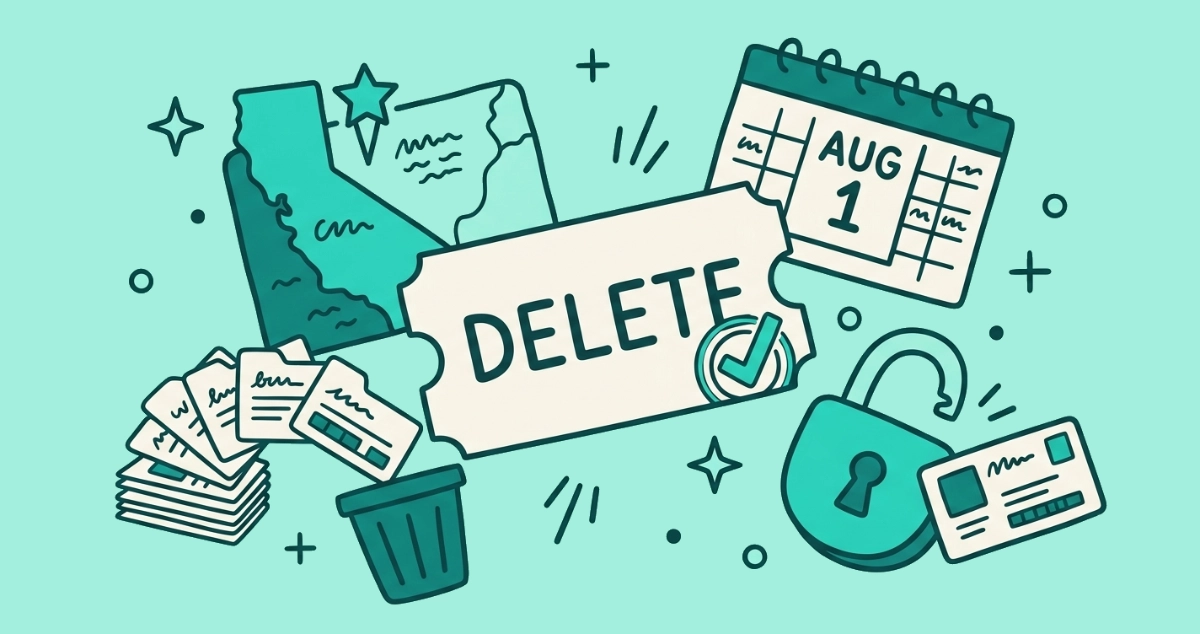
Flat vector illustration of a cream DELETE request ticket with a verification stamp, beside a star-pinned state map tile, broker cards sweeping toward a bin, and an AUG 1 calendar page.
News

California's DROP is live: delete yourself from data brokers in one request

California's DROP platform is live: one verified request tells every registered data broker to delete your data. Brokers must process it by August 1, 2026.
6 min read
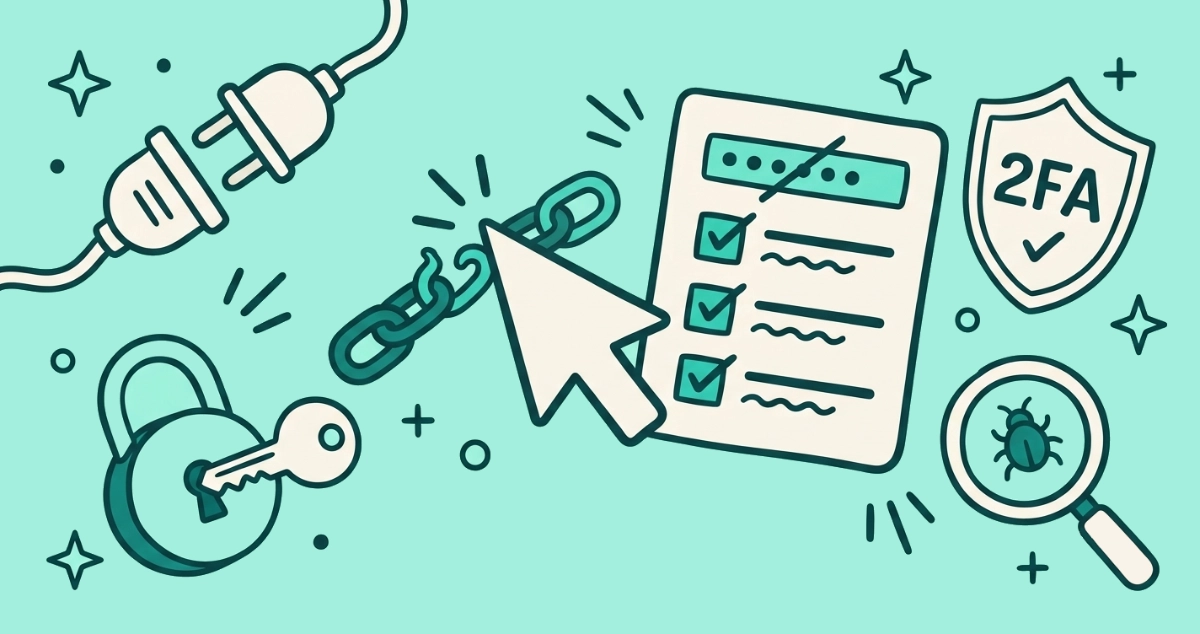
Flat vector illustration of a cursor arrow mid-click on a hooked link, beside a first-response checklist card, an unplugged power plug, a key in a fresh padlock, a 2FA shield, and a magnifying glass over a small bug.
Privacy & Safety

What happens if you click a phishing link?

Clicking a phishing link rarely hands over your account by itself. What you do next decides whether it stays that way. Here is the first-response checklist.
9 min read
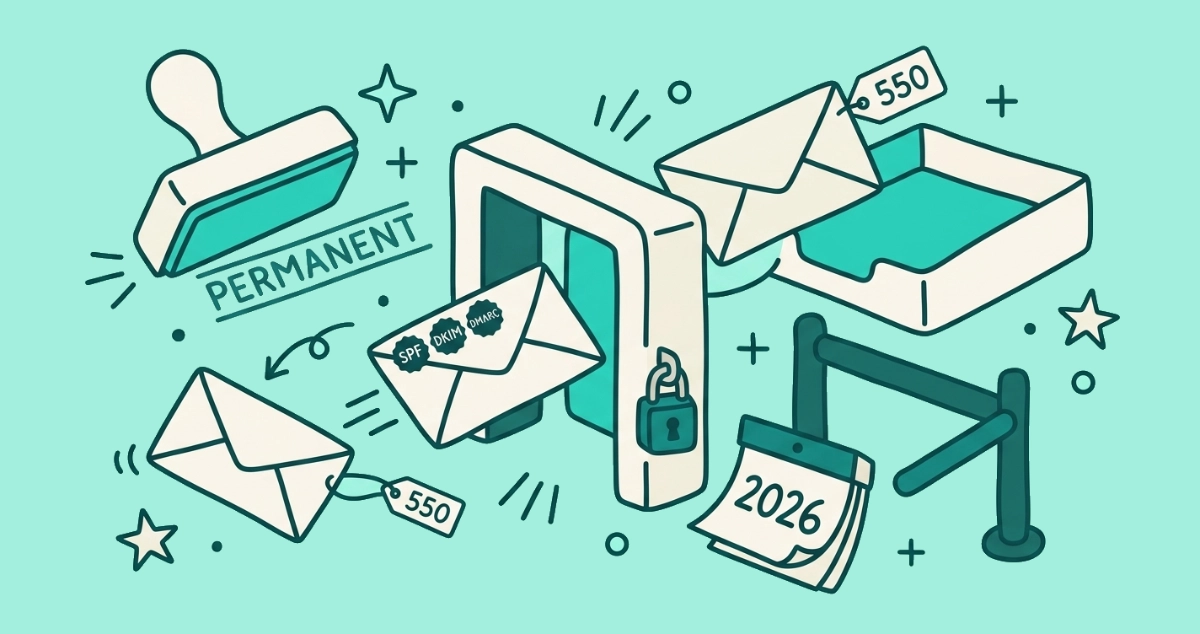
Flat vector illustration of a rubber stamp marking PERMANENT on a bolted email gate, one stamped envelope passing through and a bare envelope bounced back by a 550 tag.
News

The bulk-sender email crackdown is now permanent (2026 update)

Two years in, the Gmail, Yahoo, and Microsoft bulk-sender rules are permanent, and Gmail now rejects non-compliant mail outright. What it means for your inbox.
6 min read
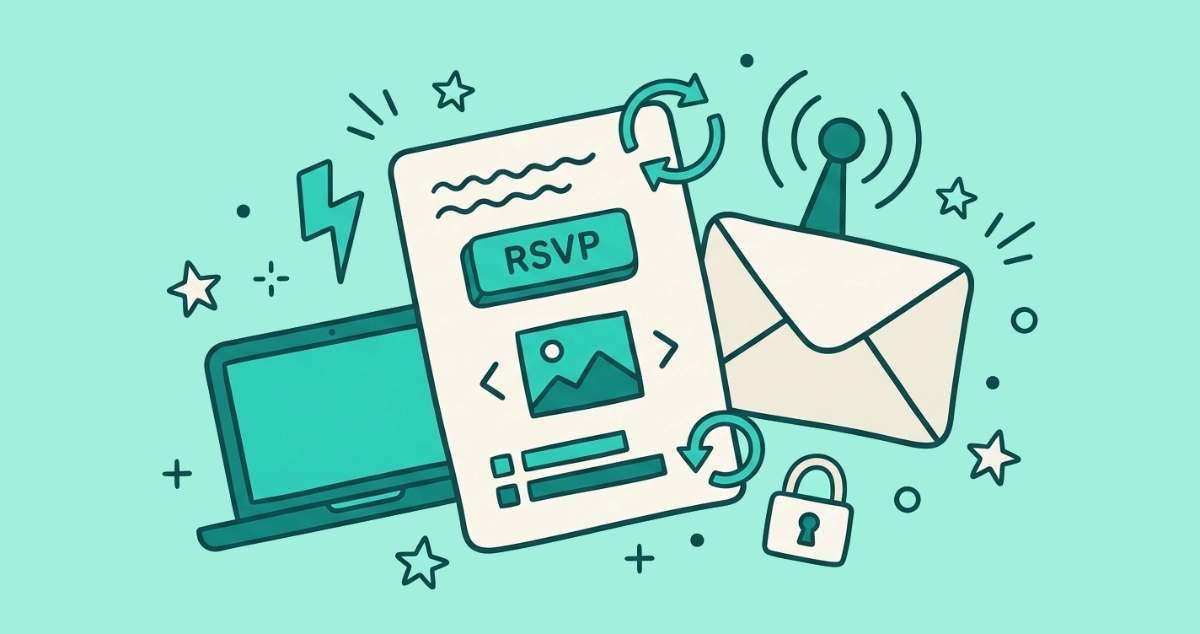
Flat vector illustration of a cream email card with a pressed teal button and a small carousel, beside an RSVP toggle, a lightning bolt, and a refresh arrow.
Your Inbox

AMP and interactive emails: why some messages have working buttons

Some emails now let you RSVP, fill a form, or browse a carousel without leaving your inbox. Here's how AMP for Email works and who supports it.
8 min read
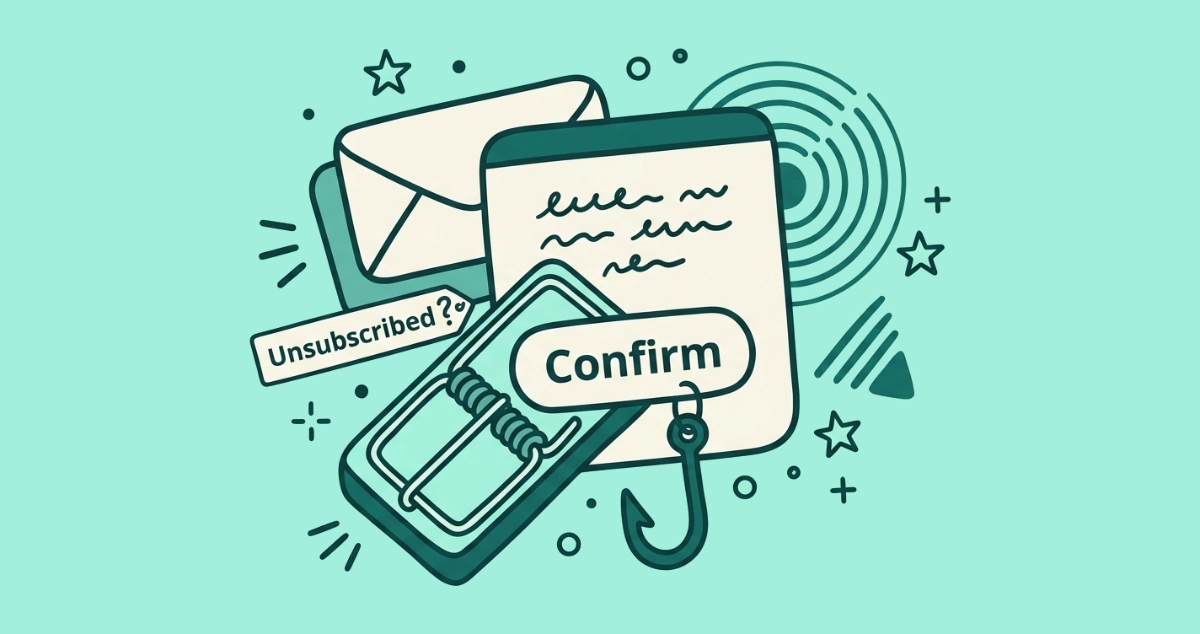
Flat vector illustration of a cream email card whose Confirm button is the sprung jaw of a snap mousetrap, beside an Unsubscribed banner, a radar ping ring, a second stacked envelope, a fishhook, and a caution triangle.
Privacy & Safety

The unsubscribe confirmation email scam

An unsolicited 'you've been unsubscribed' email is bait. Here's why the confirmation click is the trap, and what to do instead of clicking it.
7 min read
Flat vector illustration of a cream settings card with a large master toggle flipped off, a play-triangle screen, a bell with a slash, a pinched-off stream of envelopes stamped with play triangles and comment bubbles, a phone, and one shield-stamped envelope still getting through.
Guides

How to stop YouTube notification emails

Turn off YouTube email notifications at the source. Open Settings, Notifications on youtube.com and switch off the Email notifications Permission toggle.
8 min read
Flat vector illustration of two cream notification cards, one badged with an upvote chevron and one with an @ mention bubble, both feeding envelope streams into a control box whose lever is thrown to OFF, beside a slashed bell and a keyhole-shield envelope.
Guides

How to stop Reddit and X (Twitter) emails

Reddit and X both hide an email off switch in their settings. Here is the exact path to turn off notification emails in each, step by step.
8 min read
Flat vector illustration of a cream envelope reeled back mid-flight by a looping undo arrow beside a countdown timer, a message card with an Undo button, a second envelope escaping off the frame, and a crossed-out Recall tag.
Guides

How to recall or unsend an email

Gmail's Undo Send cancels a message before it leaves. Outlook's recall only works inside one organization and often fails. Here is what actually works.
8 min read
Flat vector illustration of a cream shelf holding five newsletter envelopes upright like slim books, a teal funnel above diverting the overflow into a read-later tray, beside snipping scissors and a KEEP tag.
Your Inbox

Newsletter minimalism 101: the 5-newsletter rule

Newsletter minimalism keeps a tiny, deliberate set of newsletters and routes the rest away. Here is the 5-newsletter rule and how to decide what earns a slot.
8 min read
Flat vector illustration of a cream email with a red-outlined warning triangle banner across its top, a caution question-mark badge where the sender avatar sits, a magnifier over a suspicious link, and a padlock nearby.
Your Inbox

Why Gmail says "this message seems dangerous"

Gmail's red "this message seems dangerous" banner means it scored the mail as likely phishing. Here is what triggers it, what the colors mean, and what to do.
8 min read
Flat vector illustration of a cream email card with an 'Unsubscribe?' tag beside one sender row, a stack of sealed unread envelopes, a month-marked calendar, a reading lens, and a dismiss chip.
Behind the Scenes

Gmail's unsubscribe suggestions: how they work

Gmail flags senders you've stopped opening and suggests you unsubscribe. Here's how it decides, what clicking does, whether it's safe, and its limits.
8 min read
Flat vector illustration of a cream account card labeled DELETE feeding into a paper shredder, surrounded by crossed-out account cards, an EXPORT folder, and a REQUEST letter.
Guides

How to delete old online accounts you forgot about

Closing dead accounts shrinks your breach surface. How to find the delete option, what to save first, and what to do when there is no delete button.
8 min read
Flat vector illustration of an opened cream envelope with a letter sliding out marked with a check and a SAFE tag, ringed by a paperclip holding a small bug, a link tag with a warning triangle, a macro toggle, and a shield keeping a virus blob outside the flap.
Privacy & Safety

Can opening an email give you a virus?

In an updated mail app, opening an email almost never installs anything. The risk starts when you open an attachment, click a link, or enable macros.
7 min read
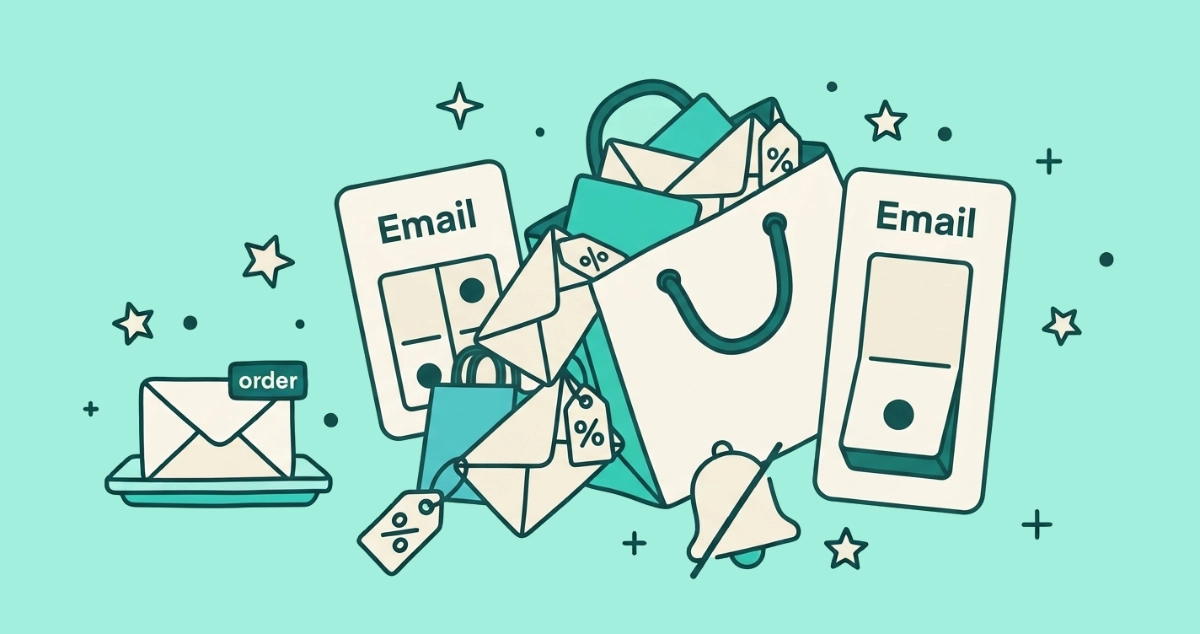
Flat vector illustration of an overstuffed cream shopping bag spilling percent-off sale envelopes, beside a large off toggle labeled Email, a duplicate bag behind it, a slashed notification bell, and one calm order envelope on a separate tray.
Guides

How to stop Shein and Temu emails for good

Shein and Temu mail hard, and one unsubscribe rarely covers it. Stop their promo emails at the source with three settings each, then block the stragglers.
7 min read
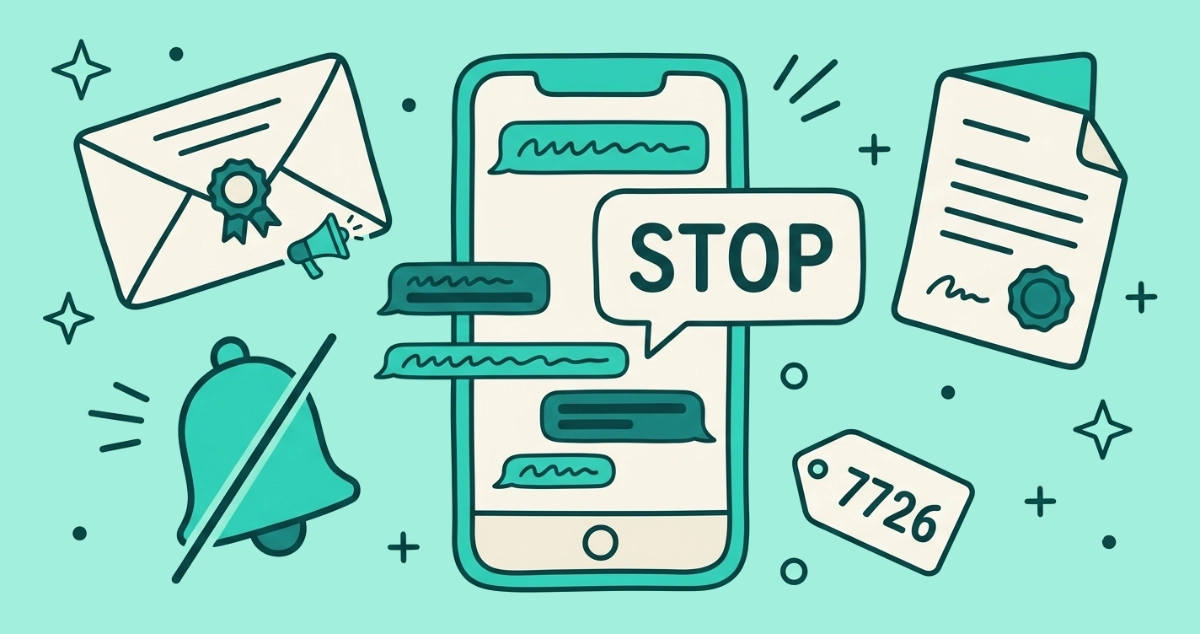
Flat vector illustration of a smartphone sending a STOP reply that silences a stream of campaign message bubbles, beside a rosette-sealed campaign envelope, a muted bell, a stamped legal card, and a 7726 report tag.
Your Rights

How to stop political campaign texts and emails

Political email escapes CAN-SPAM and many mass texts sidestep the TCPA, so opt-outs are voluntary. Here is the practical playbook that makes them stop.
8 min read
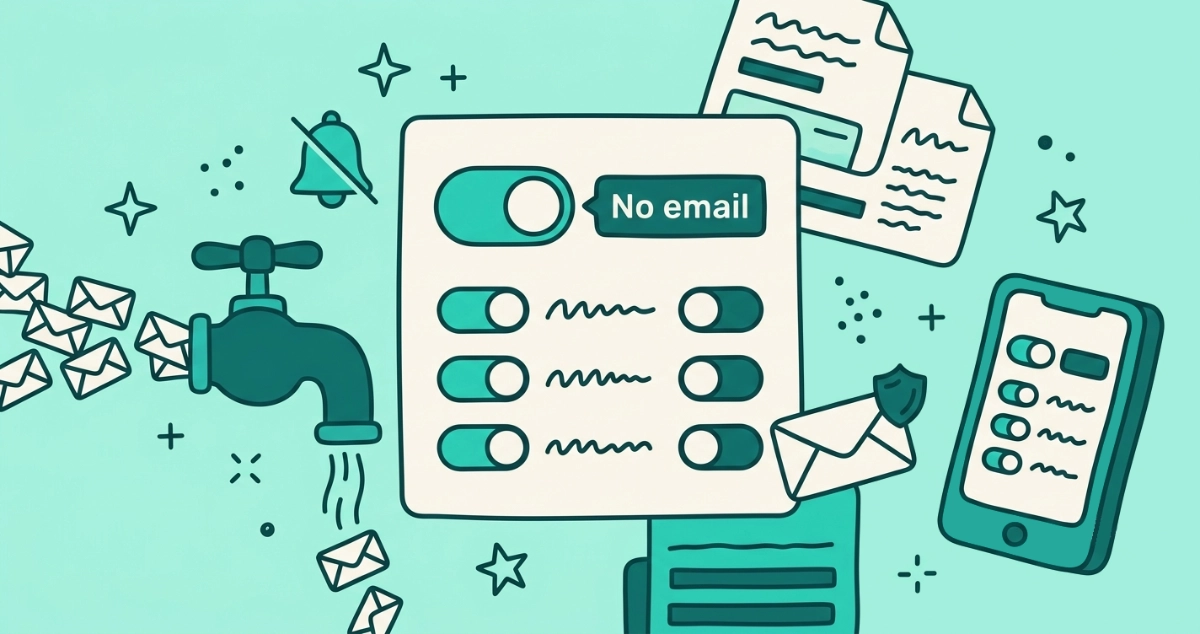
Flat vector illustration of a cream settings card with a large toggle flipped to a No email label, a valve shutting off a stream of notification envelopes, a bell with a slash, a row of category toggles, a phone, and one shield-stamped envelope still getting through.
Guides

How to stop LinkedIn emails (2026)

Stop LinkedIn notification emails at the source. Set the frequency of all email notifications to No email under Settings, Communications, Email.
8 min read
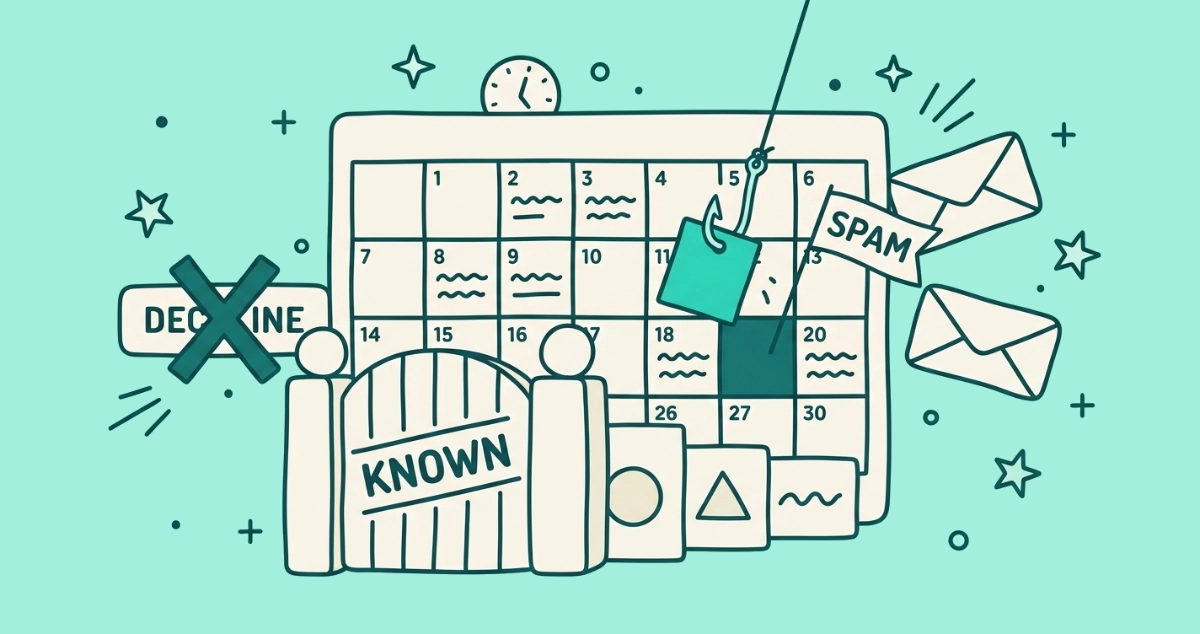
Flat vector illustration of a cream calendar grid with a rogue event tile caught on a fishhook, a gate labeled KNOWN filtering invite cards, a crossed-out DECLINE button, and a SPAM flag.
Privacy & Safety

How to stop Google Calendar spam invites

Spam invites auto-add to your Google Calendar, often with phishing links. Set invites to known senders, report the spam, and never tap Decline.
7 min read
Flat vector illustration of a cream settings panel with two toggle switches flipped off, a stream of notification envelopes stamped with a heart, speech bubble, and bell pinched off at the panel, beside an inbox tray and a small keyhole shield.
Guides

How to stop Facebook and Instagram notification emails

Facebook and Instagram are both Meta apps with the same off switch. Here's how to turn off their email notifications in each, step by step.
8 min read
Flat vector illustration of an email-preferences panel with a toggle switched off, a fan of tagged envelopes, an untouched parcel box, and a crossed-out ad frame.
Guides

How to stop Amazon marketing emails

Amazon runs marketing email across many separate lists. Here is how to stop Amazon marketing emails in two settings, and keep your order and shipping updates.
9 min read
Flat vector illustration of a cream panel of connected-app cards with small keys, one card switched off by a revoke button that snaps its key, beside a magnifying glass and a broken chain link.
Privacy & Safety

How to revoke third-party app access to your Google account

Review which apps can read your Gmail and revoke their access at myaccount.google.com/connections, plus how to tell read-only from full access.
7 min read
Flat vector illustration of a cracked-seal cream envelope with a pried-open padlock, a bent arrow copying it off-frame, and a key turning in a fresh lock.
Privacy & Safety

Is your email account hacked? Signs and what to do

The warning signs your email is compromised, from sent mail you never wrote to hidden forwarding rules, plus the recovery steps to take in order.
9 min read
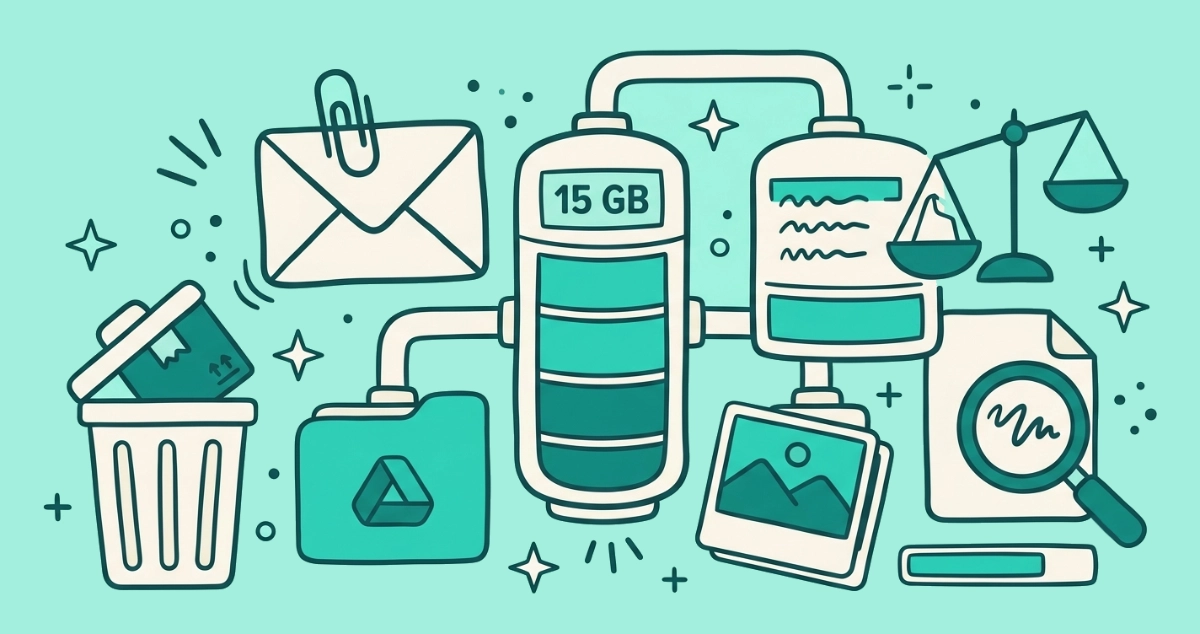
Flat vector illustration of a storage gauge labeled 15 GB fed by three pipes from an envelope, a folder, and a photo stack, beside a heavy paperclipped envelope, a trash bin, and a magnifying glass.
Guides

Gmail storage full: what's eating it and how to clear space

Your 15 GB Google quota is shared across Gmail, Drive, and Photos. See what's eating it and clear the most space, fastest.
8 min read
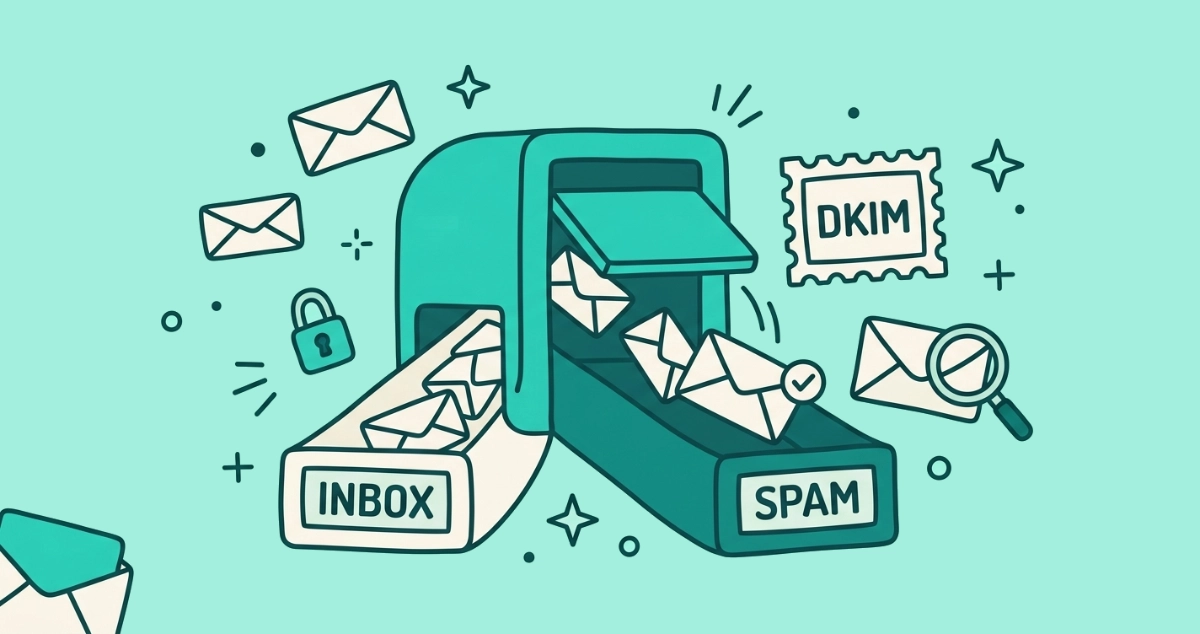
Flat vector illustration of a teal mail-sorting gate splitting cream envelopes into INBOX and SPAM chutes, one checkmarked envelope wrongly falling toward SPAM.
Your Inbox

Why your emails go to spam (and why legit mail gets flagged)

Mail goes to spam when a filter scores it as risky. Here is how filters decide, why legit mail gets flagged, and how to rescue a good email.
8 min read
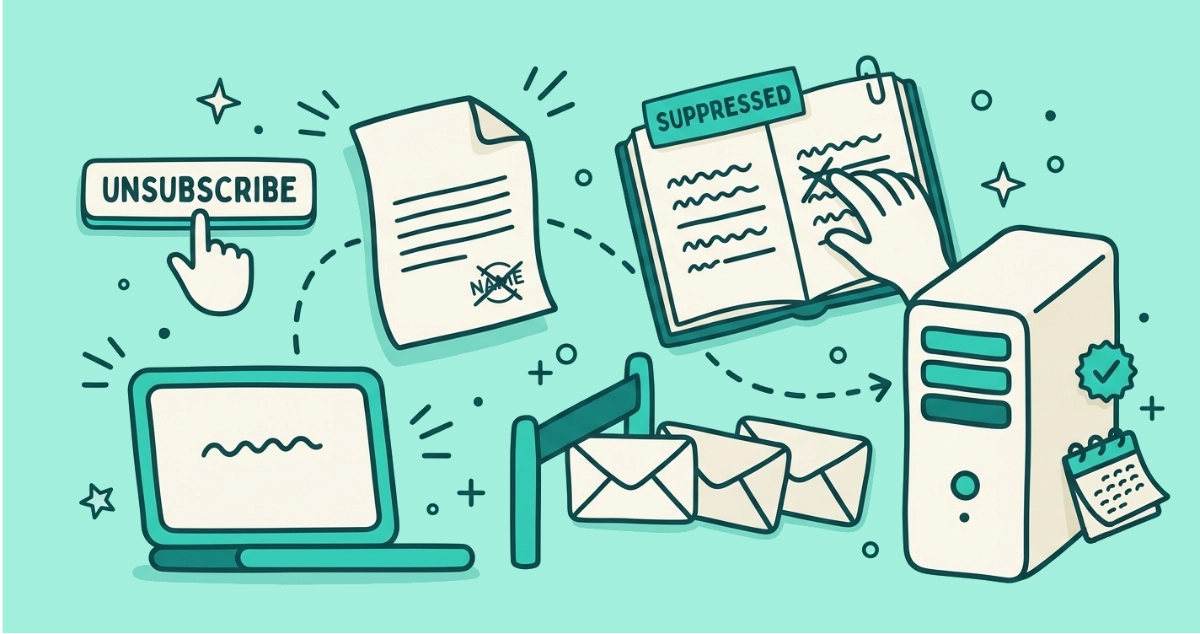
Flat vector illustration of a request slip traveling from an unsubscribe button to a server and a ledger where a name is crossed off, with envelopes held back behind a barrier.
Guides

What actually happens when you click unsubscribe

Click unsubscribe and your request travels to the sender's server, lands your address on a suppression list, and future campaigns skip you. Here's the journey.
8 min read
Flat vector illustration of a cream envelope with teal threads fanning out to small account cards, a magnifying glass, a ticked checklist, and one crossed-out dead account.
Privacy & Safety

How to find every account linked to your email address

No single button lists every account tied to your email. Four practical methods to reconstruct the full list, then close the ones you never use.
7 min read
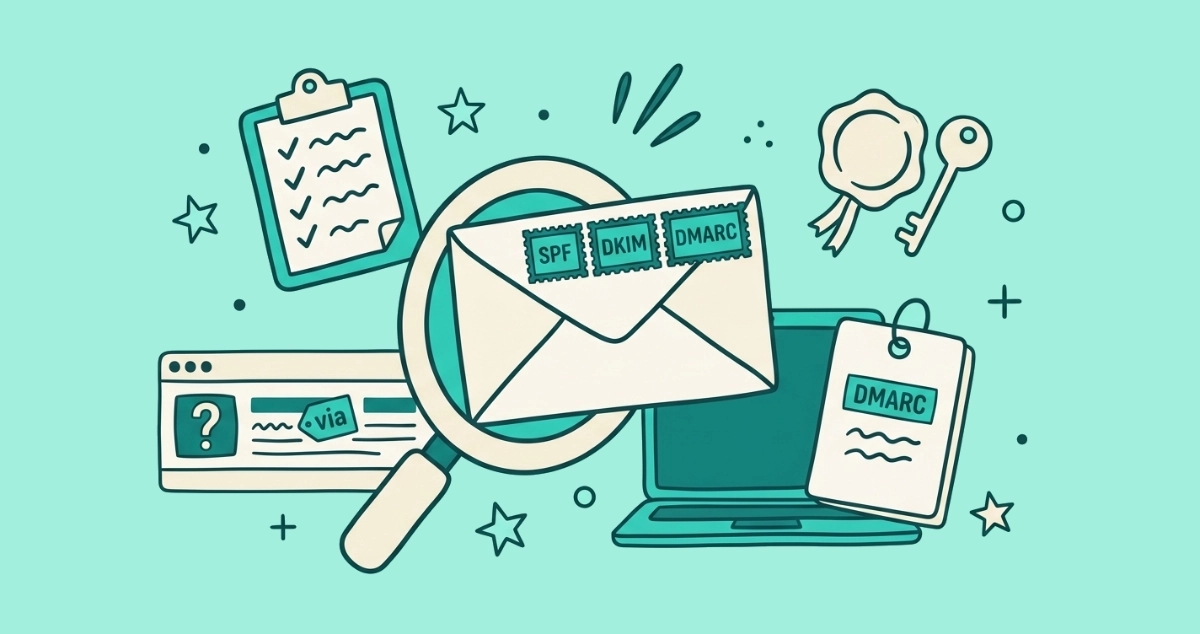
Flat vector illustration of a cream envelope stamped SPF, DKIM and DMARC beside a wax seal, a key, a guest-list clipboard, and an inbox row showing a via tag and a red question-mark badge.
Guides

SPF, DKIM, and DMARC in plain English

The gray 'via', the 'mailed-by' line, and the red question mark all come from three checks: SPF, DKIM, and DMARC. What each one actually proves.
9 min read
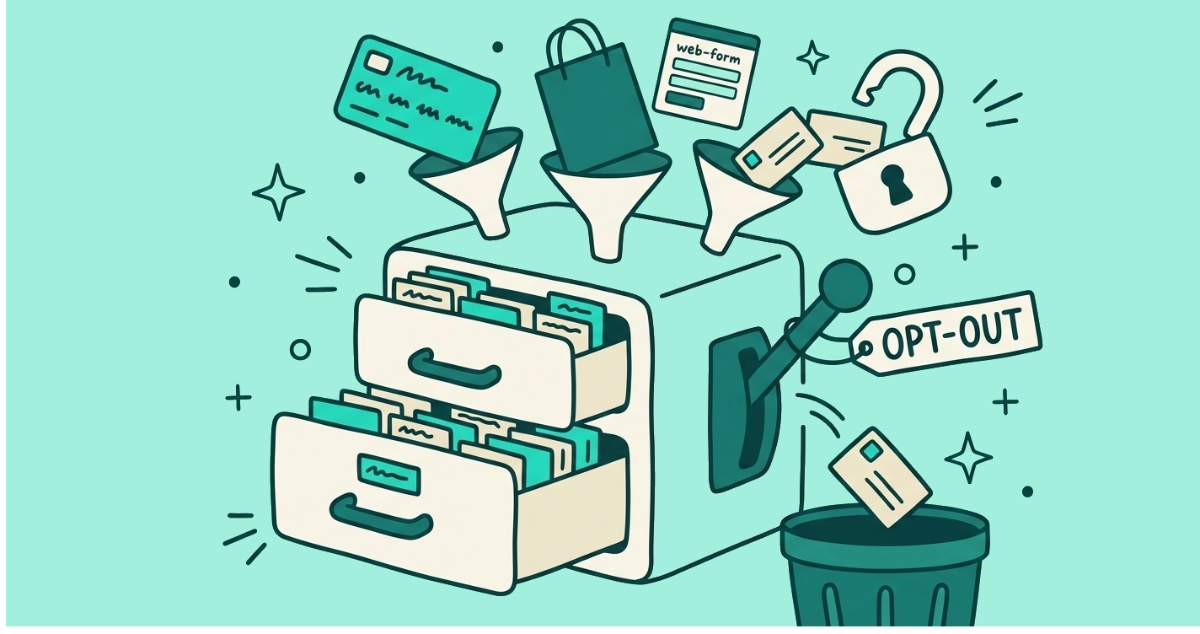
Flat vector illustration of a filing cabinet stuffed with address cards, fed by funnels from a loyalty card, a shopping bag, and a web form, beside a pulled OPT OUT lever ejecting one card toward a bin.
Privacy & Safety

How data brokers get your email (and how to opt out)

Data brokers rarely get your email from public records. They collect it from signups, loyalty cards, and list sales, then merge it into a profile they sell.
9 min read
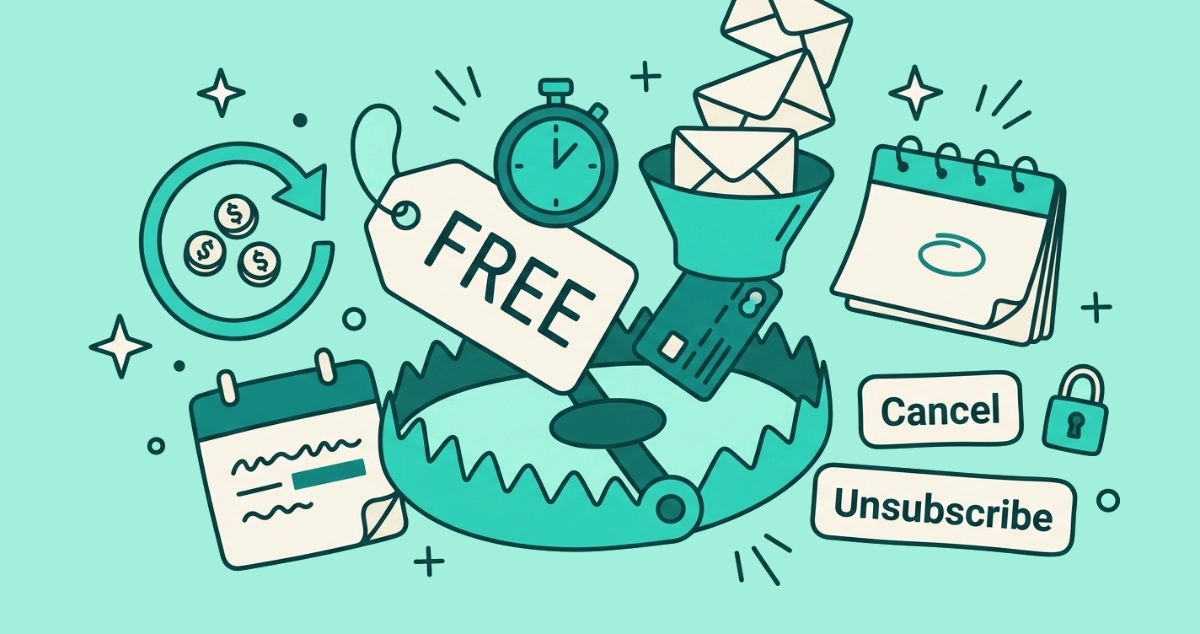
Flat vector illustration of a cream FREE price tag on the open jaws of a rounded trap, fed by a funnel of envelopes and a credit card, with separate Cancel and Unsubscribe exit buttons nearby.
Privacy & Safety

Free-trial subscription traps: how the email funnel charges you

A free trial becomes a recurring charge when the cancel path is buried. Here is how the email funnel springs the trap, and how to cancel and stop the mail.
9 min read
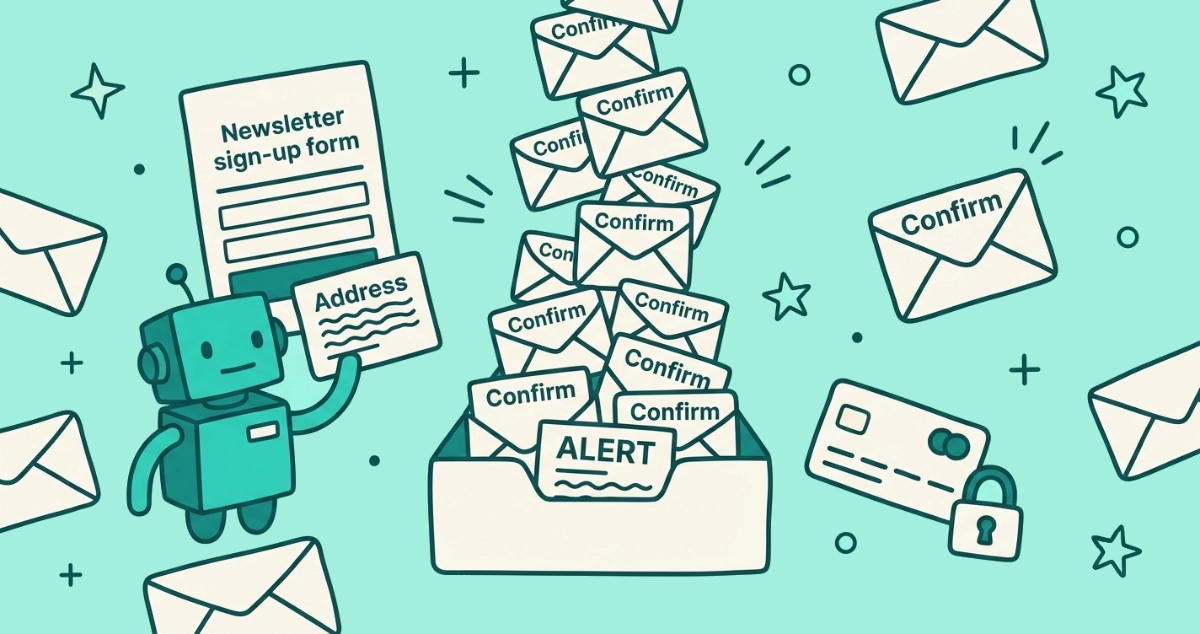
Flat vector illustration of a cream inbox overflowing with confirmation envelopes that bury one ALERT-stamped letter, next to a sign-up form and a small robot.
Privacy & Safety

Email bombing: why you're suddenly getting hundreds of signup emails

A sudden flood of newsletter confirmations is often an email bomb: an attacker signing your address up to hundreds of lists to bury a fraud alert.
10 min read
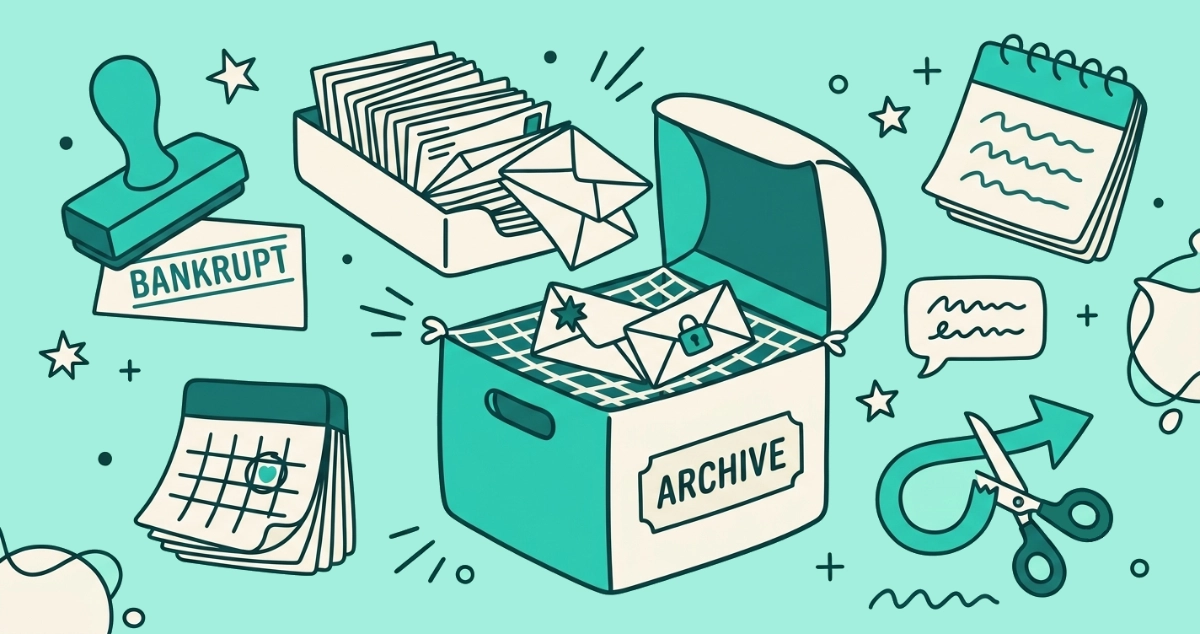
Flat vector illustration of an open cream archive box swallowing old envelopes off an overloaded inbox tray, a small net catching three important envelopes, beside a BANKRUPT rubber stamp, a cutoff calendar, and an auto-reply speech bubble.
Your Inbox

Email bankruptcy: how to declare it without losing important mail

Declaring email bankruptcy resets an overwhelmed inbox in one move. Here is when it is the right call and how to do it without losing important mail.
8 min read
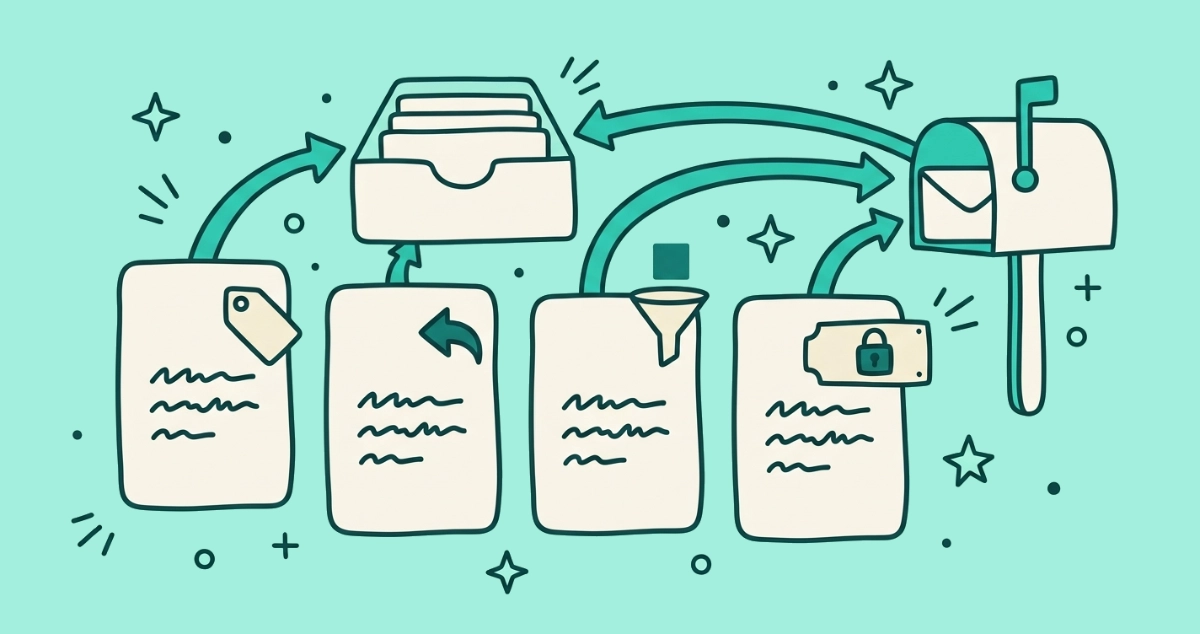
Flat vector illustration of four cream address-relay cards in a row forwarding arrows toward one shared inbox, each card tagged with a price sticker, reply arrow, tracker funnel, or padlocked domain nameplate.
Tools

Email alias services compared: Hide My Email, Firefox Relay, DuckDuckGo, SimpleLogin

Apple Hide My Email, Firefox Relay, DuckDuckGo, and SimpleLogin compared on price, alias limits, reply support, tracker removal, and portability.
7 min read
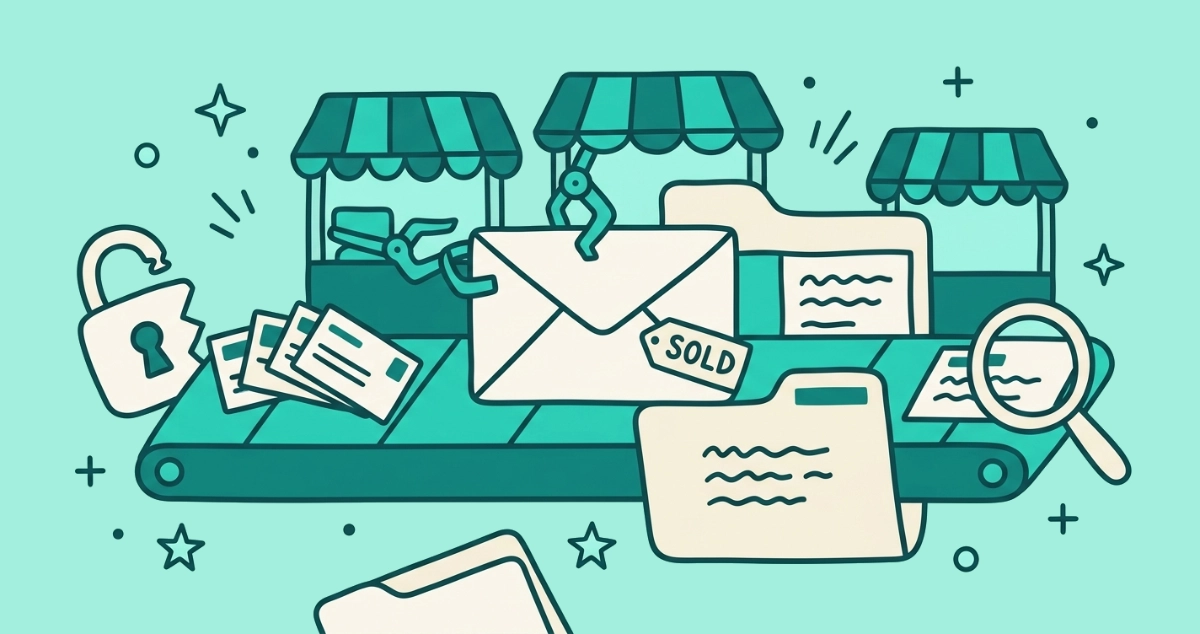
Flat vector illustration of a cream envelope riding a conveyor belt past grabbing market stalls, with a broken padlock spilling address cards, a growing dossier folder, a SOLD tag, and a magnifying glass.
Privacy & Safety

Where your email address goes after a data breach

A leaked email address gets bought many times over, by breach resellers, data brokers, list sellers, and spammers. Here's the journey, and how to check yours.

8 min read
Flat vector illustration of a round brand badge with a verified check-tick pinned to a cream email card, propped up by a certificate seal labeled VMC and a padlock shield, beside a plain badgeless envelope with a question-mark tag.
Your Inbox

BIMI: why some senders show a logo or blue check in Gmail

Some Gmail senders show a round logo and a blue checkmark. Here's what BIMI and a Verified Mark Certificate actually prove, and what they don't.
8 min read
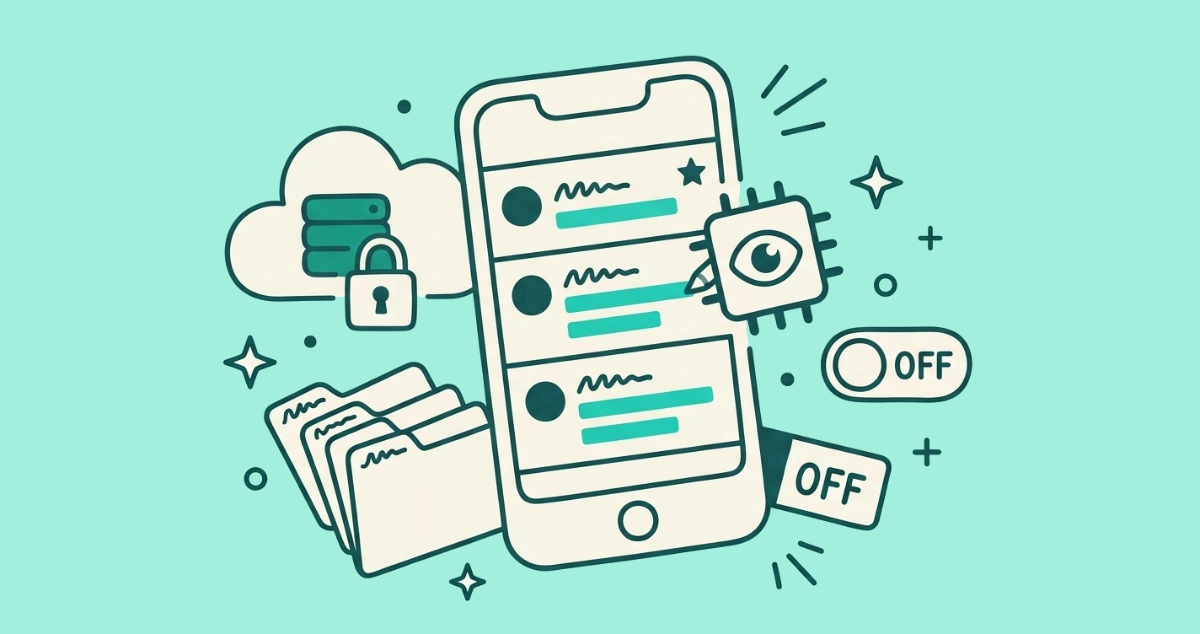
Flat vector illustration of a cream phone with a pinned Priority email and summarized preview lines, an AI chip, a padlocked cloud server, and four category folders.
AI & I

Apple Intelligence and your email: summaries, Priority, and on-device privacy

Apple Intelligence adds Priority messages, inbox summaries, and on-device processing to Apple Mail. Here is what each does, and how to switch it off.
8 min read
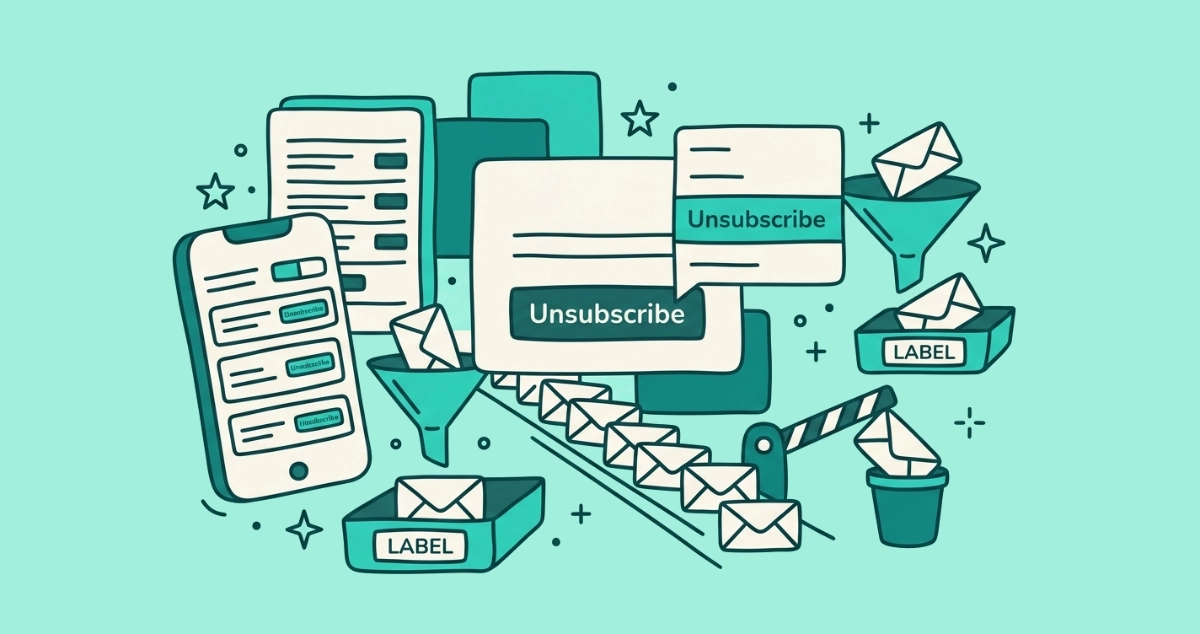
Flat vector illustration of a cream email card with an Unsubscribe button and a pop-up menu, a single-file line of envelopes, a phone list, a funnel, and a lowered block arm.
Guides

How to unsubscribe and clean up Yahoo Mail (2026)

Yahoo Mail has no bulk unsubscribe button. Here are the real ways to unsubscribe, block, and filter senders on Yahoo web and in the app.
9 min read
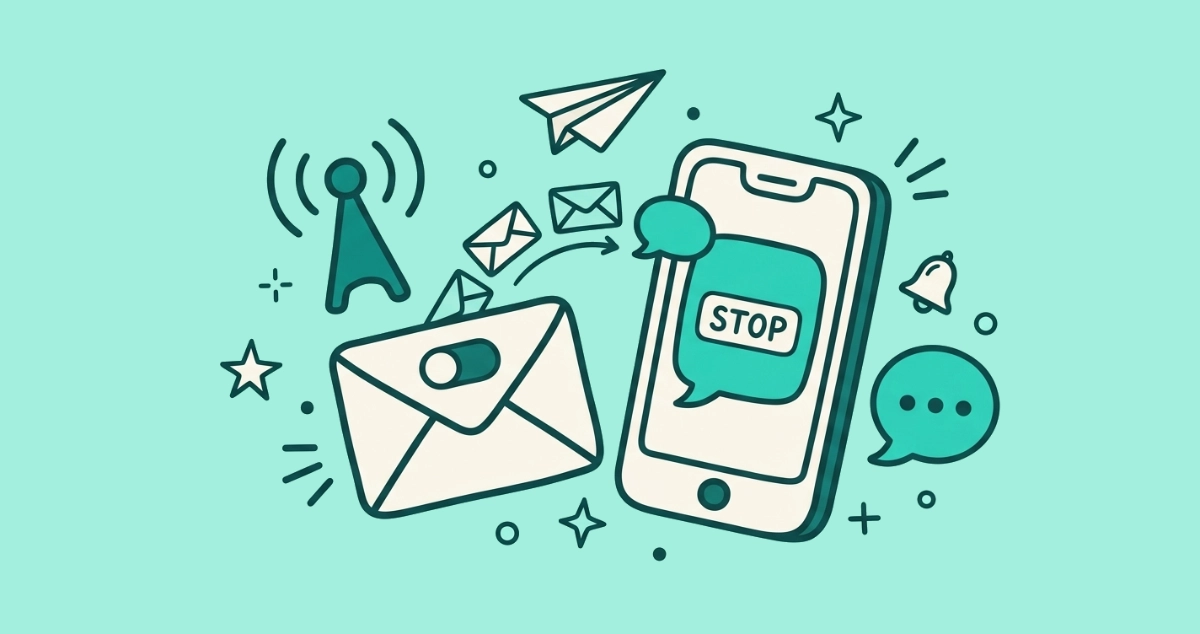
Flat vector illustration of a smartphone showing a chat bubble marked STOP beside a mail envelope with an unsubscribe toggle, small envelopes turning into chat bubbles in the gap between them.
Your Inbox

From inbox to DMs: how RCS and messaging are changing marketing

Brands now text, WhatsApp, and RCS-message you, not just email you. Here is what the shift to messaging marketing means, and how to keep control.
7 min read
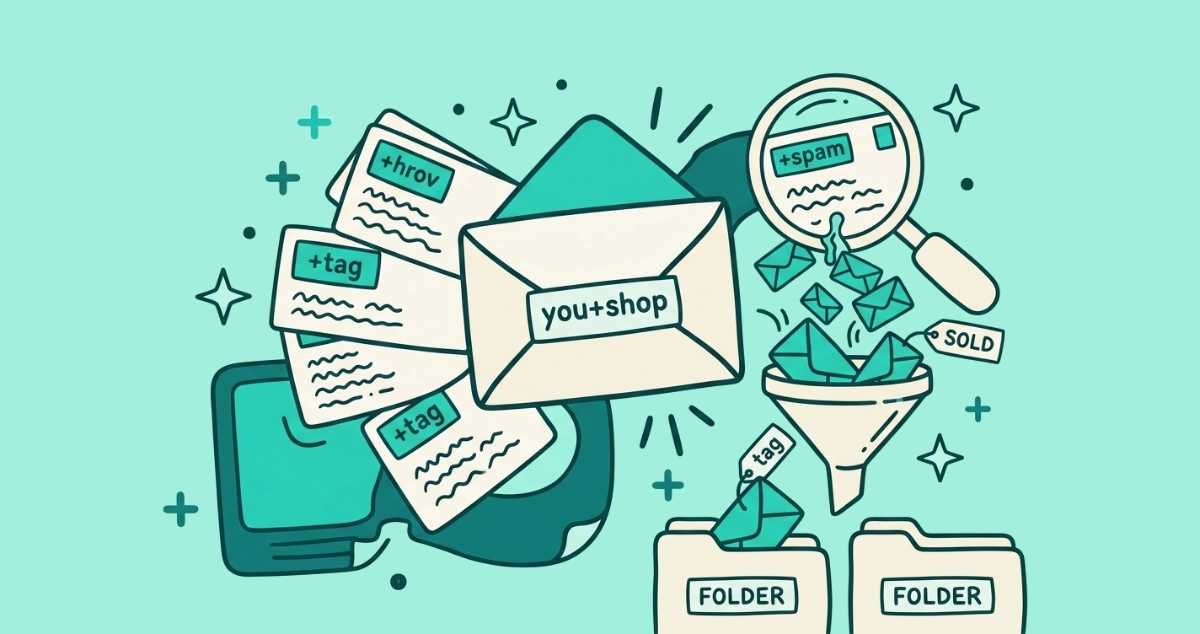
Flat vector illustration of a cream envelope labeled 'you+shop' with tagged address cards fanning out, a magnifying glass over the one card leaking small spam envelopes, a SOLD tag, and a sorting funnel.
Guides

Plus addressing in Gmail: the free trick to catch who leaks your email

Add +anytag to your Gmail address and every variant still reaches your inbox. Give each signup a unique tag to see which company leaked or sold your email.
9 min read
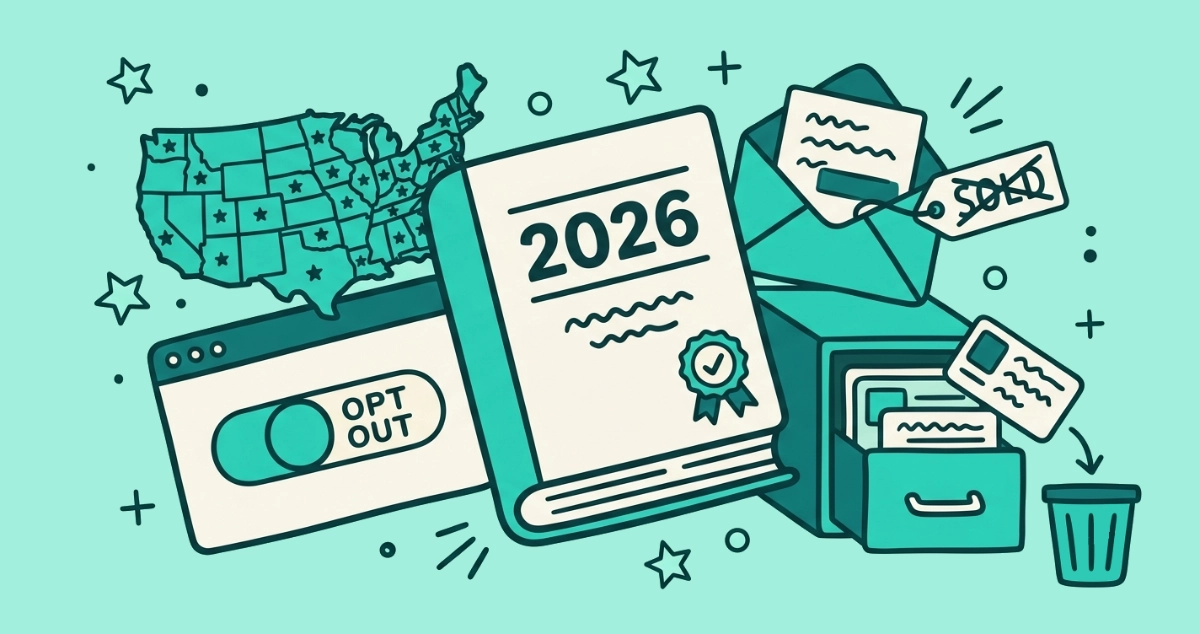
Flat vector illustration of a 2026-stamped law booklet, a star-pinned map tile, an OPT OUT toggle switch, a crossed-out SOLD envelope, and a data-broker filing drawer.
Your Rights

New privacy laws in 2026: what changed for your data and inbox

Three new state privacy laws took effect on January 1, 2026, bringing the total near 20 states. Here is what changed for your data rights and your marketing email.
8 min read
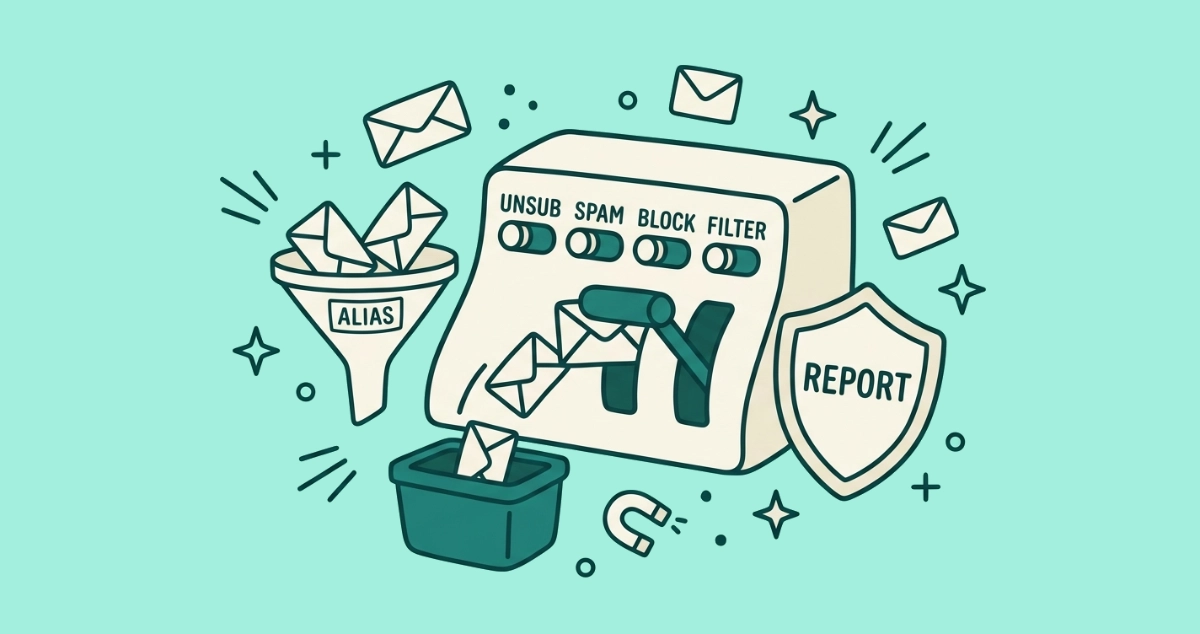
Flat vector illustration of a cream control panel with labeled switches reading UNSUB, SPAM, BLOCK and FILTER, a lever diverting a stream of envelopes into a bin, an ALIAS funnel, and a REPORT shield.
Privacy & Safety

How to stop spam emails for good: the complete guide

The complete map of every way to cut spam: unsubscribe, mark as spam, block, filter, mask your address, and report. Match each tool to the right sender.
9 min read
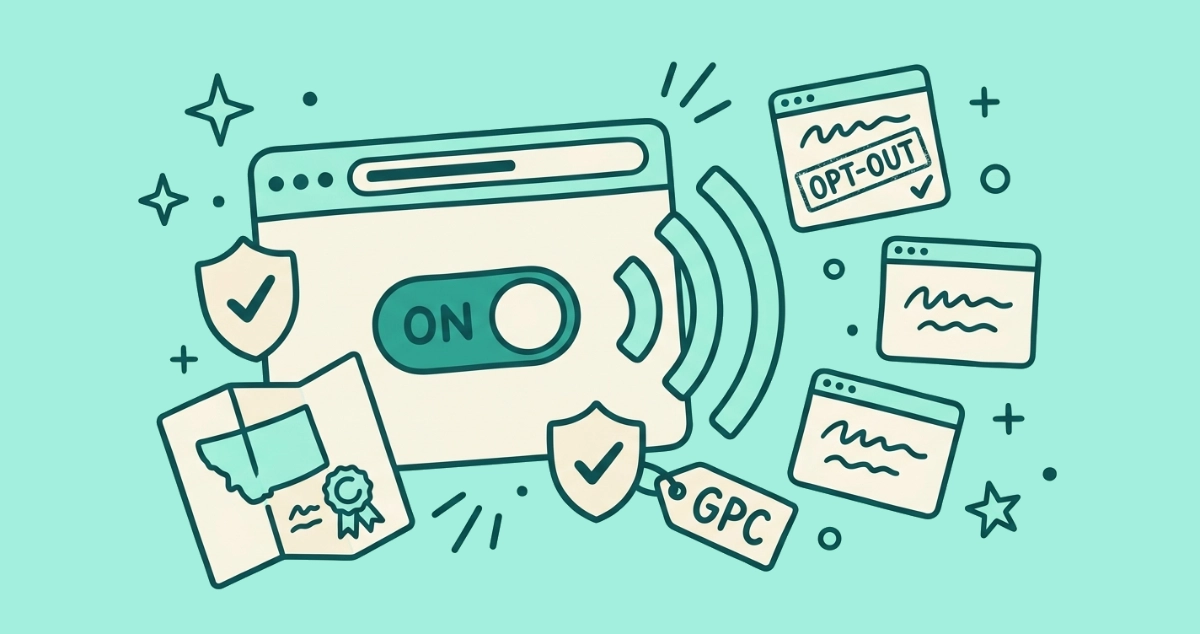
Flat vector illustration of a browser window with a flipped toggle broadcasting an opt-out signal to several website cards, beside a check shield, a folded state map, and a GPC tag.
Your Rights

Global Privacy Control: the browser setting that opts you out automatically

Global Privacy Control is a browser signal that tells every site not to sell your data. Here's what it does, which browsers send it, and how to switch it on.
6 min read
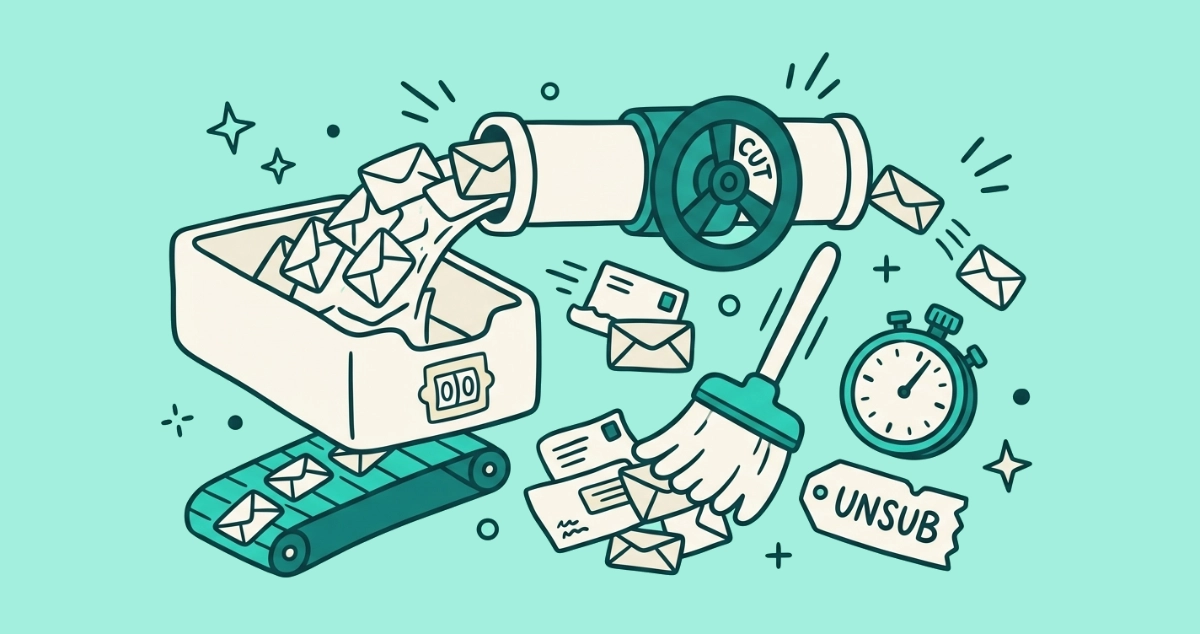
Flat vector illustration of a cream inbox tray showing a flip-counter at zero, fed by a pipe of envelopes pinched off by a teal shut-off valve, beside a treadmill of envelopes, a sweeping broom, a stopwatch, and a torn unsubscribe tag.
Your Inbox

Does Inbox Zero actually work? A realistic take

Inbox Zero was never about an empty inbox. Here is what Merlin Mann actually meant, why the literal version fails for most people, and the higher-leverage move most guides skip.
7 min read
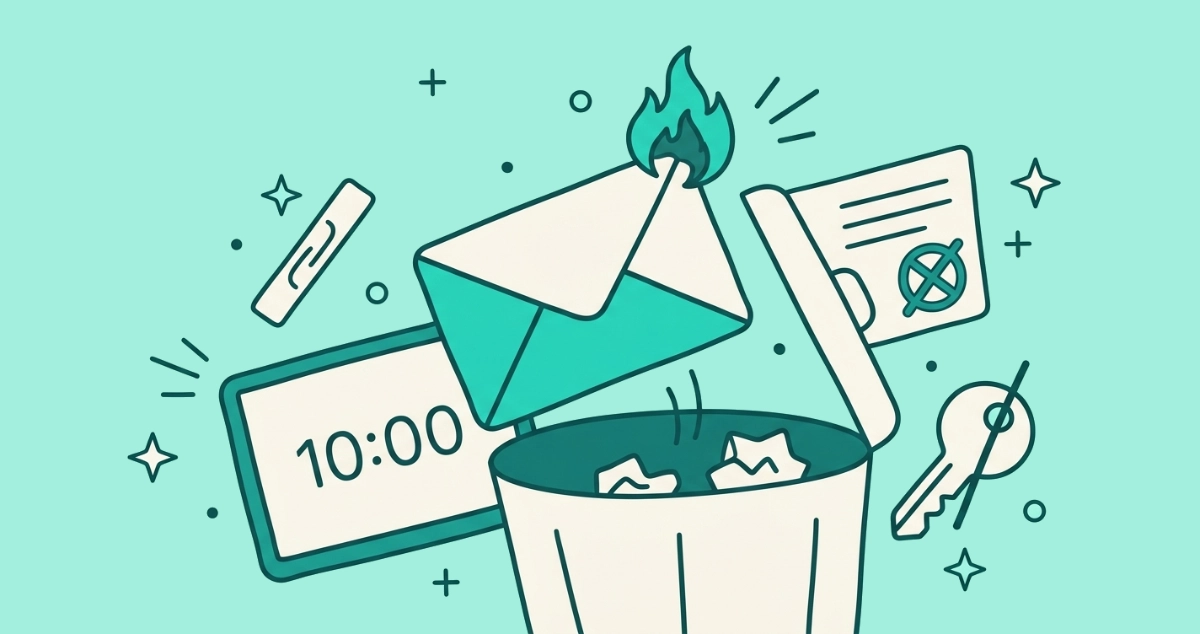
Flat vector illustration of a burning cream envelope tipping into a trash can, beside a screen reading 10:00, a blocked signup form, and a crossed-out key.
Privacy & Safety

Burner email addresses: when a throwaway inbox makes sense

A burner email is a throwaway address you use once and abandon. When a disposable inbox actually helps, the tools that make one, and where it breaks.
7 min read
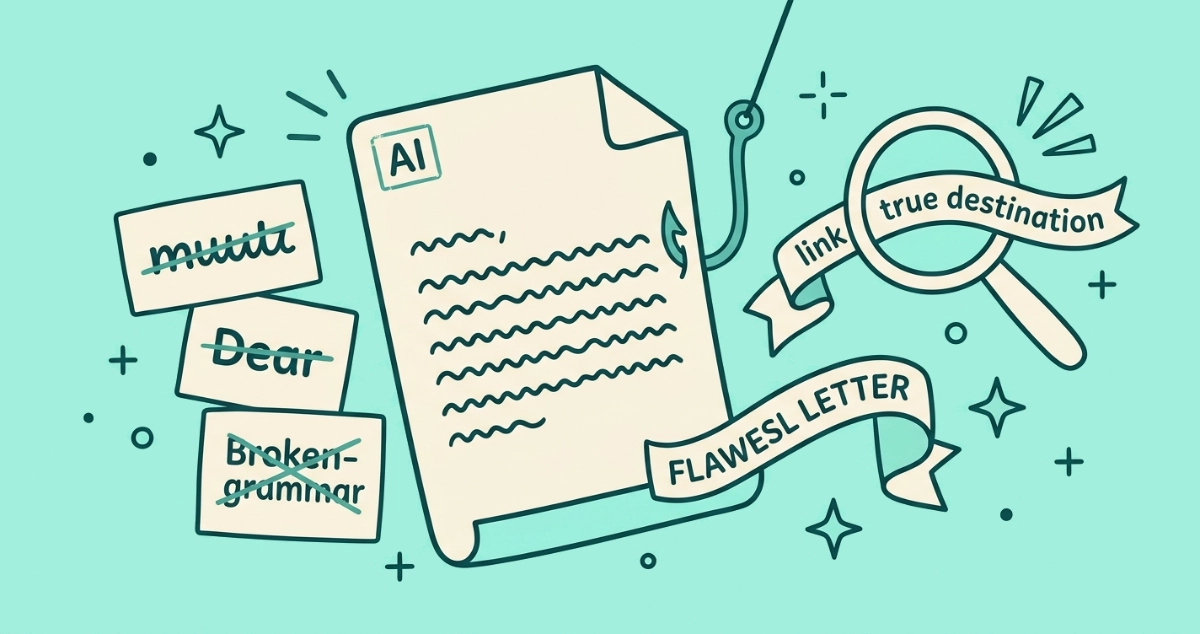
Flat vector illustration of a flawless cream email pierced by a fishhook, beside three small cards crossing out a typo, a generic greeting, and bad grammar, and a magnifying glass over a link.
Privacy & Safety

How to spot AI phishing emails in 2026

AI-written phishing erased the old giveaways: typos, clumsy grammar, generic greetings. Here is the 2026 playbook for spotting emails that now read clean.
8 min read
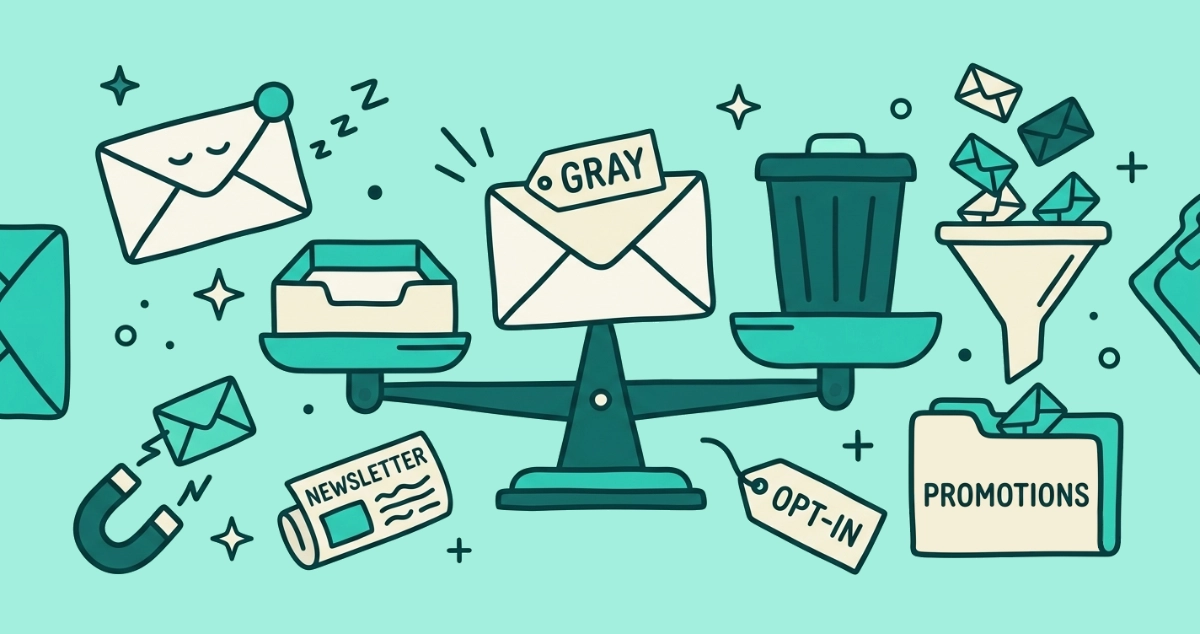
Flat vector illustration of a cream envelope tagged GRAY on a two-pan scale between an inbox tray and a waste bin, beside a funnel sorting envelopes into a Promotions folder tab.
Your Inbox

Graymail: the opted-in mail you never read

Graymail is the legitimate bulk mail you signed up for and stopped reading. Here is what it is, how it differs from spam, and how Gmail and Outlook sort it.
8 min read
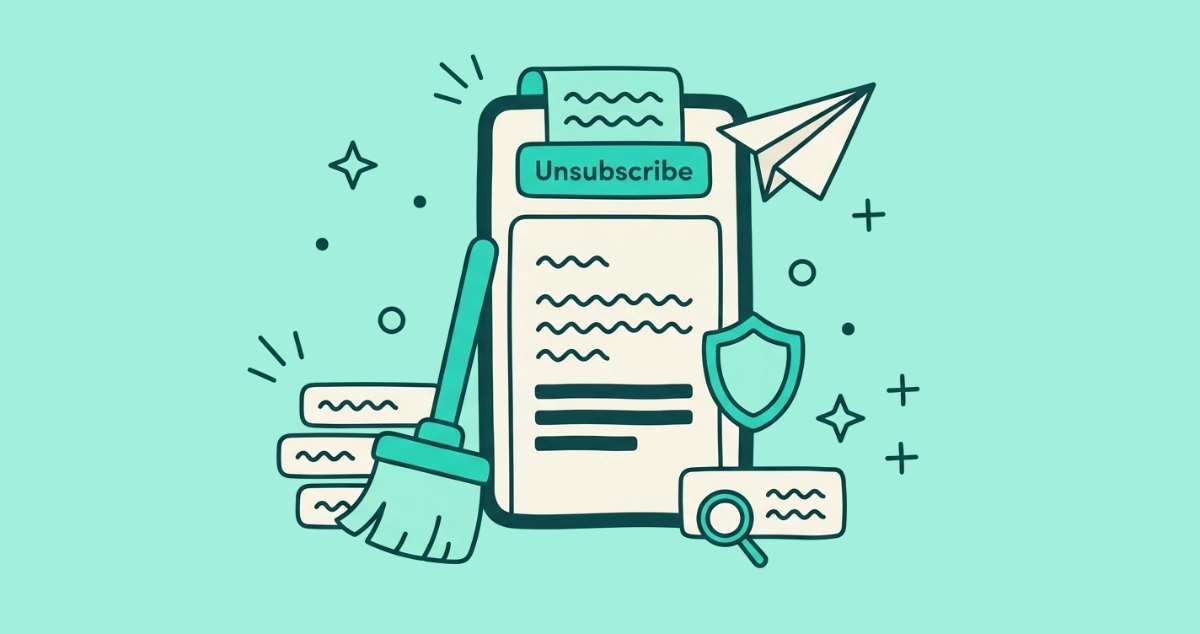
Flat vector illustration of a cream smartphone showing an email with an Unsubscribe banner at its top edge, a small paper plane leaving the screen, a broom sweeping a stack of sender rows, a shield, and a footer tag under a magnifying glass.
Guides

How to unsubscribe from emails on iPhone and Apple Mail

Unsubscribe in Apple Mail by tapping the banner at the top of a promo email on your iPhone, or clear senders in bulk with iCloud Mail Cleanup.
8 min read
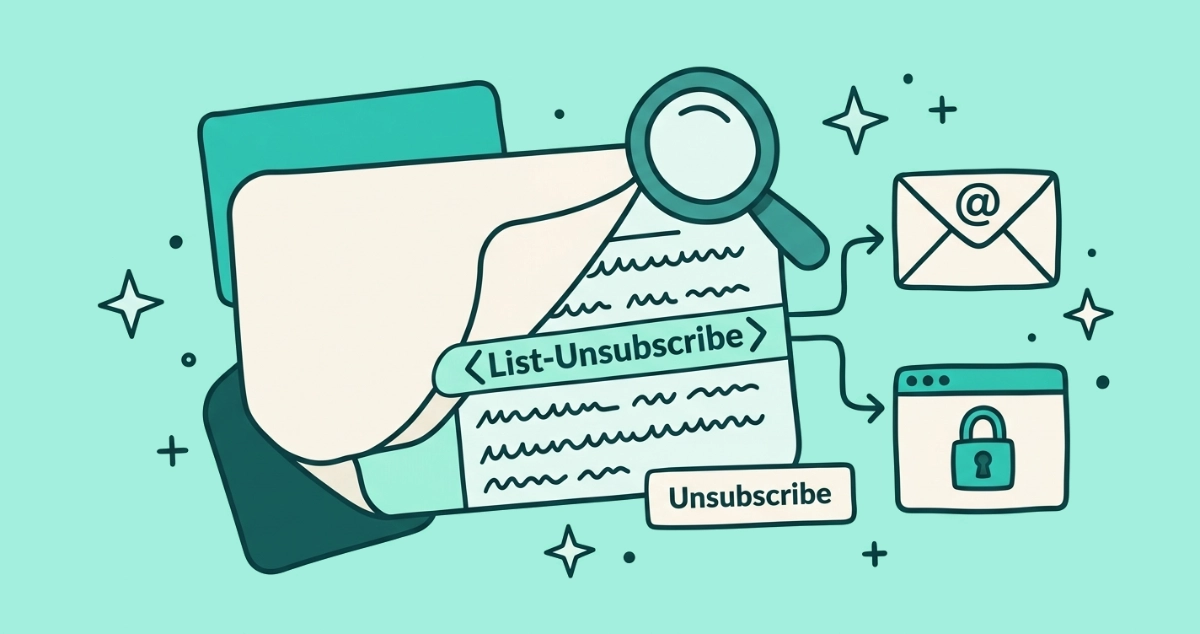
Flat vector illustration of a cream email card peeled back to reveal header lines, one labeled List-Unsubscribe forking into a mailto envelope and a padlocked browser window, with a magnifying glass reading the strip and a small Unsubscribe button beside it.
Guides

The List-Unsubscribe header, explained for normal people

The List-Unsubscribe header is the hidden line senders add so your mail app can draw an Unsubscribe button. Here's the raw syntax, the two forms, and how to read it yourself.
8 min read
Flat vector illustration of a cream login card with a padlock and a password-dot row bolted across a small unsubscribe door, beside a snapped key, a tipping scale of justice, and an X-stamped form.
Your Rights

Is requiring a login to unsubscribe even legal?

A login wall on an unsubscribe page is legally suspect: CAN-SPAM bars extra steps beyond your email address, and GDPR says leaving must be as easy as joining.
9 min read
Flat vector illustration of a cream mailbox behind a lowered Block barrier arm that reroutes envelopes into Spam, Junk, and Trash bins while one slips past through a gap.
Guides

How to block an email sender in Gmail, Outlook, and Apple Mail

Block a sender in Gmail, Outlook, or Apple Mail in a few taps — and see how blocking differs from unsubscribing and marking as spam, plus what it can't do.
8 min read
Flat vector illustration of a cream inbox-sorting machine routing envelopes into Primary and Promo trays, a spam bin, and one letter stamped with a star marker.
AI & I

How AI decides what email you see: Gmail's inbox gatekeepers

Gmail's AI sorts every message into a category, an importance level, and a spam verdict before you see it. How it decides, and how to correct it.
8 min read
Flat vector illustration of a cursor clicking a chain-link that routes through a redirect booth toward a profile card, with a coded ticket tag, a luggage tag, a set-aside pixel square, and a shield.
Privacy & Safety

Email tracking in 2026: how marketers follow you beyond the pixel

Apple broke the open pixel, so marketers moved to click tracking and identity graphs. Here's what still tracks you in email in 2026, and how to reduce it.
7 min read
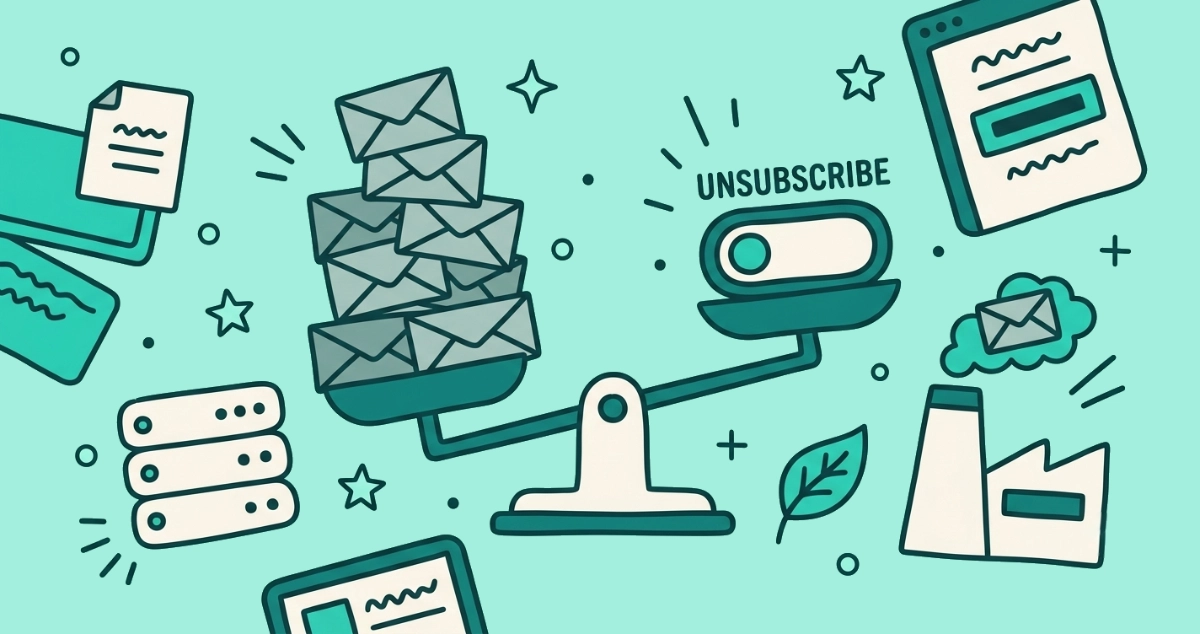
Flat vector illustration of a balance scale tipping a single unsubscribe toggle over a tall pile of archived envelopes, beside a small server rack, a smokestack, and a leaf.
Your Inbox

The carbon footprint of your inbox: does deleting emails matter?

Do old emails have a carbon footprint worth deleting? The honest, sourced answer: stored mail is a rounding error, and stopping unwanted sends is the real lever.
8 min read
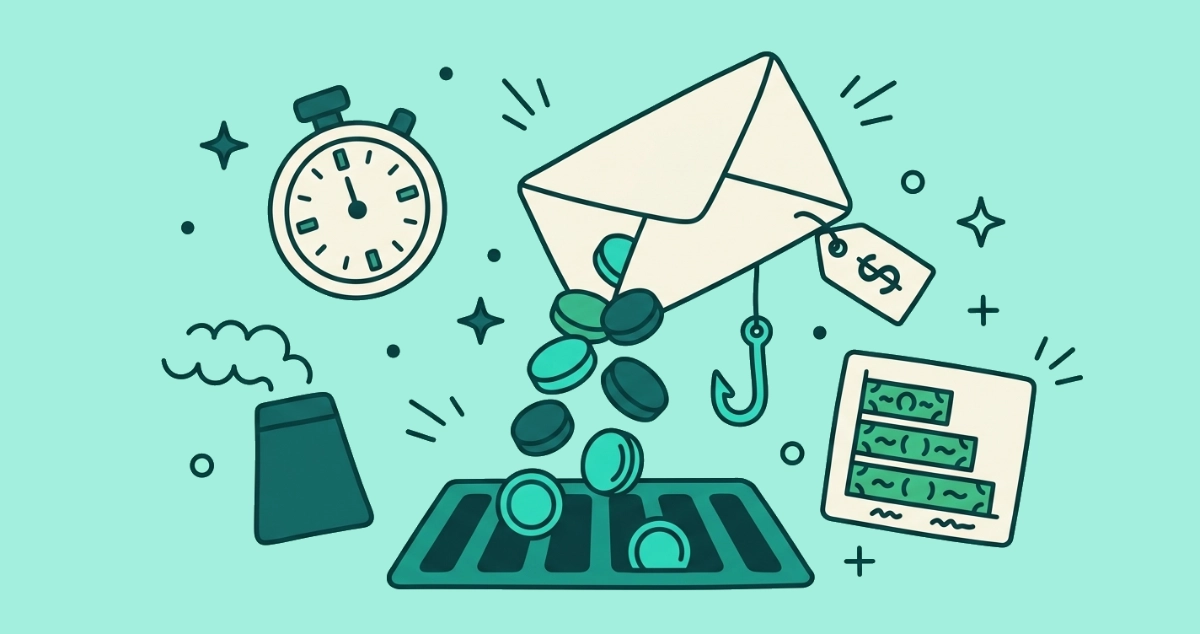
Flat vector illustration of an open envelope tipping coins into a drain, beside a dollar-sign price tag, a fishhook, a stopwatch, a smokestack, and a bar chart of stacked bills.
Privacy & Safety

The real cost of spam and phishing in 2026

A sourced roundup of what spam and phishing actually cost: $16.6B in 2024 FBI losses, $2.77B in business email compromise, and the time and energy the rest of us pay.
7 min read
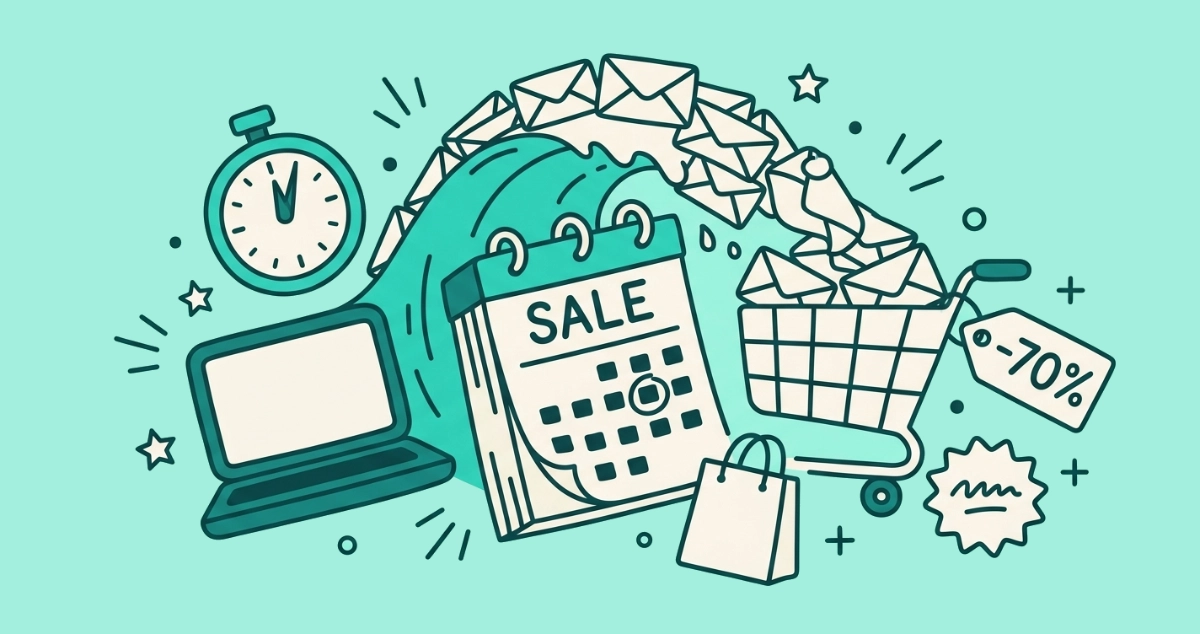
Flat vector illustration of a calendar page marked SALE under a cresting wave of envelopes, beside an overflowing shopping cart, a price tag, and a countdown timer.
Your Inbox

Black Friday email overload: why brands blast you (and how to survive it)

Your inbox floods around Black Friday and Prime Day. Here is how much email volume really jumps, why brands front-load these windows, and how to survive it.
7 min read
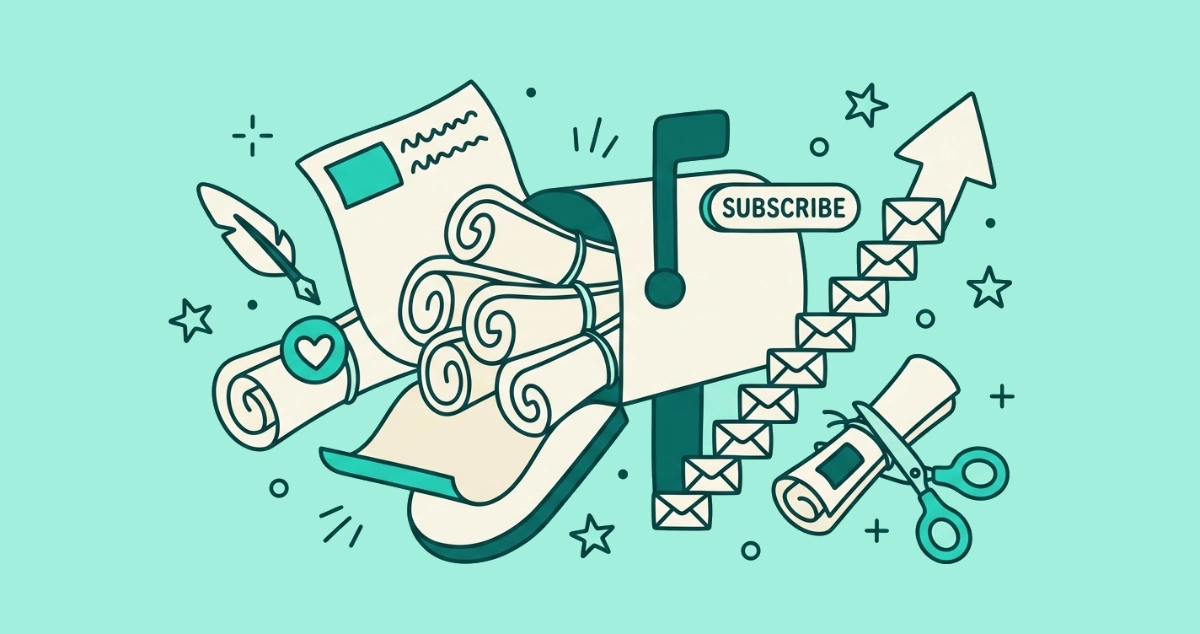
Flat vector illustration of a cream mailbox overflowing with rolled newsletter scrolls, beside a SUBSCRIBE toggle switched on, a rising arrow built from tiny envelopes, a quill pen, a heart badge, and scissors trimming one scroll's string.
Your Inbox

The newsletter boom: why your inbox has more newsletters than ever

Your inbox is full of newsletters you actually signed up for. Here is what drove the newsletter boom, why these are harder to leave than promos, and how to prune them without guilt.
7 min read
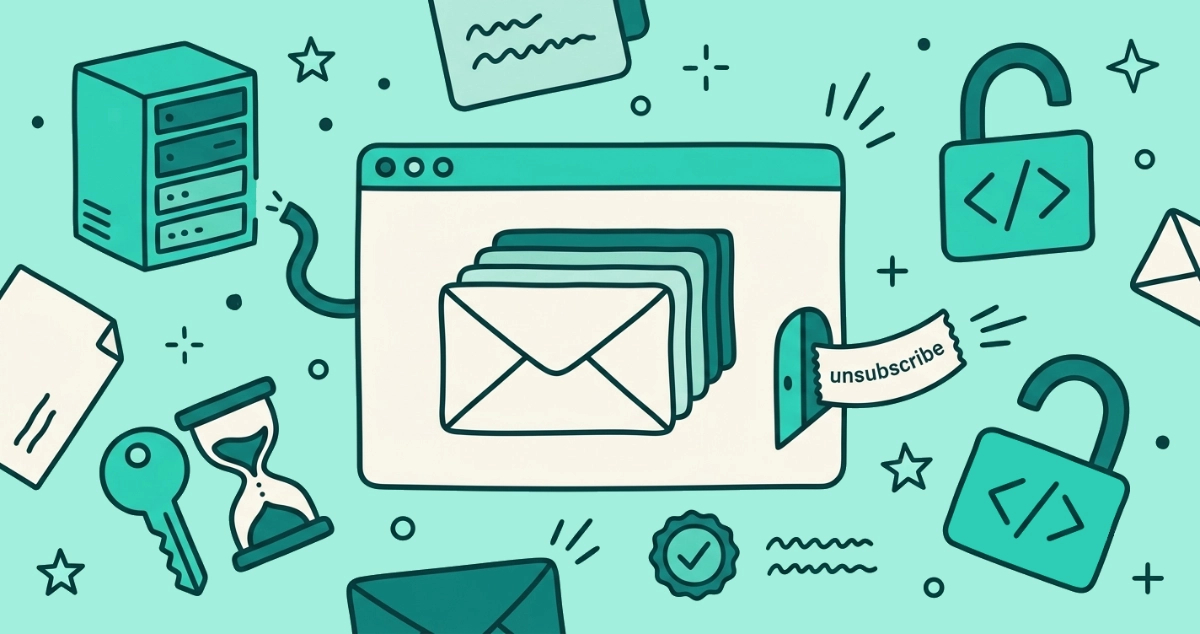
Flat vector illustration of a browser window keeping a stack of letters inside while a small unsubscribe ticket slips out, beside a distant server rack with a severed cable and a key fused to an hourglass.
Behind the Scenes

Why we never store your emails: an architecture walkthrough

A plain-language walkthrough of how our privacy-first unsubscribe tool scans your inbox in the browser, keeps no refresh token, and never sees your email.
7 min read
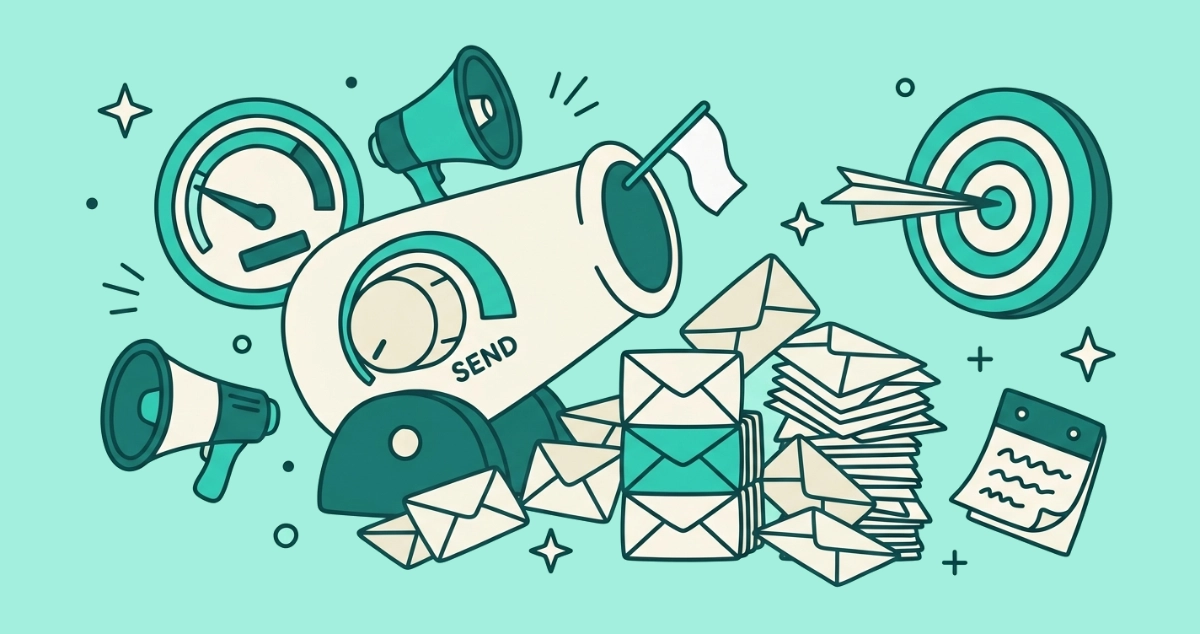
Flat vector illustration of a volume dial marked SEND turned low on a mail-cannon flying a white flag, beside a short stack of three envelopes and a paper plane hitting a target.
Your Inbox

The volume war is over: why smart brands now email you less

Some of your favorite senders got quieter in 2026. Here is why provider rules pushed smart brands to email less, and why the spammy ones still stand out.
7 min read
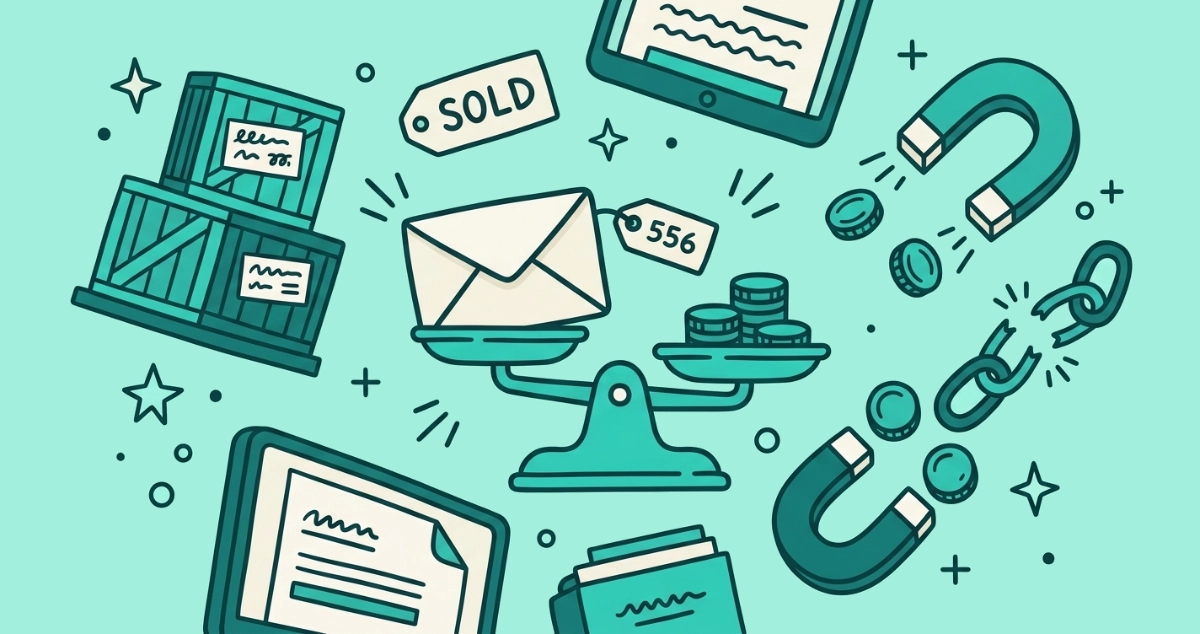
Flat vector illustration of a cream envelope on one pan of a balance scale weighed against a stack of coins, beside a price tag, bulk crates, a SOLD tag, a magnet, and a broken chain.
Privacy & Safety

What is your email address actually worth?

Your email address sells for a fraction of a cent in bulk yet earns marketers $36+ per dollar. What a subscriber is really worth, and how to lower yours.
6 min read
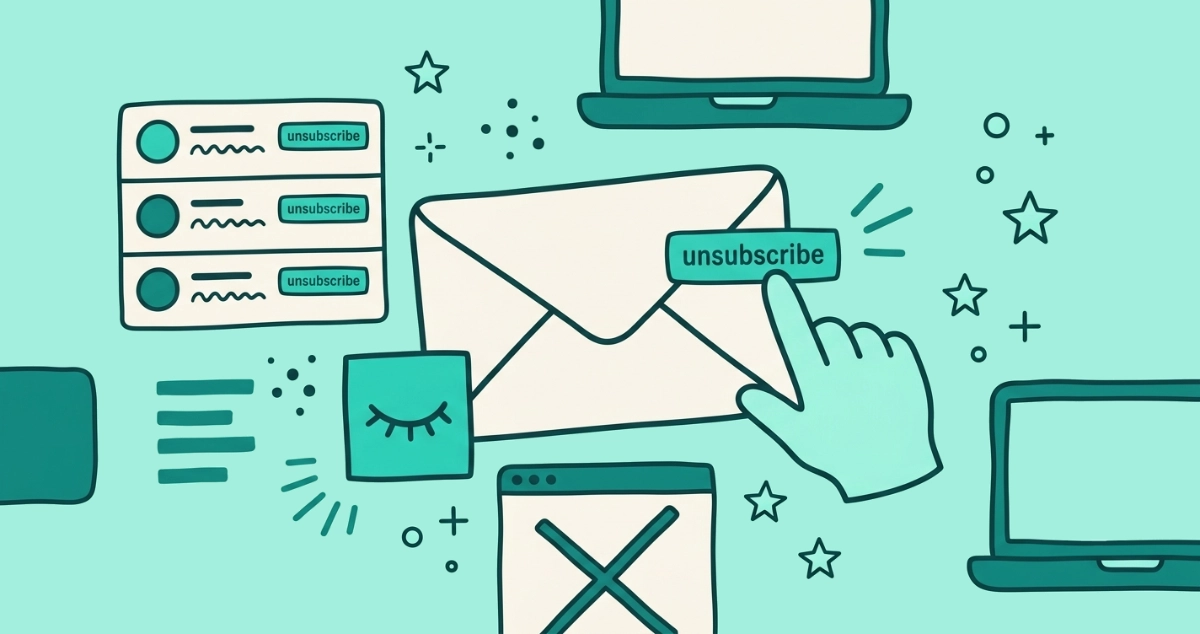
Flat vector illustration of a sealed cream envelope with an unsubscribe tab on its outer edge, a hand tapping it, a dormant closed-eye pixel nearby, and a stacked sender list.
Guides

How to unsubscribe from emails without opening them

You can opt out of a mailing list without ever opening the message, using your mail app's own unsubscribe control instead of the sender's link.
8 min read
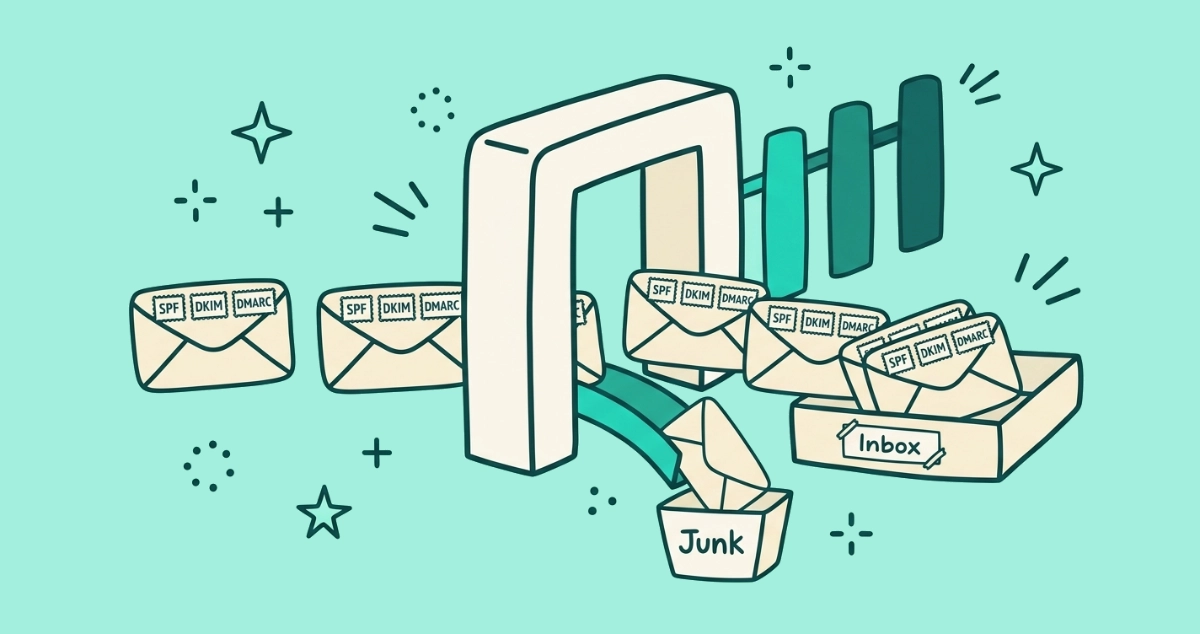
Flat vector illustration of email envelopes stamped SPF, DKIM and DMARC passing through a cream checkpoint gate into an inbox tray, while one unstamped envelope drops down a chute to a Junk bin, with three small gateposts standing in a row.
News

Microsoft Outlook joins the bulk-sender crackdown: what it means for your inbox

Microsoft's May 2025 rules make bulk senders authenticate their mail to reach your Outlook inbox, completing the crackdown Gmail and Yahoo started in 2024.
9 min read
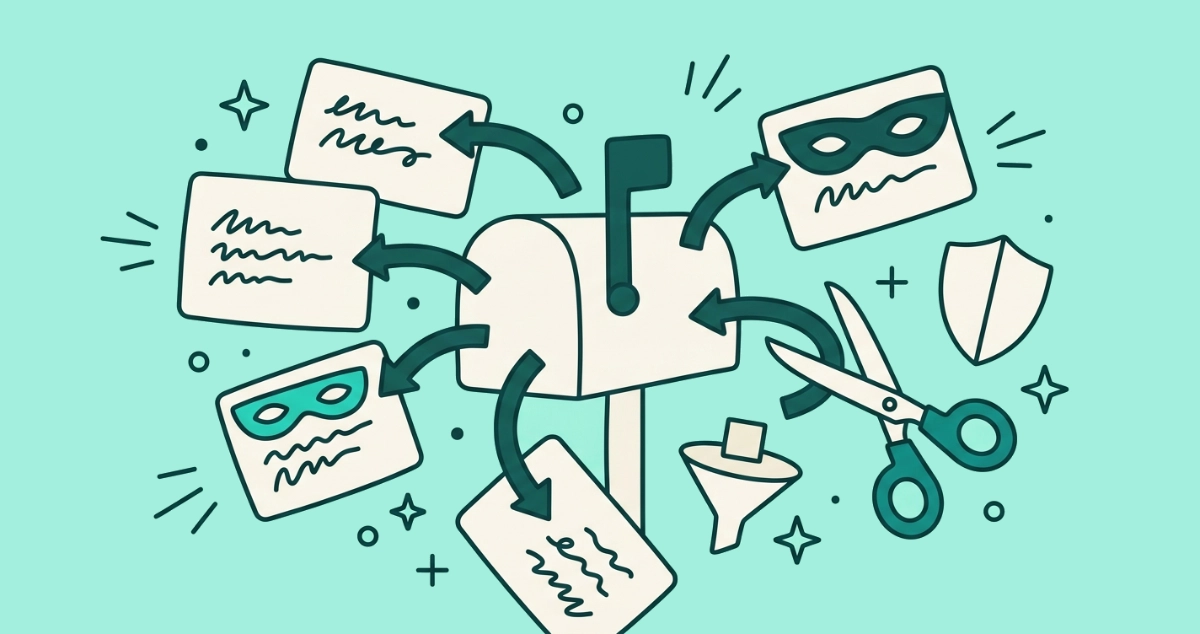
Flat vector illustration of a mailbox ringed by forwarding address labels, one wearing a small mask, with scissors cutting one arrow, a tiny pixel caught in a sieve, and a shield.
Privacy & Safety

Masked email aliases explained (and where unsubscribing still matters)

A masked email alias hides your real address behind a forwarding one. Here's how the major services work, what they protect, and what they can't.
7 min read
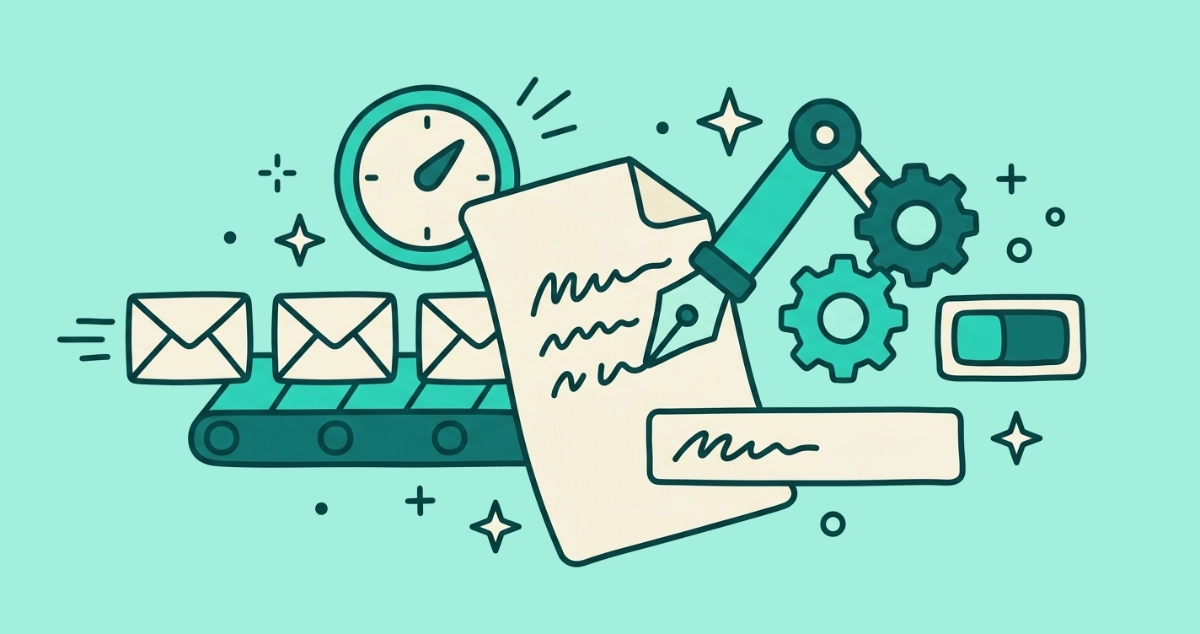
Flat vector illustration of a cream letter being written by a mechanical pen arm, beside a subject-line label, a conveyor pushing out near-identical envelopes, a send-time dial, gears, and one unsubscribe toggle flipped off.
AI & I

Is AI writing the emails you get? Generative AI and your 2026 inbox

AI now drafts the subject lines, body copy, and send times of the emails you get. What changed in 2026, and why unsubscribing is the counter-move.
7 min read
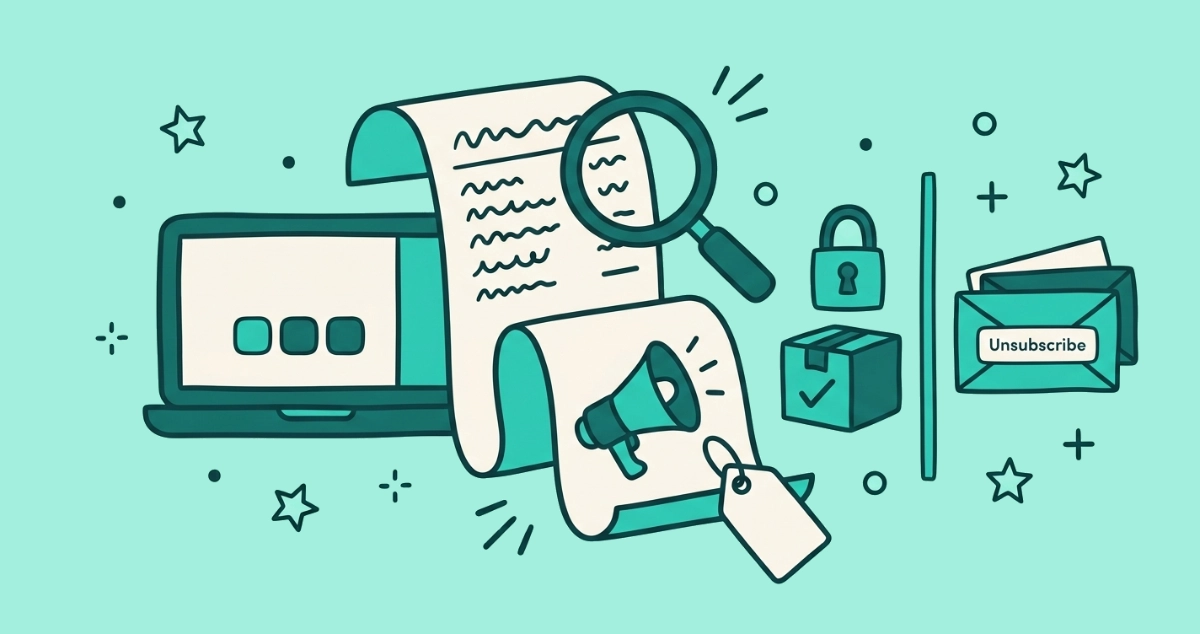
Flat vector illustration of a cream receipt whose lower half becomes a promotional megaphone and price tag, a divider sorting a padlock and shipping box from promo envelopes, and a magnifying glass over the seam.
Your Rights

Do transactional emails need an unsubscribe link?

Genuinely transactional emails like receipts and password resets are exempt from the unsubscribe rule under CAN-SPAM, GDPR, and CASL. Marketing is not.
8 min read
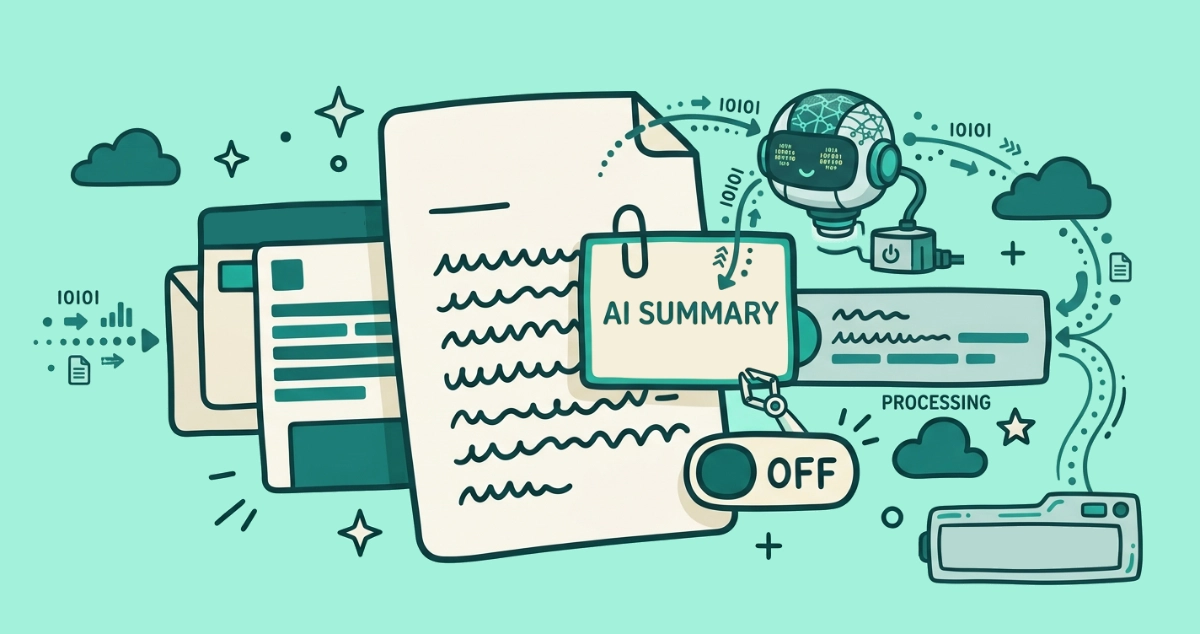
Flat vector illustration of a cream email letter overlaid by a shorter summary card read by a small AI chip, flanked by a summarized thread stack, an inbox preview line being rewritten, and a toggle switch flipped off.
AI & I

AI email summaries in Gmail and Apple Mail: what they do to your inbox

Gmail and Apple Mail now summarize your email with AI. Here's who processes it, where it can go wrong, and how to turn the summaries off.
7 min read
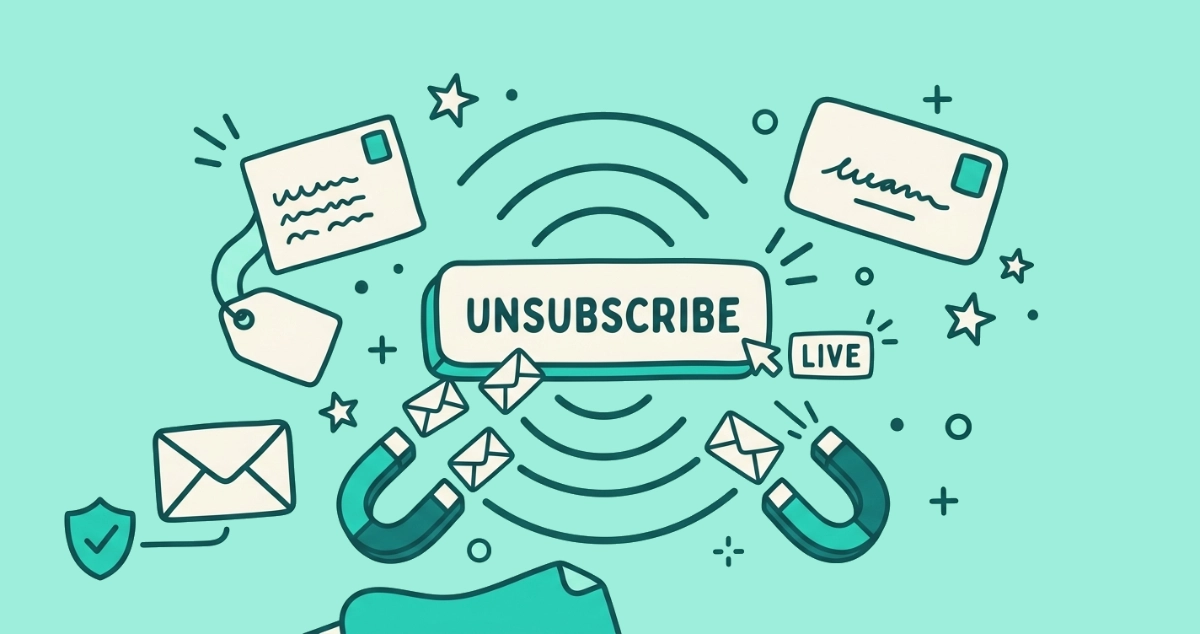
Flat vector illustration of a pressed unsubscribe button radiating signal rings that pull new envelopes inward, beside a lit 'LIVE' tag, a magnet, a price-tagged address card, and one calm envelope on a safe path.
Privacy & Safety

Why unsubscribing can get you more spam (and when it won't)

Unsubscribing from junk can confirm your address is live and bring more spam. Here's when it backfires, when it's safe, and how to tell before you click.
7 min read
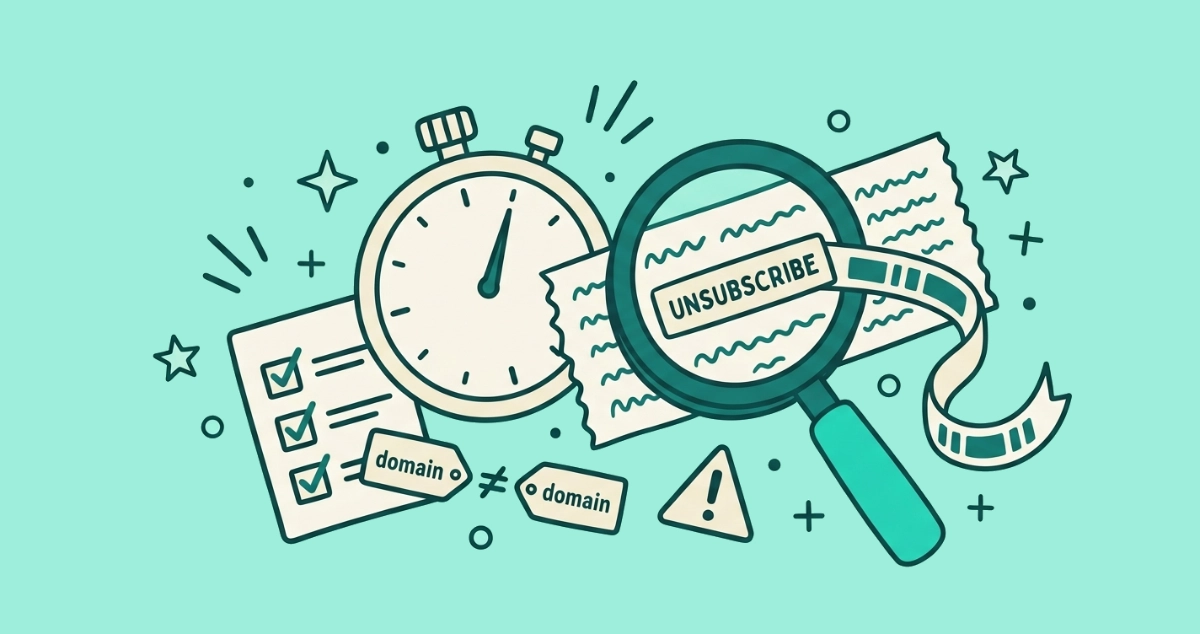
Flat vector illustration of a cream stopwatch beside a magnifying glass reading a link on an email strip, with a three-item checklist card, a domain-comparison tag, and a small caution triangle.
Privacy & Safety

Is this unsubscribe link safe? A 60-second checklist

You have one unsubscribe link in front of you and 60 seconds to decide. Three checks tell you whether to click it or mark the email as spam instead.
8 min read
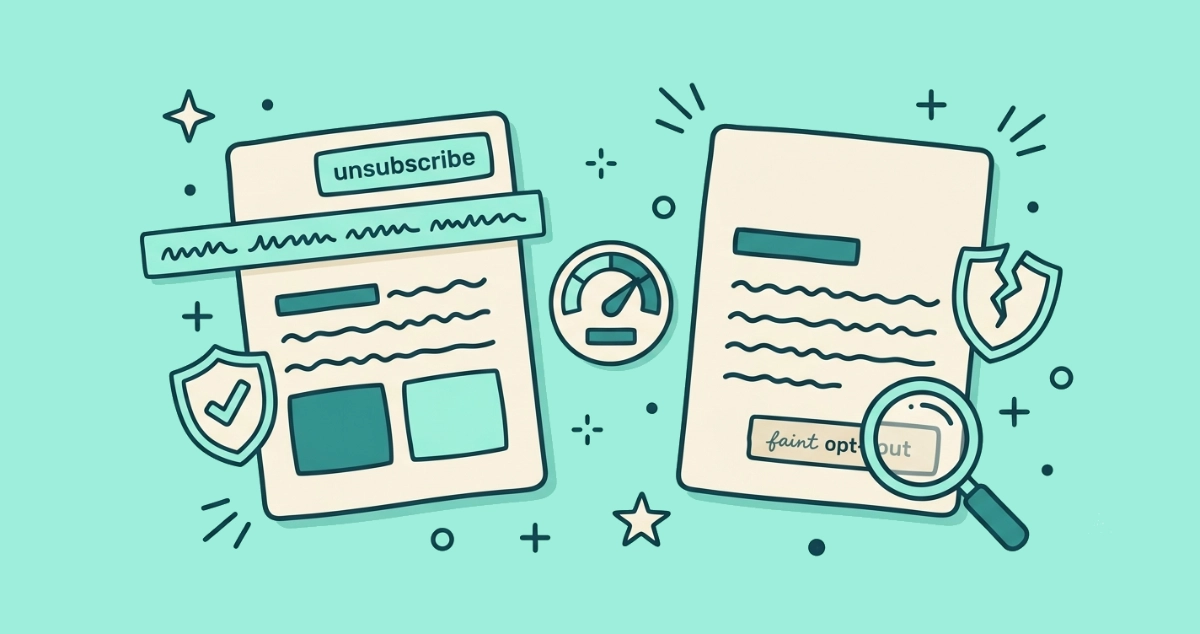
Flat vector illustration of two cream email cards side by side, one with an Unsubscribe button at its top edge and one with a blank top edge, a hidden header strip, a reputation gauge, a checkmark shield, a cracked shield, and a magnifying glass hunting a small footer link.
Guides

Why the Gmail Unsubscribe button is missing (and how to unsubscribe anyway)

Gmail shows its Unsubscribe button only when an email has a valid List-Unsubscribe header and a trusted sender. Here's why it's missing and how to opt out anyway.
9 min read
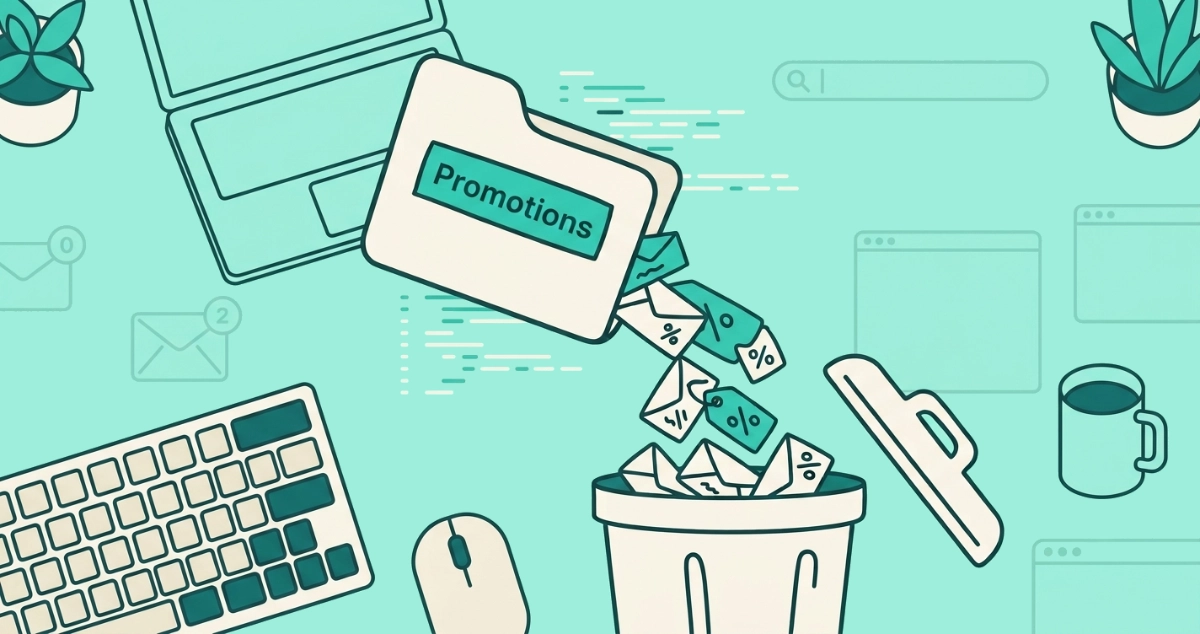
Flat vector illustration of a Promotions folder tab tipping tagged envelopes into a trash bin, beside a search bar, a select-all checkbox, a filter funnel, and a snipped loop arrow.
Guides

How to delete all Promotions in Gmail at once (with search operators)

Clear Gmail's Promotions category in about a minute: search category:promotions, select all, and trash it. Use older_than: or date filters to spare recent deals.
9 min read
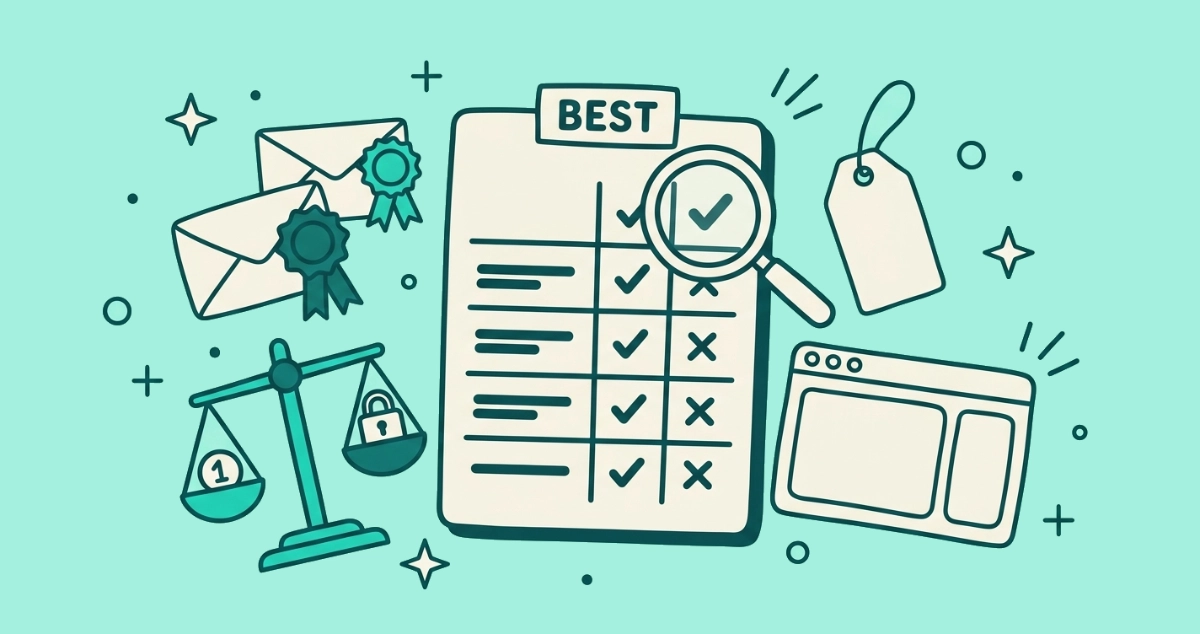
Flat vector illustration of a cream comparison scorecard labeled BEST under a magnifying glass, surrounded by small envelopes wearing award ribbons, a balance scale, a price tag, and a browser window.
Tools

Best email unsubscribe apps in 2026: which is good for what

There is no single best unsubscribe app. Here's a fair comparison of Clean Email, Leave Me Alone, Unroll.me, Cleanfox, Gmail's built-in tool, and us on price, data, access, and platforms.
9 min read
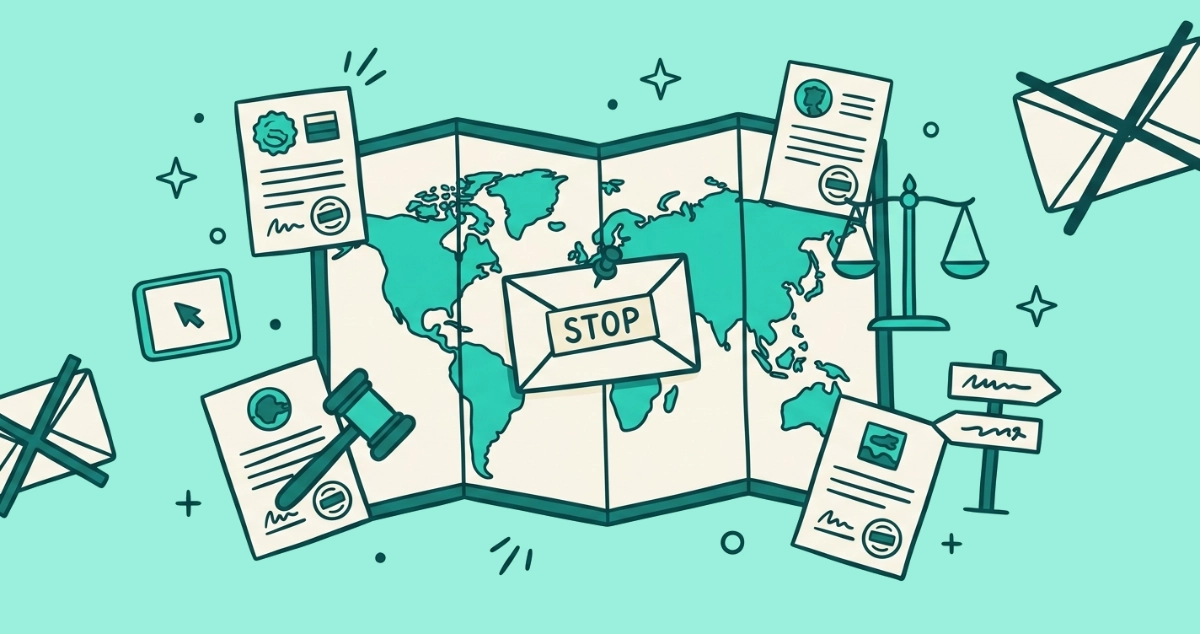
Flat vector illustration of a folded world map with a pinned unsubscribe envelope at its center, ringed by five stamped legal cards, a gavel, and a small scale of justice.
Your Rights

Unsubscribe laws by country: your email rights by region

Your unsubscribe rights split into two models: opt-out in the US under CAN-SPAM, opt-in across the EU, UK, Canada, and Australia. Here is the map.
9 min read
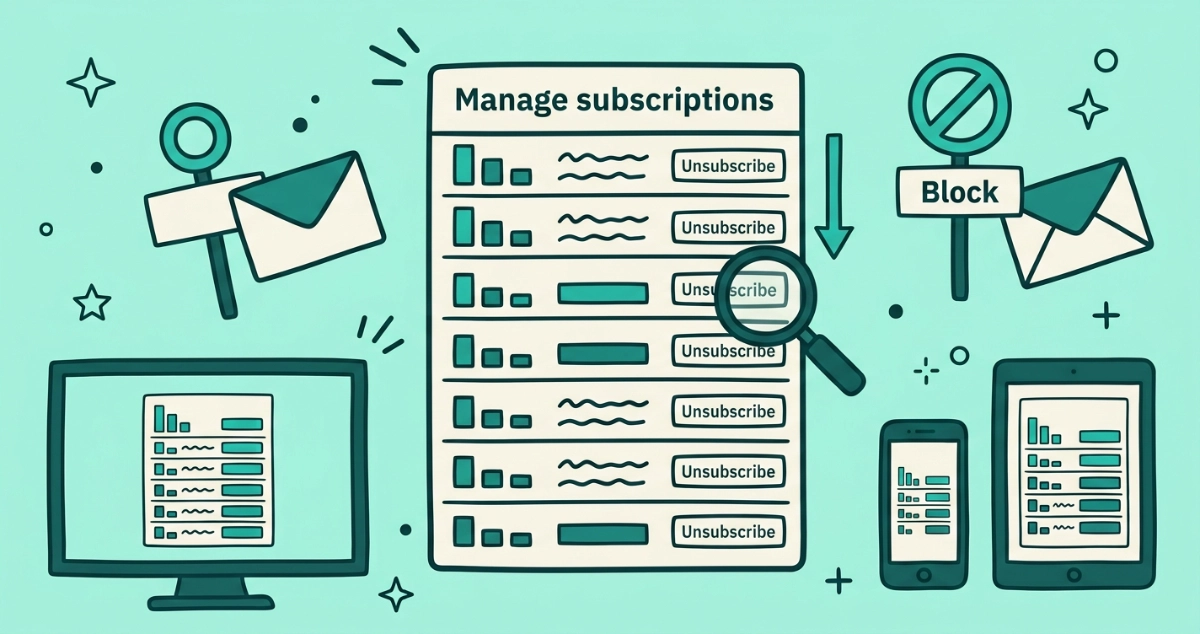
Flat vector illustration of a Manage subscriptions panel with frequency-sorted sender rows and unsubscribe buttons, a sorting arrow, a magnifying glass, a Block sign, and desktop, phone, and tablet frames.
Guides

Gmail's Manage subscriptions panel: the full guide and its limits

A deep dive on Gmail's Manage subscriptions panel: how to open it on web, Android, and iOS, how frequency sorting works, what Unsubscribe and Block each do, and what the feature can't do.
9 min read
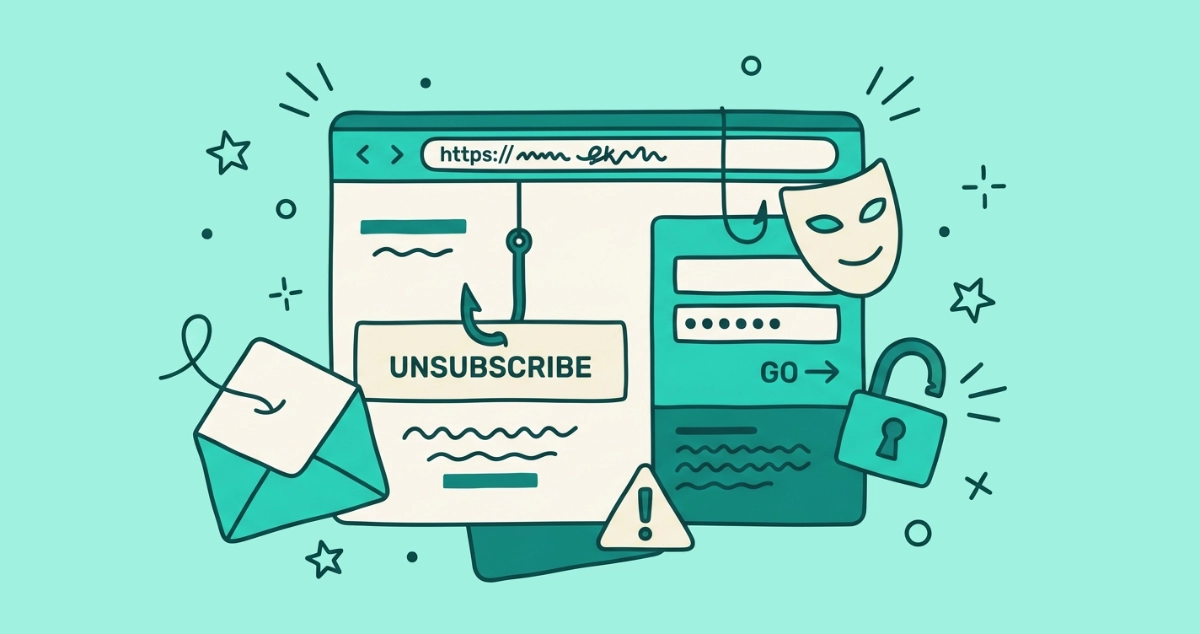
Flat vector illustration of a browser window with a fishhook piercing its unsubscribe button, beside a fake login form, a mismatched address bar, an imposter mask, and a split padlock.
Privacy & Safety

Fake unsubscribe links: how phishing hides behind opt-out pages

A fake unsubscribe page mimics a sender's opt-out to steal your password. Here's how the scam is built, how to spot the page, and what to do if you clicked.
8 min read
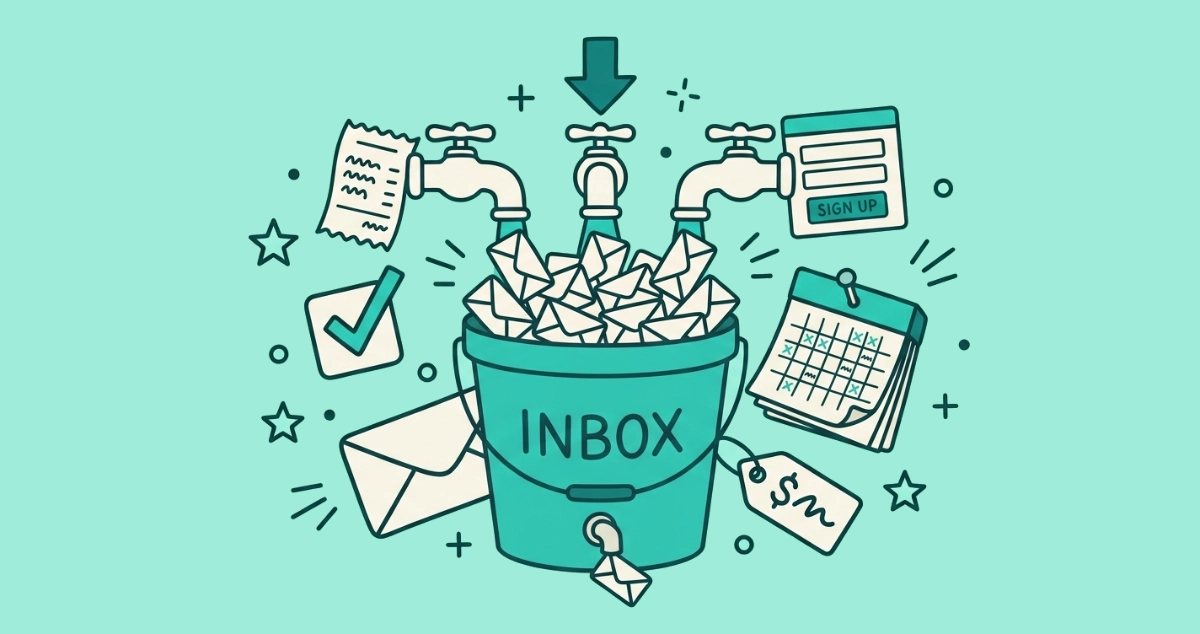
Flat vector illustration of a bucket marked inbox overflowing with envelopes poured from three faucets, a small drain leaking one envelope out, beside a pre-ticked checkbox, a calendar at day 90, and a shopping tag.
Your Inbox

Email subscription fatigue: why your inbox fills back up in 90 days

You cleaned out your inbox and it refilled in three months. Here is why subscription fatigue is a treadmill, where the new senders come from, and how to keep it clear.
7 min read
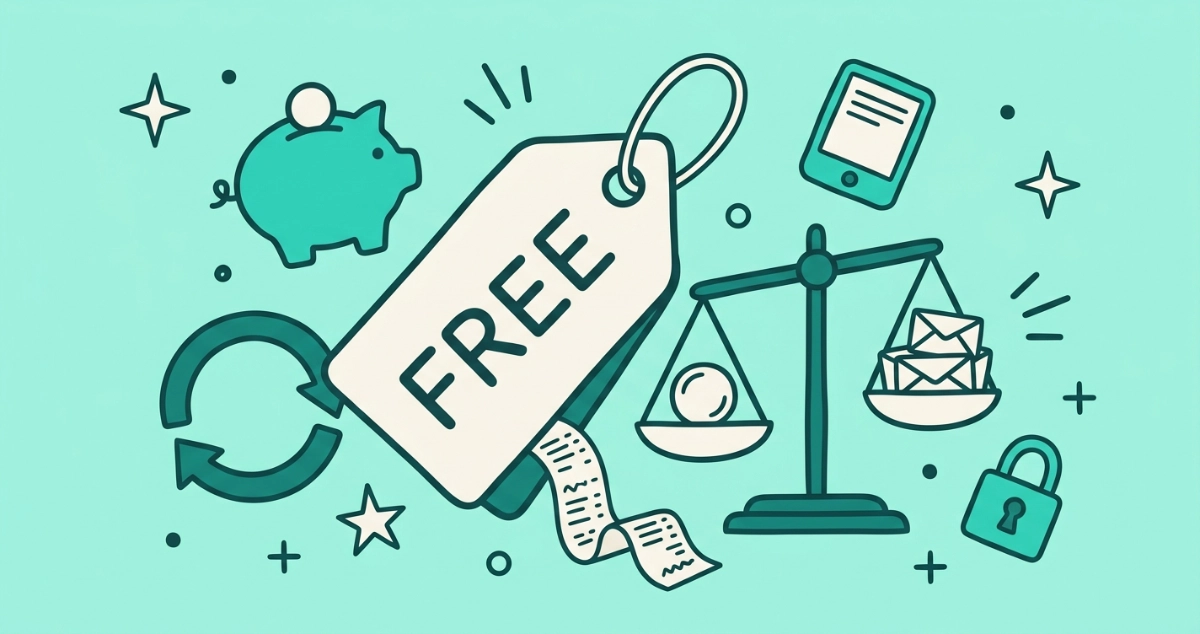
Flat vector illustration of a large cream price tag stamped FREE trailing a line of tiny paper receipts, beside a balance scale weighing one coin against a stack of small envelopes, with a piggy bank, a subscription-loop arrow, and a padlock.
Tools

Free vs paid unsubscribe tools: what 'free' costs you

A free unsubscribe tool still has to make money somewhere. Here's how the free, freemium, subscription, and one-off models each treat your inbox.
8 min read
Flat teal illustration of two chunky floating buttons pointing opposite ways — a cream 'Unsubscribe' button with an arrow curving outward to a mailbox, and a teal 'Spam' button with an arrow curving inward to a funnel-shaped inbox filter catching falling envelopes.
Guides

Unsubscribe or mark as spam? A decision guide

Two buttons, two very different jobs. Here is exactly when to unsubscribe, when to mark as spam, and what each one does under the hood.
8 min read
Flat teal illustration of promotional email envelopes floating around a cream message card with an Unsubscribe button, surrounded by a broom, a blocked-sender sign over a bin, and a settings gear beside a stack of envelopes, representing Outlook's different unsubscribe tools.
Guides

How to unsubscribe from emails in Outlook (2026)

Outlook has no single button that unsubscribes from everything. The real routes across new Outlook, classic desktop, web, and mobile, why Sweep and Block don't opt you out, and where unsubscribe add-ins fit.
13 min read
Flat teal vector illustration of a padlocked cream envelope revealing a private list of senders at the center, while smaller envelopes tagged SOLD and marked with dollar signs drift away around it.
Tools

Unroll.me alternatives that don't sell your data

Why people leave Unroll.me, and a fair comparison of the real alternatives — Clean Email, Leave Me Alone, Cleanfox, Gmail's built-in tool, and us — on price, access, and data use.
8 min read
Flat vector illustration of a cream complaint form dropping into an official filing slot, beside a document of email headers, a magnifying glass, a calendar marked at day 11, and a shield.
Your Rights

How to report a company that keeps ignoring your unsubscribe

Still emailing you past day 10? Pull the full headers, log the dates, and file with the FTC, your EU DPA, or the UK ICO. Here is the step-by-step.
8 min read
Flat vector illustration of a bar chart built from stacked envelopes, an overflowing inbox tray, a clock, a spam can, and a single unsubscribe toggle, scattered with small dots and outline stars.
Your Inbox

Email overload statistics: a sourced 2026 roundup

How big is inbox overload, really? A roundup of email volume, spam, time-cost, and subscription-fatigue statistics for 2026, every number with a named source.
8 min read
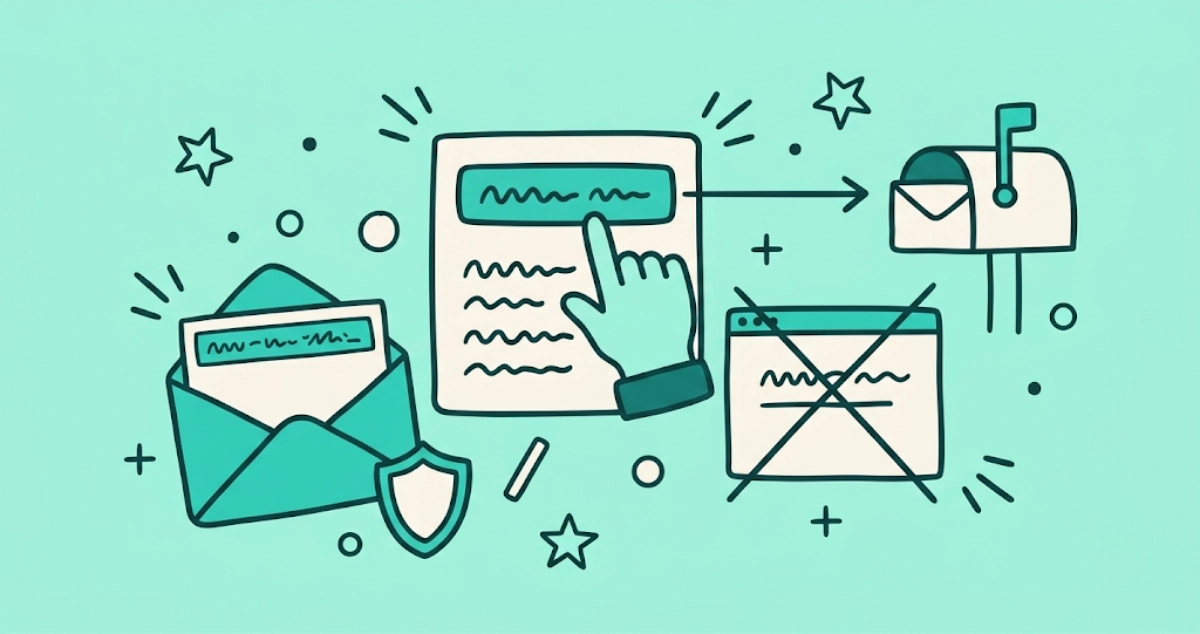
Flat vector illustration of a finger tapping an unsubscribe button on a cream email card, an arrow flying past a crossed-out browser window to a mailbox, with a small shield nearby.
Guides

One-click unsubscribe, explained: what RFC 8058 does for your inbox

One-click unsubscribe is the RFC 8058 standard behind the Unsubscribe button at the top of some emails. Here's what it does and why it's safer.
7 min read
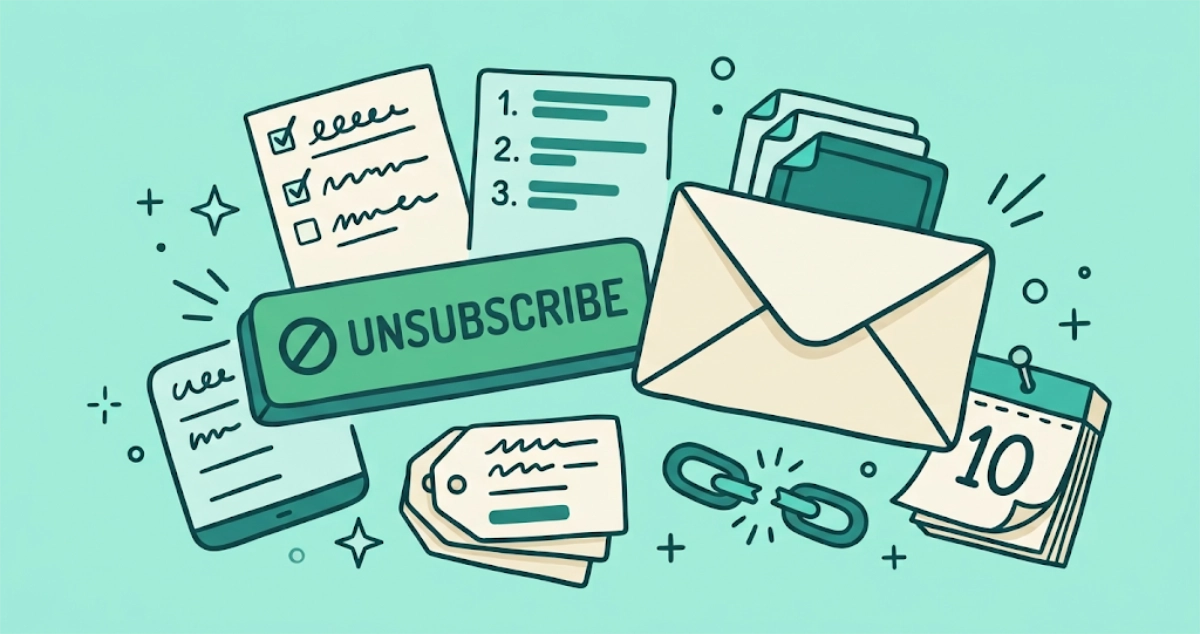
Flat vector illustration of an envelope arriving past a crossed-out unsubscribe button, beside a numbered checklist, a stack of list tags, a snapped chain link, and a calendar pinned at day 10.
Your Rights

Unsubscribed but still getting emails? 7 reasons why (and fixes)

You unsubscribed and the emails keep coming. Here are the seven reasons why you still get emails after unsubscribing, and the exact fix for each.
9 min read
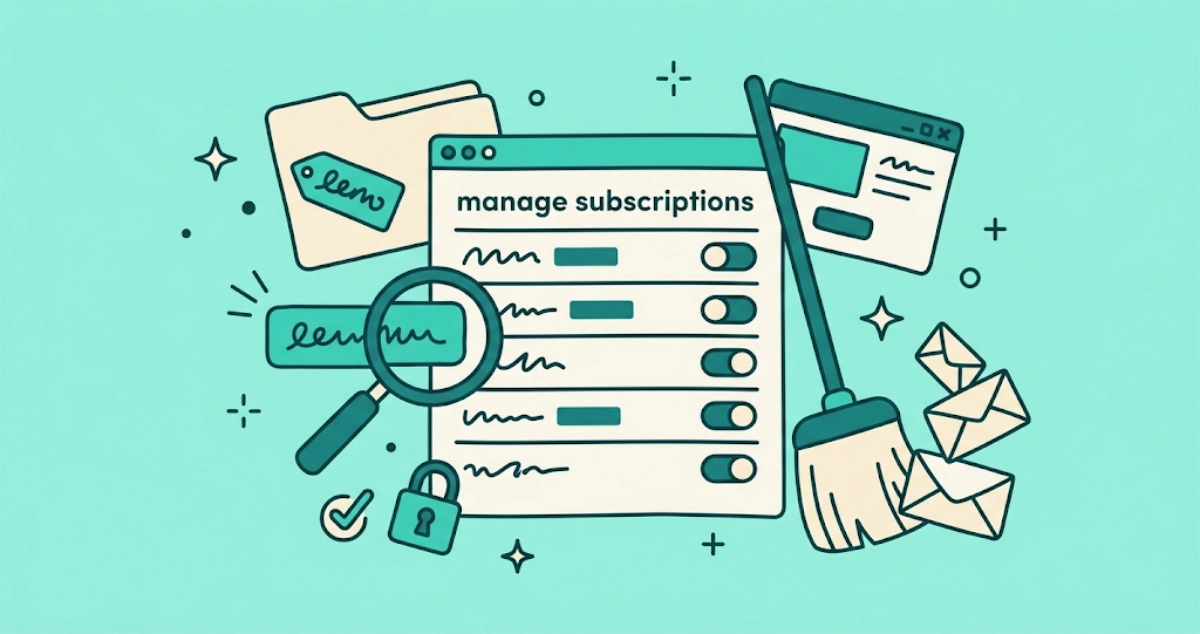
Flat vector illustration of a subscription-list panel with sender rows and unsubscribe toggles flipped off, a broom sweeping a pile of tilted envelopes, a promo-tagged folder, a magnifying glass, and a padlock.
Guides

How to mass unsubscribe from emails in Gmail (2026)

Gmail has no single button that unsubscribes from every sender at once. Here are the three real ways to mass unsubscribe, plus why deleting Promotions is a different job.
8 min read
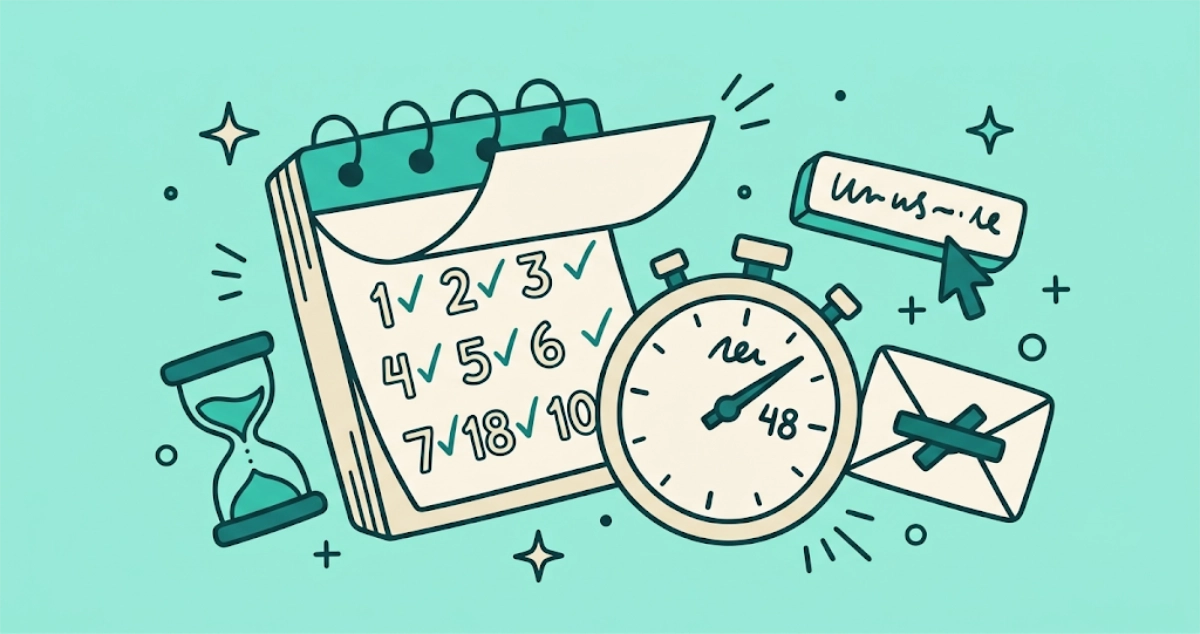
Flat vector illustration of a tear-off calendar counting down ten days, a stopwatch set to 48, an hourglass, a pressed unsubscribe button, and a crossed-out envelope.
Your Rights

How long can a company keep emailing you after unsubscribing?

The clock is 10 business days under CAN-SPAM, or just 48 hours if the sender is a Gmail or Yahoo bulk mailer. Anything after that is a violation you can report.
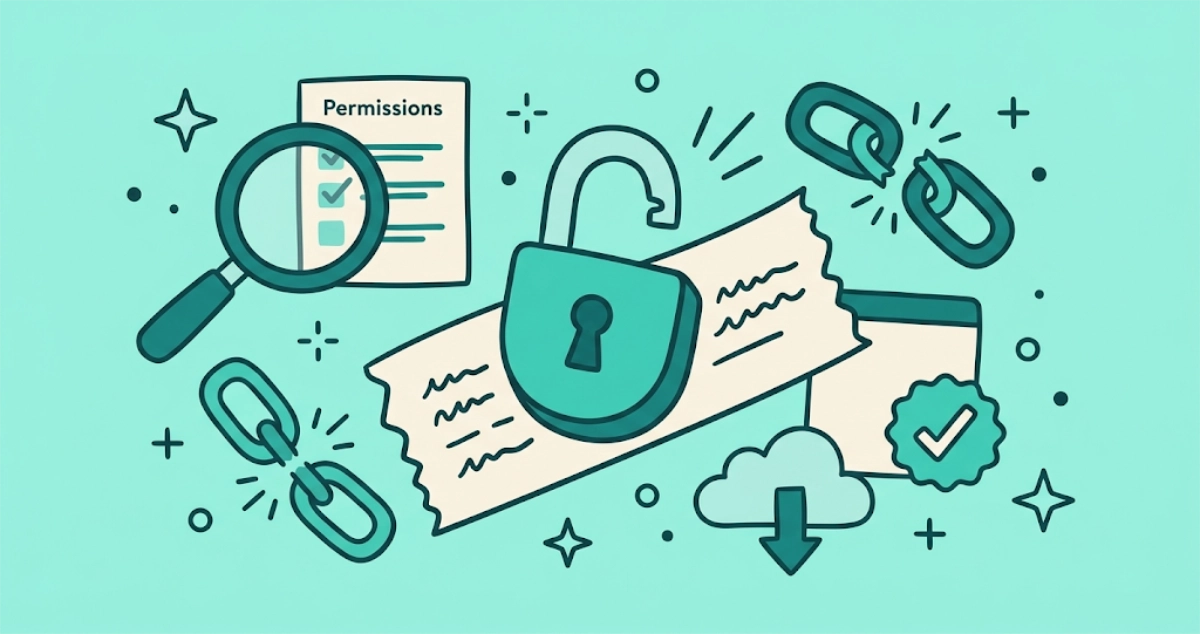
7 min read
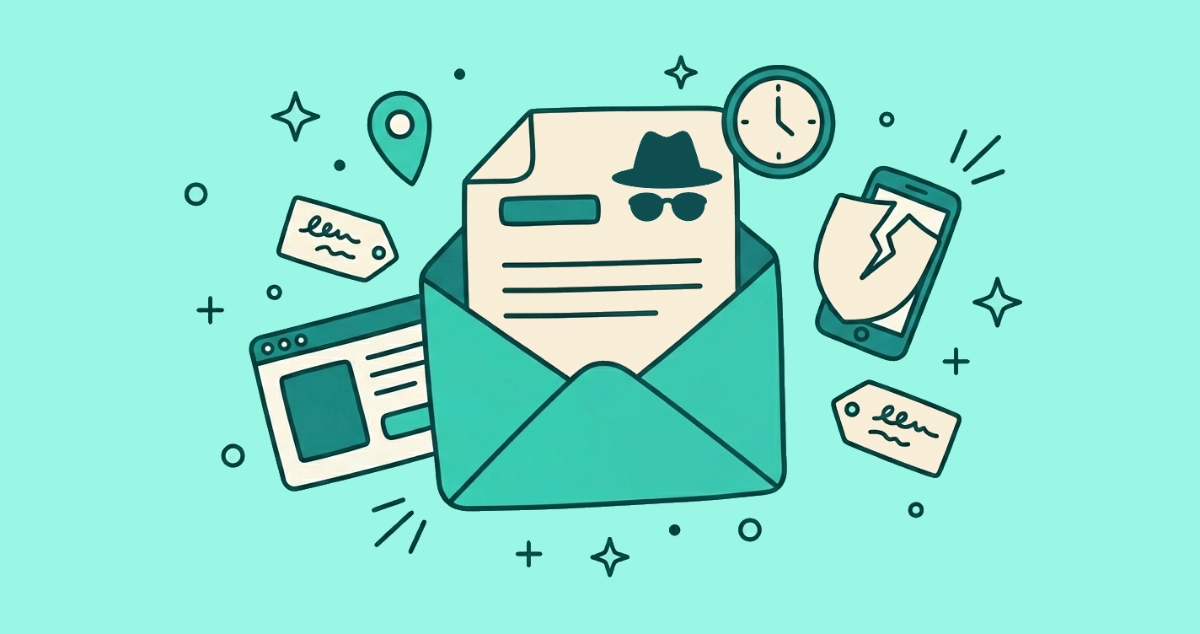
Flat vector illustration of an open padlock resting on a torn cream email strip, ringed by a magnifying glass over a permissions checklist, a broken chain link, a cloud with a downward arrow, and a small verification badge.
Privacy & Safety

Are email unsubscribe apps safe? What inbox access really means

Some unsubscribe apps are safe, some sell your data. Learn what OAuth scopes, refresh tokens, and cloud processing mean so you can vet any app before you connect it.
11 min read
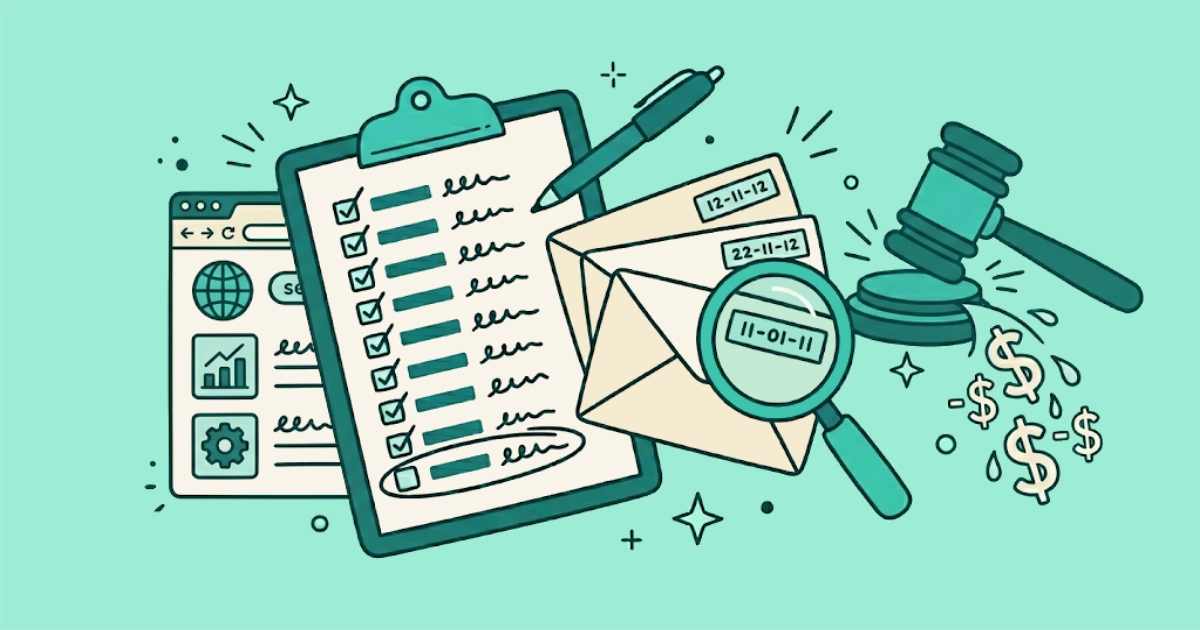
Flat vector illustration of an open envelope under a magnifying glass revealing a tiny 1×1 square, ringed by a peeping eye, a location pin, a clock, a smartphone, and a cracked shield.
Privacy & Safety

Spy pixels: the invisible trackers in more than half of your emails

Open a marketing email and a hidden 1×1 pixel often reports your open time, location, and device back to the sender. Here's how to block it.
5 min read
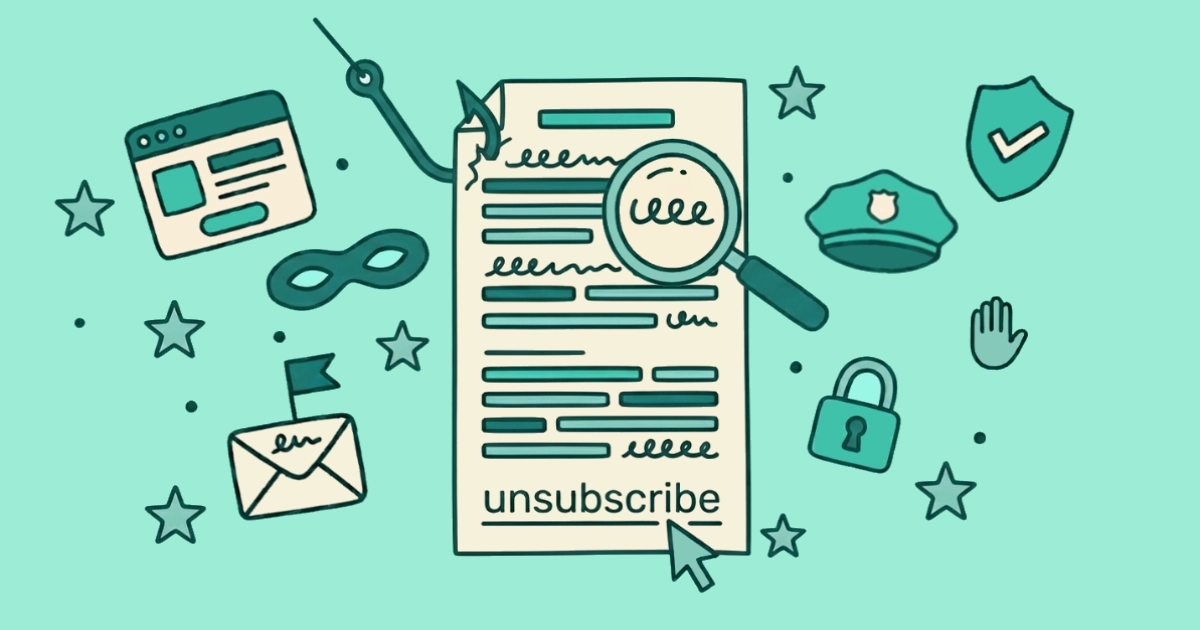
Flat vector illustration of a dated clipboard with day 11 circled, a fan of three dated envelopes beside it, a magnifying glass over one date, and a calendar pinned at day 10.
Your Rights

Your rights when 'unsubscribe' doesn't stop the emails

You unsubscribed. They kept emailing. Under CAN-SPAM and GDPR you have legal recourse, and the FTC's settlement record proves senders take it seriously.
5 min read
Flat vector illustration of a pointer hand hovering over a cream-paper unsubscribe link, with a tooltip showing an abstract URL squiggle, and a tilted envelope paused beside the hand.
Privacy & Safety

Is it safe to click unsubscribe?

Roughly 1 in 644 unsubscribe links leads to a malicious site. Here's how to tell the safe ones from the traps in under 30 seconds.
9 min read
CASA Tier 2 validation badge
News

Email Unsubscriber is now CASA Tier 2 validated

Email Unsubscriber cleared ADA's CASA Tier 2. The validation unlocks Gmail support and confirms what we built behind the scenes.

2 min read