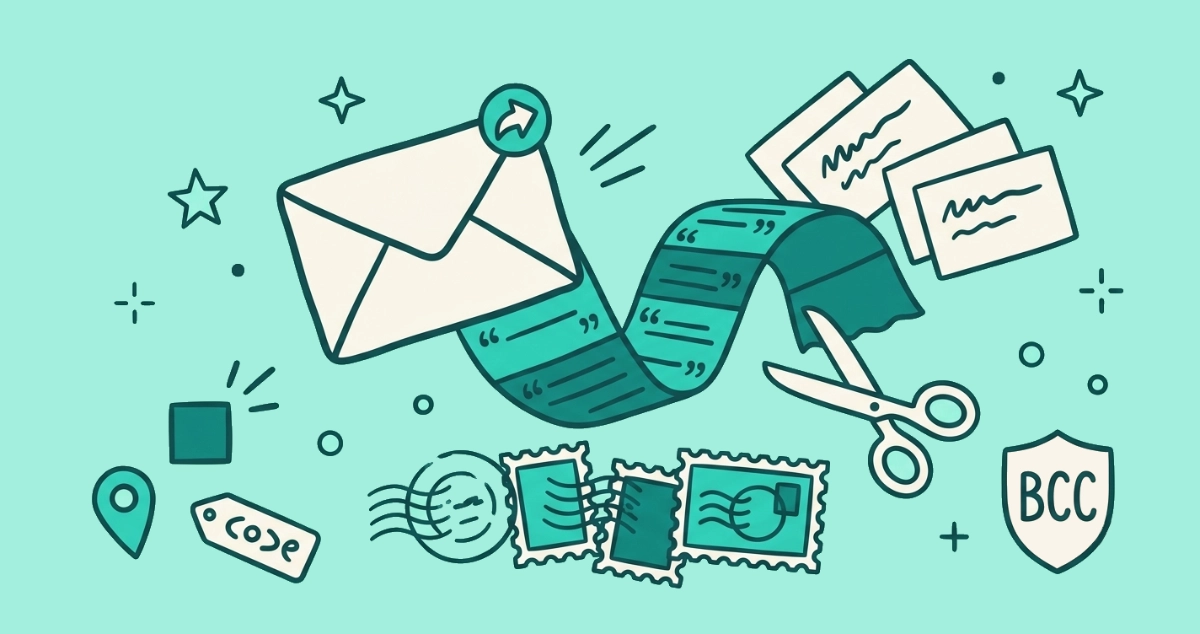
You turned off remote images, or you read that Apple killed the open pixel, and figured email tracking was mostly handled. The pixel was the loud part. The quieter machinery, the part that survived every change Apple shipped, runs on the links you click.
In 2026, email tracking runs mostly on clicks, not opens. After Apple Mail Privacy Protection broke the open pixel for roughly half of all email opens, marketers moved to link tracking: every link is rewritten to a redirect that logs who clicked, when, and from where, then stitches the click to your profile in a customer data platform.
Did Apple kill email tracking?
No. Apple broke one specific tool. Mail Privacy Protection shipped with iOS 15 in September 2021 and pre-fetches every remote image through Apple’s proxy, so the open pixel fires for everyone and the open timestamp turns to noise. Apple Mail accounts for roughly half of all email opens, according to Litmus’s email client market share data (2025), so overnight, half the industry’s open reporting became unreliable.
Marketers did not lose visibility. They changed which signal they trust. Opens dropped from headline metric to background static, and clicks became the number that matters, because Apple’s proxy touches images, not links. Litmus told marketers as much when the change landed: emphasize clicks and conversions instead. The pixel itself, what it is and what it reports, we covered in the spy-pixel explainer. This piece is about everything that kept working after it broke.
What still tracks you after the pixel?
Five mechanisms, layered. Here is how they compare, and what actually limits each one.
| Tracking method | What it reveals | Survived Apple MPP? | What limits it |
|---|---|---|---|
| Open pixel | That you opened, when, your IP and device | No, for Apple Mail opens | Blocking remote images |
| Link redirect | That you clicked, which link, when | Yes | Not clicking |
| Per-recipient token | Which individual subscriber clicked | Yes | Not clicking |
| UTM parameters | Which campaign and email sent you | Yes | Stripping them from the URL |
| Identity stitching | Ties your address to your web session and history | Yes | Fewer clicks to stitch |
The pixel sits at the top of that list for a reason. It is the one method Apple blunted, and the only one you can neutralize by never loading an image. The four below it all key off a single action: the click.
How does link tracking work?
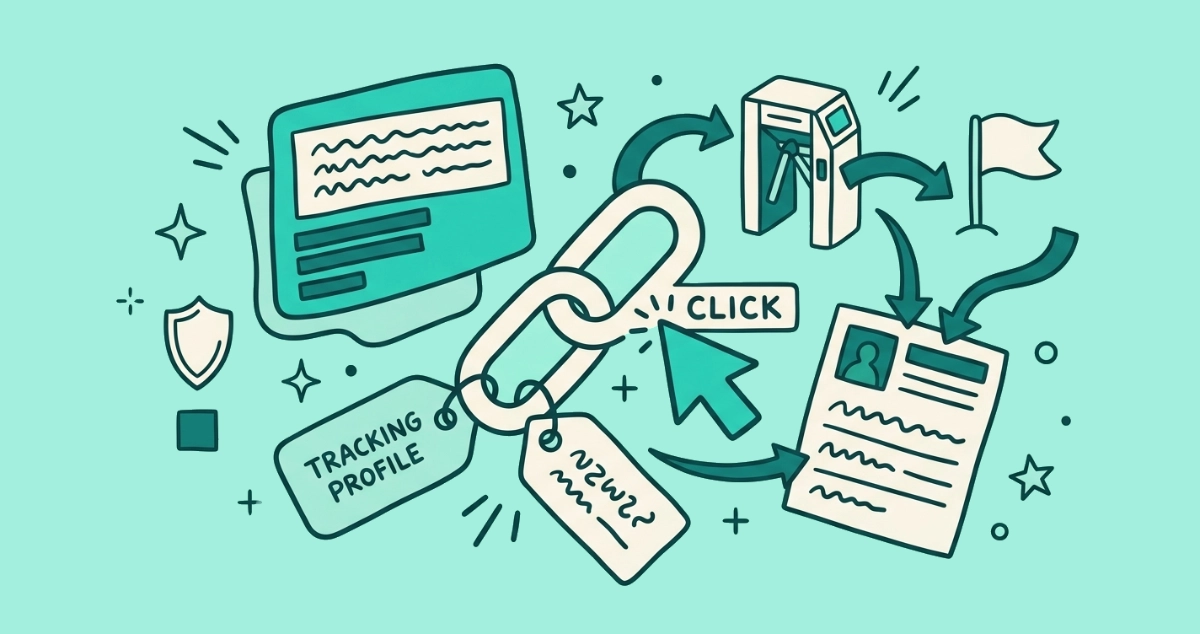
Every link in a marketing email is rewritten before it reaches you. The visible text names the brand’s site; the actual destination points at a tracking domain that logs your click and forwards you on. The sequence takes milliseconds:
- The platform rewrites the link. Before sending, the email service (Mailchimp, Klaviyo, HubSpot) swaps the real URL for one on its own tracking domain, something like
click.brand.com/x/abc123. - You click. Your browser hits the tracking domain first, not the destination.
- The server logs the event. It records which link, which email, which recipient, the timestamp, your IP, and your device, then returns a redirect.
- You land on the real page. The hop is fast enough that you never notice the detour.
The outcome: the sender knows you clicked. This is older than the pixel’s decline, but Mail Privacy Protection promoted it from a secondary metric to the primary one, because a click is a real action Apple’s proxy cannot fake.
What is a per-recipient tracking link?
The token in that tracking URL is unique to you. Two people on the same list get two different links to the same page, so a click is never an anonymous “someone opened the offer.” It names you, the individual subscriber, by the token baked into the path. That is the piece that turns a click into an identity, and it is exactly why a confirmed, engaged address is worth more on the market than a cold one. We followed that money in what your email address is actually worth.
Do UTM parameters track me?
Partly, and out in the open. UTM parameters are the tags appended to a link, utm_source, utm_medium, utm_campaign, utm_content. You can read them yourself in the address bar after you land, trailing the URL as ?utm_source=newsletter&utm_campaign=summer. They tell the brand’s analytics which email and which campaign sent you. They describe the campaign, not the person. The parameter that fingerprints you as an individual is the per-recipient token in the redirect wrapper; the UTM mostly labels the batch you came from.
How do customer data platforms connect the dots?
The click is where your email identity meets your web identity. When you click a tracked link and land on the site, the brand can tie the address behind that unique token to the browsing session that follows, a deterministic match rather than a guess. A customer data platform then unifies every signal it holds about you, the clicks, the pages viewed, the purchases, and data from other channels, into one persistent profile keyed to your address. Identity-graph vendors describe the mechanic plainly (2026): the email click is the moment an anonymous visit becomes a named one.
From there the profile does inference. It predicts what you will open, click, and buy, and it sets how often you get mailed. The same profile that decides which promos land in your inbox also makes you a cleaner target for the senders who buy their way in, which is part of the real cost of spam and phishing. Your engagement is the fuel; the click is the spark.
Did Apple’s Link Tracking Protection fix this?
Only partly. Apple shipped Link Tracking Protection with iOS 17 in September 2023, announced at WWDC that June. In Apple Mail, Messages, and Safari Private Browsing, it strips known user-identifying parameters from links, Facebook’s fbclid, Google’s gclid, marketing tokens like mkt_tok. Klaviyo walked marketers through the change when it landed.
Two gaps keep it from being a cure. It leaves UTM parameters untouched, so campaign-level tracking survives. And it does nothing to the sender’s own redirect wrapper: the per-recipient token that names you sits in the tracking domain’s path, not in a parameter Apple recognizes. Click a marketing link from Apple Mail and the click still logs as you. Apple narrowed the cross-site tracking that follows you around the web; it did not switch off the email sender’s own count.
How do you reduce email tracking in 2026?
You cannot turn tracking off from inside a marketing email, but you can starve it. Ranked, most effective first.
- Don’t click tracked links you don’t need. The click is the signal that names you. Withholding it is the cleanest defense you have. If you want the offer, type the brand’s address into the bar yourself instead of following the link.
- Strip the trackers before you visit. When you do follow a link, delete everything after the
?in the address bar, or use a browser or extension that removes tracking parameters. You still reach the page; the sender loses the tags. - Block remote images. This blunts the pixel that still fires outside Apple Mail. The spy-pixel guide lists the exact toggle for Gmail, Apple Mail, and Outlook.
- Use a masked alias for new signups. A forwarding alias keeps your real address out of the databases the profile is keyed to. Masked email aliases cover which services strip trackers and which just forward.
- Remove the sender entirely. Every step above fights one message at a time. Unsubscribing ends the relationship, so the tracking stops at the source, on every device you own, for good.
That last move is the one that compounds. Email Unsubscriber scans your Gmail or Outlook in your own browser, lists every sender still mailing you, and fires the real one-click opt-out wherever the sender supports it. The scan runs on your device, and we never read, analyze, or monetize your email content. Fewer senders means fewer redirects to click, fewer tokens with your name on them, and less for any profile to stitch together.
The takeaway
The open pixel was never the whole surveillance, just the visible edge of it. Apple made opens unreliable, and marketers shrugged and moved to the click, which is a stronger signal anyway. In 2026 the address bar is where the tracking lives: the redirect that logs you, the per-recipient token that names you, the UTM that labels your batch, the profile that remembers all of it. You control the click, and the click is most of the game. Give out fewer real addresses, follow fewer tracked links, and unsubscribe from the senders you never read. The less you confirm, the less there is to follow.