You just found Hide My Email buried in your iPhone settings, or the DuckDuckGo extension offered to drop a @duck.com address into a signup form you have never seen before. The pitch is clean: stop handing your real address to every website that asks for it. It works, up to a point.
A masked email alias is a randomly generated address that forwards everything it receives to your real inbox, so a signup never sees your true address. Apple Hide My Email, DuckDuckGo Email Protection, Firefox Relay, SimpleLogin, and Addy.io all offer them free or cheap. Aliases hide who you are; they don’t stop the mail.
What is a masked email alias?
A masked email alias is a randomly generated email address that forwards everything it receives to your real inbox. The sender only ever sees the alias, something like k7f2x@duck.com, while you read the mail in Gmail or Outlook exactly as before. You never open a second account and you never change your contacts.
The point is compartmentalisation. Give a different alias to every shop, newsletter, and forum, and your real address stops circulating through marketing databases and breach dumps. That matters because your address is a tracking key, and a valuable one at that. If you want the numbers behind why marketers hoard it, we broke down what your email address is actually worth in a separate piece.
How do masked email aliases work?
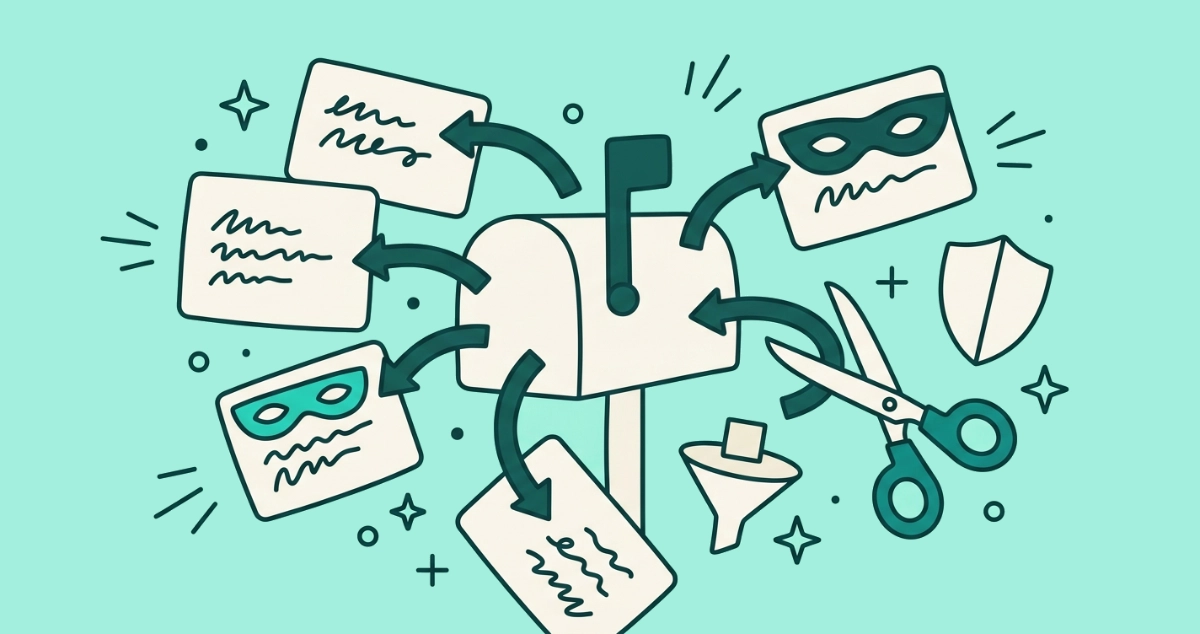
Every alias service is a forwarding relay. A sender emails your alias, the provider’s server receives it, and the message is passed on to whatever real inbox you pointed the alias at. Your address never appears in the exchange, so the sender cannot add it to a list, sell it, or match it against a leak.
Two services do an extra job on the way through. DuckDuckGo Email Protection and Firefox Relay strip known email trackers out of the message before forwarding it, which kills the invisible pixels that report when you open a message. According to DuckDuckGo’s own help pages (2026), its relay removes trackers on its block list and does not store copies of your mail. Apple Hide My Email, SimpleLogin, and Addy.io forward the message untouched, so the pixels inside still fire.
Which masked email service should you use?
Pick by two questions: do you want tracker removal, and do you want to pay. Here is how the five best-known services line up in 2026.
| Service | Free tier | Strips trackers | Open source | Paid tier |
|---|---|---|---|---|
| DuckDuckGo Email Protection | Unlimited @duck.com | Yes | Partly (apps) | None |
| Firefox Relay | 5 masks | Yes | Yes | ~$1/mo, billed yearly |
| SimpleLogin (by Proton) | 10 aliases | No | Yes | $36/yr or $4/mo |
| Addy.io (formerly AnonAddy) | Unlimited, bandwidth-capped | No | Yes | From $1/mo |
| Apple Hide My Email | Needs iCloud+ | No | No | Bundled with iCloud+ |
A few details the table flattens. Firefox Relay’s free tier caps you at 5 masks; its premium tier lifts that to unlimited and adds a custom subdomain and replies. SimpleLogin’s free plan allows 10 aliases and is fully open source under Proton AG, and if you already pay for Proton you get its premium features at no extra cost. Addy.io is open source too, formerly known as AnonAddy, with unlimited standard aliases on the free plan behind a monthly bandwidth cap. Apple Hide My Email is the smoothest option on an iPhone but rides on the paid iCloud+ subscription.
Bottom line: for a free start with tracker removal, DuckDuckGo is the easy pick. For long-term control and custom domains, SimpleLogin or Addy.io reward the effort. Hide My Email is the path of least resistance if you already live in iCloud. For a service-by-service breakdown of reply support, pricing, and portability, see how the alias services compare.
What masked aliases actually protect you from
Aliases solve three specific problems, and they solve them well.
They keep your real address out of circulation. Sign up with a unique alias and the sender never learns your true address, so it cannot end up in a resold list or a breach dump.
They name the leaker. Give each company its own alias and the day spam starts arriving at shop-xyz@your-alias.com, you know exactly who sold or lost your address. Your real inbox never gives you that forensic trail.
They let you cut a sender off cleanly. Disable the alias and every message to it dies at the relay, before it reaches you. No unsubscribe form, no waiting period, no argument.
Replying so the sender never sees your real address is free on Apple Hide My Email, DuckDuckGo, and SimpleLogin, and a paid feature on Firefox Relay. SimpleLogin only charges when you want to start a brand-new email from an alias to someone who has not written to you first. For forward-looking privacy, this is a genuinely strong toolkit.
What masked email aliases don’t fix
Here is the part the marketing skips: an alias hides your identity, not your inbox. Mail sent to a live alias still forwards straight to you and still piles up. You keep getting it until you disable that alias or unsubscribe from the sender. The volume does not drop because the address changed.
Three limits bite in practice. First, killing an alias is all-or-nothing. If you reused one alias across a shop, its receipts, and its password resets, disabling it to stop the promos also kills the receipts you wanted. Second, most people reuse aliases anyway, so the alias you made in 2023 is now as flooded as your main address. Third, and most important, aliases do nothing about the senders already in your real inbox. The two hundred newsletters you signed up for with your real address before you ever heard of Hide My Email are still there, still sending.
Do masked aliases replace unsubscribing?
No. They are complementary, not substitutes, and treating one as the other leaves you half-protected.
An alias is forward-looking armour: it guards the next signup. Unsubscribing is remediation: it cleans up the senders that already have you. An alias hides your address from a sender; unsubscribing removes the sender itself, at the source, so its mail stops on every device and every alias at once, including the trackers it was shipping. You need both because they act on different halves of the problem.
This is where a real unsubscribe pass earns its keep. Email Unsubscriber scans your Gmail or Outlook in the browser, lists every sender mailing you, and opts you out for real, whether you signed up with an alias or your real address years ago. The scan runs on your device, your email content never reaches our servers, and there is nothing to cancel afterwards. If you have never done a clean sweep, start by mass-unsubscribing from the senders already flooding you, then let aliases keep the new ones out.
How to use aliases and unsubscribing together
A workable routine takes both tools and gives each the job it is good at.
- Unsubscribe from what you already have. Clear the backlog of senders sitting in your real inbox first. Aliases cannot touch mail that arrived before you started using them.
- Give every new signup its own alias. One alias per company, never reused. That preserves your ability to cut any single sender off without collateral damage.
- Pick a tracker-stripping alias for marketing. For shops and newsletters, use DuckDuckGo or Firefox Relay so the pixels get removed on the way in.
- Disable an alias when a sender turns spammy. If the sender belongs to a service you still use, unsubscribe instead so you keep the receipts and lose the promos.
- Re-run an unsubscribe scan every few months. New senders slip in through aliases you reused or forms you filled in a hurry. A periodic sweep keeps the count near zero.
Do both and your inbox stays quiet for two reasons at once: fewer senders have your real address, and the ones who do have been told to stop. That is the combination aliases alone never deliver.