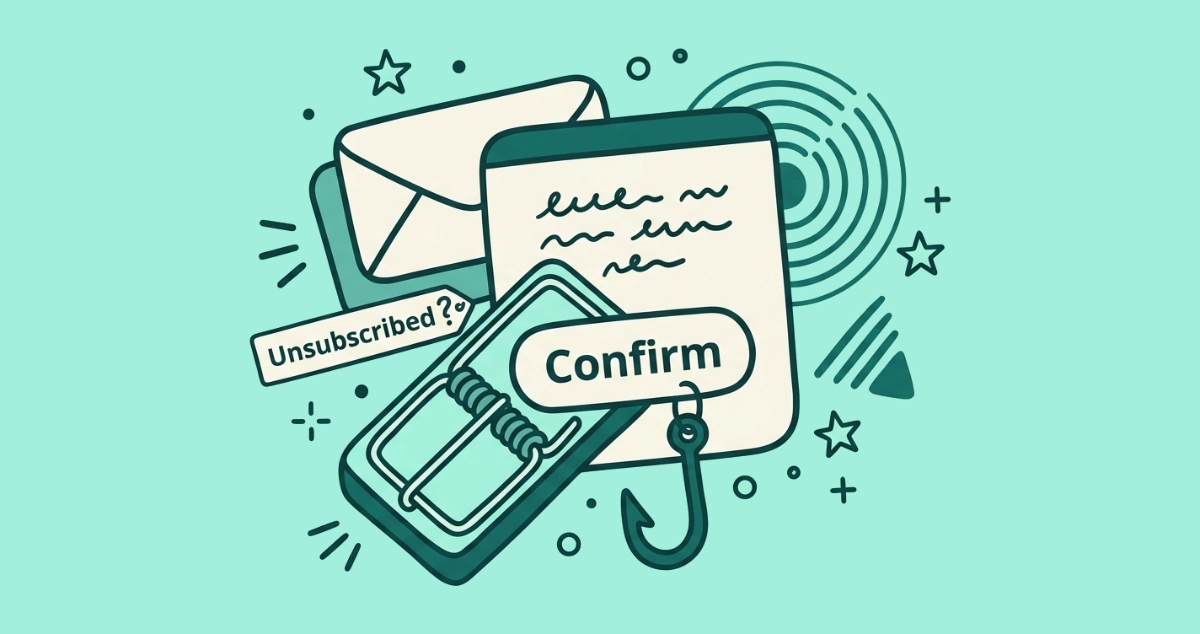
An email lands in your inbox: “You have been unsubscribed. Click here to confirm your removal.” You never asked to unsubscribe from anything, so the message is confusing, and a small part of you wants to click just to make it stop. That instinct is the whole point of the email.
A real unsubscribe never emails you back to ask you to click a second time. An unsolicited “you’ve been unsubscribed” or “confirm your removal” message is a lure: the click confirms your address is live, or the confirm button loads a phishing or malware page. Do not click it. Mark it as spam.
Why did I get an unsubscribe confirmation I never asked for?
Because a spammer sent it to you on purpose, not because a list actually removed you. A legitimate confirmation only ever follows an action you took a moment earlier. You clicked unsubscribe, so the sender confirms it. When a confirmation arrives with no action behind it, the sequence is backwards, and that reversal is the tell.
The scam works by borrowing the shape of a routine message. You have seen real “you’re unsubscribed” pages before, so the wording feels familiar and safe. The attacker counts on that familiarity to carry you past the one odd detail, which is that you never started this. Security writers at BleepingComputer flagged the pattern back in a 2019 report on emails that simply say “Please confirm your Unsubscribe” with no indication of what you are unsubscribing from. The blank subject is not sloppiness. It is the design.
Why is the confirmation email itself the trap?
Because the sender does not care whether you get “removed.” The sender cares whether you click, and the click is the product. Two things happen the moment you do, and they can happen at the same time.
First, the click confirms your address is live. Spammers blast messages at millions of guessed and scraped addresses, and most of those never load. When you interact with one, you tell the sender a real person reads this inbox on a real device. According to BleepingComputer’s write-up, that confirmed address gets added to lists of active accounts that are resold for higher-value scams. Your reward for confirming the unsubscribe is more mail, not less.
Second, the confirm button can lead somewhere hostile. It may load a cloned login page that harvests your password, or a fake “verify you are human” prompt that talks you into installing malware yourself. A 2025 DNSFilter analysis reported by The Wall Street Journal found that roughly 1 in 644 unsubscribe links leads to a malicious site. The destination behind a fake confirmation button is where that risk lives. We take that page apart in how phishing hides behind fake unsubscribe links.
Does a legitimate unsubscribe ever send a confirmation you have to click?
No. This is the single cleanest way to separate the real thing from the fake. When a legitimate unsubscribe finishes, the work is already done, so nothing you receive afterward needs a second click to complete it.
The most common modern unsubscribe is silent. When you tap the Unsubscribe button your mail app shows at the top of a message, your client sends a quiet request straight to the sender under the RFC 8058 one-click standard. No web page opens, and no confirmation email comes back. Some senders that still use an old-style web form show a plain “you have been removed” page after you submit, and a few send a short courtesy note by email. In every honest case, the removal already happened. The message tells you it is done. It does not ask you to act again to make it true.
Hold that rule up against the scam and the gap is obvious. A confirmation that demands one more click before your removal “takes effect” is not confirming anything. It is manufacturing a reason for you to click.
What do these scam emails actually look like?
They come in two flavors, and both are built to move your finger toward the button. Recognizing the shape is most of the defense.
- The blank confirmation. A bare message that says “Please confirm your unsubscribe request” and names no list, no brand, and no topic. There is nothing to unsubscribe from because you were never subscribed. The only content is the button.
- The scare confirmation. A message claiming you were signed up for something alarming, an adult dating list or a paid subscription, with a prominent “click to confirm removal” button. The panic is the payload. It pushes you to click before you think about why a service you never joined is emailing you.
Both versions lean on urgency and vagueness together. A real sender identifies itself and the exact list you are leaving, because it has an actual relationship to reference. A scam sender stays vague on purpose, because any specific detail you could check is a detail that might expose the lie.
How do I tell a real confirmation from a fake one?
Read the message against a few concrete criteria before you touch anything. The differences are consistent enough to decide in a few seconds.
| Signal | Legitimate confirmation | Scam confirmation |
|---|---|---|
| Did you act first? | Yes, you just clicked unsubscribe | No, it arrived unprompted |
| Names the specific list | Yes, the exact newsletter or brand | Vague, or a service you never joined |
| Needs a second click to finish | No, the removal is already done | Yes, “click to confirm removal” |
| Tone | Calm, informational | Urgent, alarming, or threatening |
| Asks for a password or payment | Never | Sometimes, on the linked page |
The bottom line: if a message arrived without you doing anything, hides what you are unsubscribing from, or insists you click again to complete the job, treat it as a scam. For a link-by-link routine when you are still unsure, our 60-second checklist for unsubscribe links walks through reading a link’s real destination before you trust it.
What should I do when one lands in my inbox?
Do less, not more. The safest response to a fake confirmation is the one that sends no signal back.
- Do not click the confirm button. The click is the entire goal of the email. Denying it costs the attacker the confirmation and the possible phishing visit in one move.
- Do not reply. A reply is another way of proving a human reads the address. Legitimate bulk senders never process opt-outs through replies to a confirmation, so a message that asks you to reply is a scam by definition.
- Mark it as spam. Use your email client’s “Report spam” or “Report phishing” option. That trains your provider’s filter and pulls similar messages out of other inboxes, and it sends nothing back to the sender. You cannot be phished by a spam-marking action.
- Block the sender if it repeats. For an address that keeps trying, block it outright so future attempts never reach you.
If you already clicked and only saw a page, close the tab and you are almost certainly fine. If you typed a password anywhere, change it now and turn on two-factor authentication. Our guide on whether it is safe to click unsubscribe covers the recovery steps in full.
How do I stop reaching this point at all?
Shrink the real inbox so the fakes stand out. When your inbox is buried under hundreds of genuine newsletters and promos, a fraudulent “you’ve been unsubscribed” email blends into the noise, and blending in is exactly what it needs. A clean inbox does the opposite. An unexpected confirmation in a quiet inbox looks wrong immediately.
Clearing the legitimate clutter by hand is slow, and every footer link you open is one more small gamble. A tool that reads each sender’s unsubscribe headers and fires the safe one-click request wherever it is supported keeps you off landing pages entirely. Our Email Unsubscriber app does this from inside your browser, dispatching genuine one-click unsubscribes where senders support them and flagging the rest so you know which ones only offer an old-style link. The scan runs on your device, so your email content never reaches our servers, and you pay once instead of renting the cleanup.
The takeaway
An unsubscribe confirmation you never requested is not a courtesy. It is a spammer testing whether your address is worth attacking. The one rule that settles it: a real unsubscribe is already finished when you hear about it, so it never needs a second click. When a message arrives out of nowhere, hides what you are leaving, or pressures you to confirm your removal, do not click and do not reply. Mark it as spam and move on.