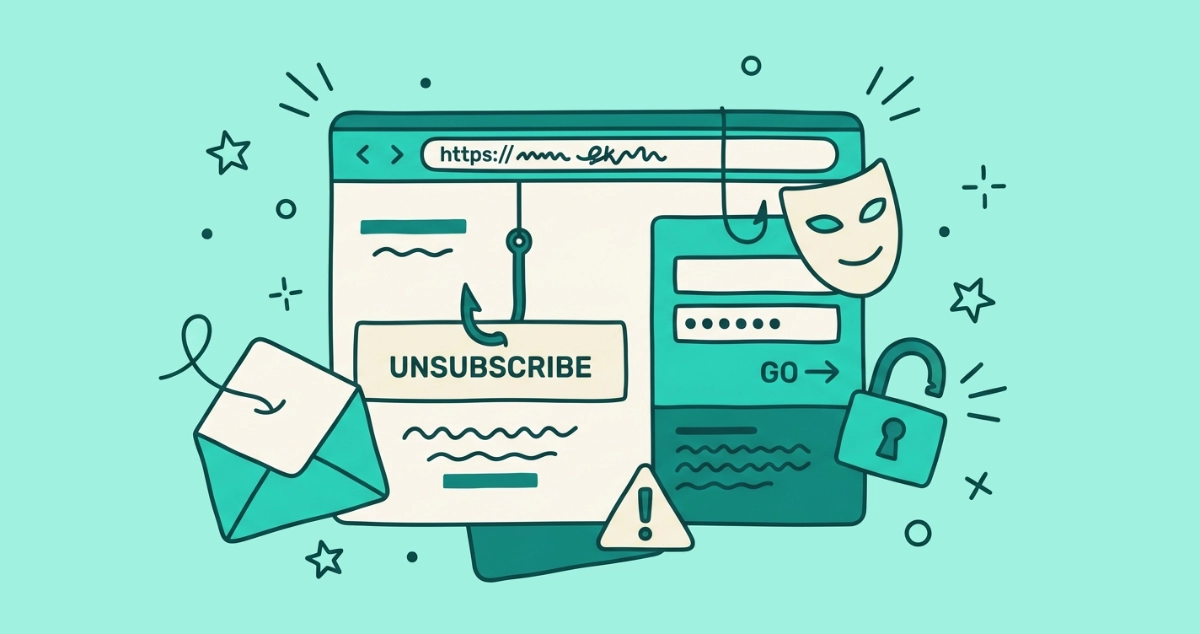
You clicked the gray unsubscribe link at the bottom of a spam email, and instead of a plain confirmation, a page loaded asking you to log in to “verify your identity.” That page is not an opt-out form. It is a phishing trap wearing an unsubscribe costume, and the login box is the whole point.
A fake unsubscribe link is a phishing lure: the opt-out link in a spam email points to an attacker’s page, not the sender’s. Click it and the page may harvest your password, confirm your address is live, or push malware. Real senders never ask for a password to unsubscribe, so treat any that does as a trap.
What is a fake unsubscribe page?
A fake unsubscribe page is a phishing site that impersonates a sender’s opt-out flow to steal something from you. The link says Unsubscribe. The destination belongs to an attacker. Attackers lean on a reflex here: years of inbox cleanup have taught you the unsubscribe link is the safe, boring one, so it is one of the easier lures to hide a hook inside.
Phishing is not a fringe risk. The FBI’s Internet Crime Complaint Center logged 193,407 phishing and spoofing complaints in its 2024 annual report, more than any other category of internet crime that year. The unsubscribe link is one delivery route among many, and it works because the word disarms you.
How does the fake unsubscribe scam actually work?
The scam runs in four moves, from the message hitting your inbox to your password hitting the attacker’s server.
- The bait lands. A spam message arrives, often dressed as a brand you use or a service you might. It carries the same footer furniture as real marketing mail, including a small gray unsubscribe link. Nothing about the layout warns you.
- The link misdirects. The unsubscribe link points to a domain the attacker controls, not the sender’s. Attackers frequently route it through a URL shortener or an open redirect first, so a quick glance at the link shows a familiar-looking host before it bounces you somewhere else.
- The page performs trust. The landing page clones a login screen for your bank, your email provider, or a store, then asks you to sign in to “confirm” the opt-out. The logo looks right. The layout looks right. The domain in the address bar is the tell that does not.
- The harvest fires. You type your username and password, and both go straight to the attacker. The page often forwards you to the real company’s site afterward, so the interaction feels like it worked and you notice nothing wrong for hours or days.
The end state is a working set of your credentials in someone else’s hands, collected without a single line of malicious code running on your machine.
What is an attacker actually after when you click?
Four payloads, roughly in order of how often they show up.
- Confirming a live address. The boring, high-volume goal. Clicking any link in spam, unsubscribe included, tells the sender a real person reads this inbox. According to DNSFilter’s CTO, cited by The Wall Street Journal and reported by Popular Science in June 2025, roughly 1 in 644 unsubscribe links leads to a malicious site. A confirmed address sells for more on spam markets, so the reward is more spam, not less.
- Credential harvesting. The fake login page described above. Michael Bargury, co-founder of security firm Zenity, told Popular Science these pages are built “to steal passwords or login credentials.” One reused password can unlock several accounts.
- Malware and drive-by prompts. The rarest and the most serious. The page shows a fake “update your browser” or “verify you are human” prompt that talks you into running the malware yourself. It needs no exploit kit, just a convincing button.
- A foothold for targeted attacks. A stolen inbox password is not the finish line. It is the front door to password resets, contacts, and receipts an attacker uses to build a sharper, more personal scam next time.
How can you spot a fake unsubscribe page?
Read the page, not the promise. Five signals separate a real opt-out from a trap, and any one of them is enough to close the tab.
- The domain does not match the sender. Read the address bar. If the email claims to be from your bank but the page lives at
secure-verify-mailer.xyz, walk away. Lookalike domains swap a letter or bolt on extra words (paypal-account-support.com). - The page asks for a password. A genuine unsubscribe confirms one thing, that you want out. It never needs you to log in. A login box on an unsubscribe page is the single loudest warning sign.
- The page asks for payment or personal details. Card numbers, your address, your date of birth. None of it belongs in an opt-out. Under U.S. law a sender cannot demand any of it to unsubscribe you.
- Something tries to download. An unsubscribe click should never hand you a file or an “update.” Do not open or run anything a page pushes at you.
- The tone is urgent or threatening. “Your account will be suspended in 24 hours.” Real unsubscribe flows are calm and dull. Manufactured panic is a manipulation, not a deadline.
Hovering over the link before you click catches most of these before the page ever loads. For the full pre-click routine, our guide on whether it is safe to click unsubscribe walks through a 30-second check.
What should you do if you already landed on a fake page?
Move fast, and how far you go depends on what you typed.
- Close the tab and enter nothing. If you only saw the page and typed nothing, you are almost certainly fine. Landing on a page does not hand over an account. Do not go back to “finish” the unsubscribe.
- Change any password you entered. If you typed a password, change it on the real site now, and change it anywhere you reused the same one. Attackers try stolen passwords across many services within minutes.
- Turn on two-factor authentication. With 2FA active, a stolen password alone cannot open the account. This is the single most useful thing you can do after a credential slip.
- Scan your device if a download ran. If you downloaded or ran anything the page offered, run a full antivirus scan and watch for unexpected behavior.
- Report the message as phishing. Use the “Report phishing” or “Report spam” option in your email client. That trains your provider’s filter and pulls similar messages out of other people’s inboxes.
Done in order, these steps shut the door before a harvested password becomes a hijacked account.
Why doesn’t a real one-click unsubscribe have this problem?
Because there is no page to fake. A native one-click unsubscribe is the button your email app shows at the top of a message, next to the sender’s name. When you tap it, your client sends a quiet request straight to the sender under the RFC 8058 standard. No browser tab opens. No landing page loads.
That single difference removes the entire phishing surface. A fake unsubscribe scam depends on getting you onto a web page it controls. The top-bar button never leaves your inbox, so there is nothing for an attacker to imitate. RFC 8058 also requires the message to carry a valid DKIM signature, a cryptographic proof of who sent it, which is why genuine one-click buttons almost never appear on spam. The footer link in the message body carries none of that protection, and it is exactly where fake opt-outs live.
How do you avoid fake unsubscribe pages for good?
Build two habits and you sidestep nearly every trap. First, prefer your email app’s top-bar unsubscribe button over any link buried in the footer. Second, when a message is from a stranger or already sitting in spam, mark it as spam instead of clicking anything. You cannot be phished by a spam-marking action.
When years of subscriptions have piled up, clicking through them one at a time is slow, and every footer link you open is another small roll of the dice. A tool that reads the unsubscribe headers and fires the safe RFC 8058 request for every sender that supports it keeps you off landing pages entirely. Our Email Unsubscriber app does this from inside your browser, dispatching genuine one-click unsubscribes where senders support them and flagging the rest with a caution note so you know which ones only offer an old-style link. The scan runs on your device, so your email content never reaches our servers.
The takeaway
The unsubscribe link is trusted, which is exactly why attackers borrow it. A fake unsubscribe page copies a real opt-out to confirm your address, harvest your password, or push malware, and the one clean tell is the password box: no honest unsubscribe ever needs your login. Prefer the top-bar button, mark strangers as spam, and read the domain before you trust the page. If you already entered a password on one, change it and turn on two-factor now.