You are on the Google or Microsoft consent screen, about to connect an unsubscribe app, and the line that stops your cursor reads “read your email.” Fair enough. Before you click Allow, you deserve the literal list, not a soothing paragraph, but exactly what this app can and cannot touch once you approve it.
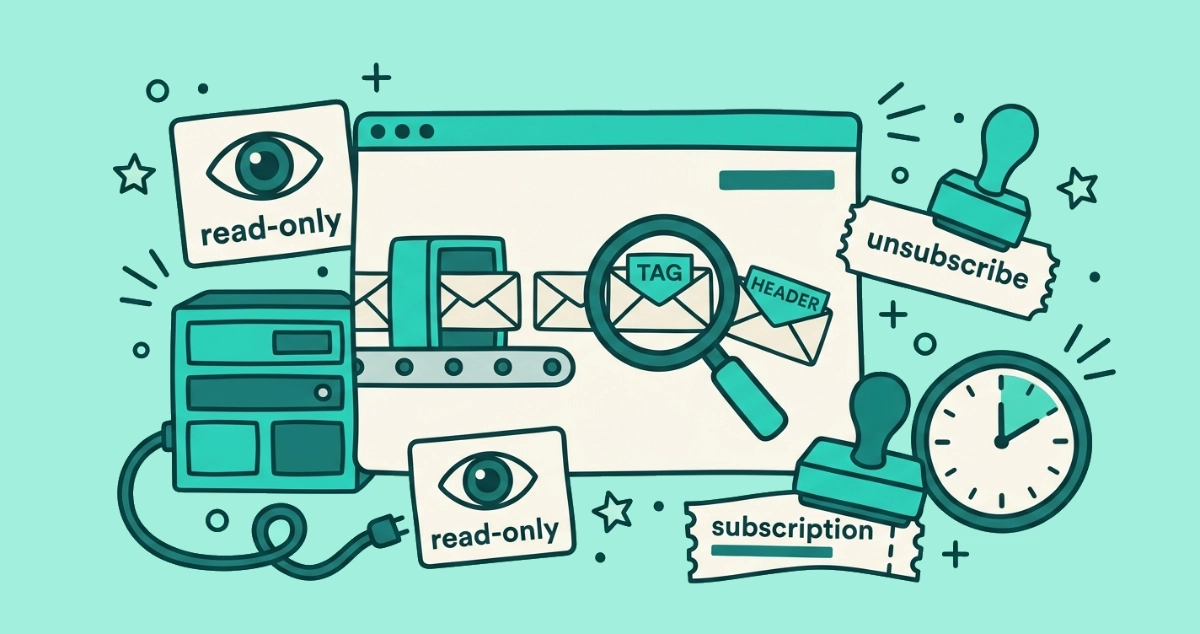
When you connect Gmail or a personal Microsoft account to Email Unsubscriber, it gets read-only access. It reads message headers, sender names, and the List-Unsubscribe link, enough to list who emails you. It cannot send, delete, move, or change anything. The reading runs in your browser, so your message content never reaches our servers.
This post is the itemized version of that promise. Not “we respect your privacy,” but a plain table of every capability, split into what the app can do and what it cannot, so you can match it against the scope on your own consent screen.
What can Email Unsubscriber actually see in your inbox?
It sees the parts of a message that identify who sent it, not the conversation inside. To build the list of senders crowding your inbox, the scan reads three things:
- Message headers, the routing and metadata wrapped around each message, including who it is from.
- The List-Unsubscribe header, the standard field that bulk senders use to carry an opt-out link, which is how the app knows where your unsubscribe request should go.
- Sender name and address, the label that groups a hundred promo emails under one entry you can act on.
That is the raw material for a subscription list, and it is all the app needs. The read-only scope it holds does technically permit reading the body of a message too, the same way a read-only pass into a library lets you open any book on the shelf. The difference is what the app actually reaches for and where. Our scan reads the sender-identifying headers, it reads them inside your browser, and none of it is sent back to us. The ceiling of the scope is “read”; the practice is “read the outside of the envelope, on your device, and keep nothing.”
What can’t it do with your inbox?
It cannot act on your mailbox, only look at part of it. Read-only access is a one-way door: the app can view, and viewing is the end of its power. Line by line, it cannot send email as you, cannot delete or archive a message, cannot move mail between folders or labels, and cannot change a single account or filter setting. It also cannot read, store, or monetize the content of your conversations, because that content never leaves your device for our servers in the first place.
The one action it can take on your behalf is the unsubscribe itself, and only when you choose it. When you click to leave a sender, the app fires an RFC 8058 one-click unsubscribe from your browser to that sender’s opt-out endpoint. That request goes to the sender, not through us, and nothing about it writes to your mailbox.
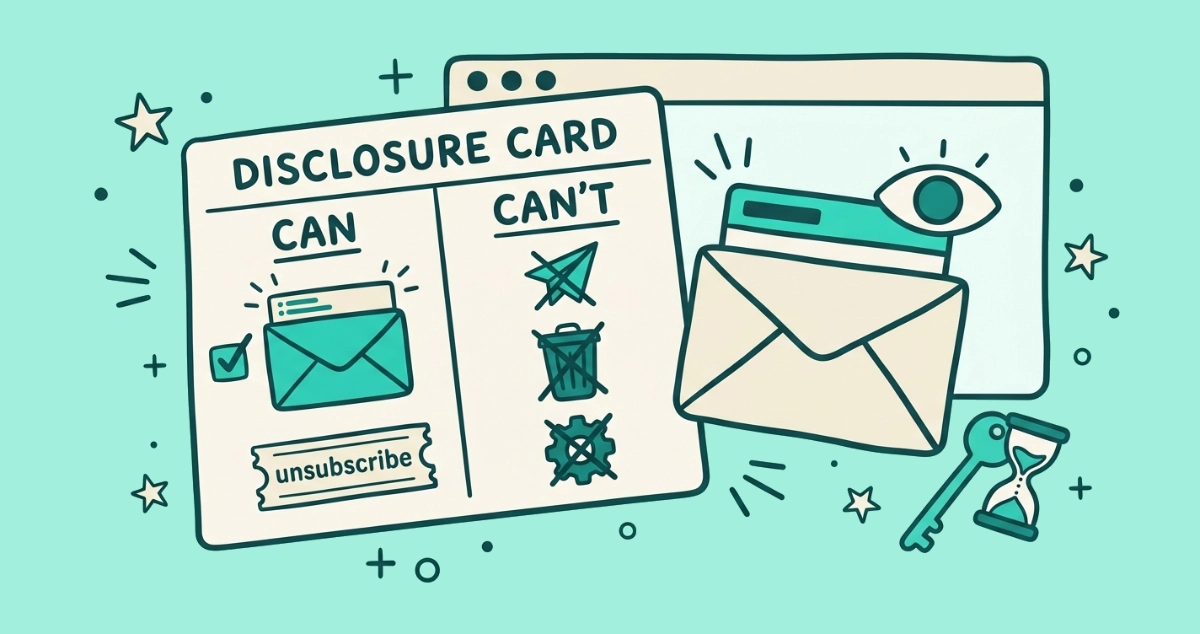
The can and can’t list, item by item
Here is the whole capability set in one place. Read it against the scope named on your consent screen, and the two should line up exactly.
| The app… | Can it? | Why |
|---|---|---|
| List the senders emailing you | Yes | Reads sender name and address from message headers |
| Show a sender’s unsubscribe link | Yes | Reads the List-Unsubscribe header that carries it |
| Fire a one-click unsubscribe you chose | Yes | Sends the RFC 8058 opt-out from your browser to the sender |
| Send email as you | No | Read-only scope grants no send permission |
| Delete, archive, or move your mail | No | Read-only scope cannot modify the mailbox |
| Change your account or filter settings | No | Read-only scope cannot write settings |
| Read, store, or sell your message content | No | The content never reaches our servers |
| Keep access after your session ends | No | No refresh token; access expires in about an hour |
The pattern is simple. Everything in the “yes” column is a form of reading or a single opt-out you triggered. Everything a mailbox owner would call a real change to their mail sits in the “no” column, and it stays there because the scope makes it impossible, not because a policy asks us nicely.
Which permission does it ask for on the consent screen?
It asks for one read-only scope per provider, and the consent screen names it before you approve. On Gmail the scope is gmail.readonly. On a personal Microsoft account it is Mail.Read. Both are read-only by definition, so you can check our claim against the provider’s own documentation rather than ours.
| Provider | Scope we request | What it allows |
|---|---|---|
| Gmail | gmail.readonly | View messages, labels, and settings. No send, change, or delete. |
| Microsoft (personal) | Mail.Read | Read mail. No send, change, or delete. |
The gmail.readonly description comes from Google’s own Gmail API scope documentation, which lists it as read access with no ability to modify. The Mail.Read description comes from the Microsoft Graph permissions reference, where it is defined as permission to read the user’s mail and nothing more. One note on Microsoft: we support personal Microsoft accounts only, not work or school accounts, so the connection you make is to your own consumer mailbox.
Where does the reading happen, and does your email reach our servers?
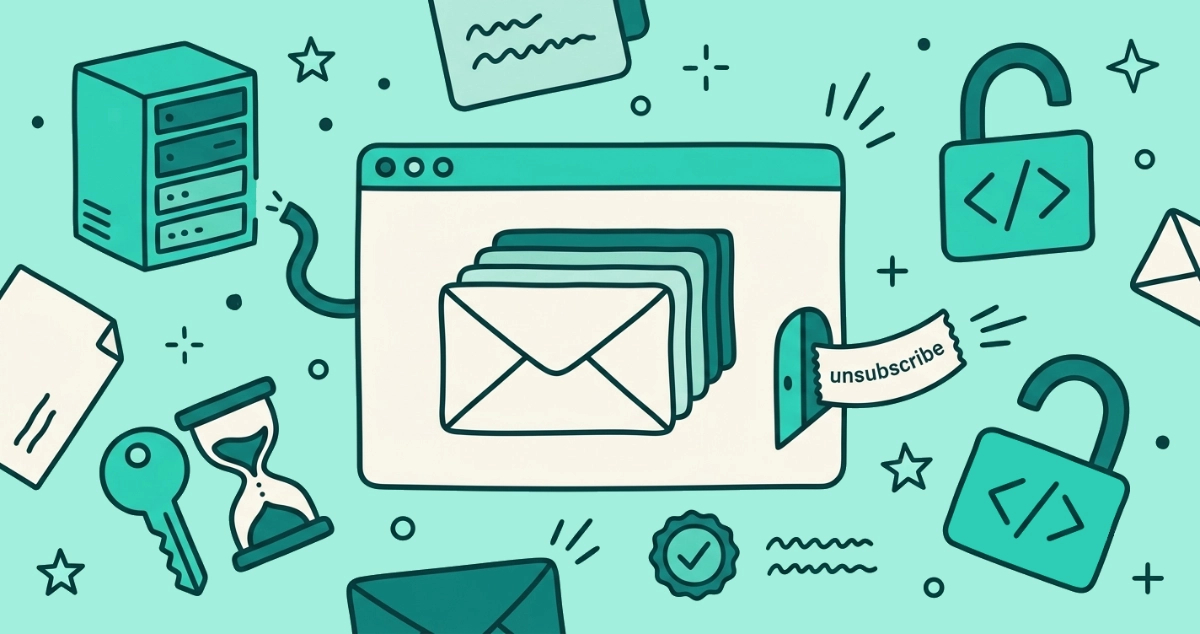
The reading happens inside your browser, and your email content never reaches our servers. When you connect an account, your browser talks straight to Gmail’s or Microsoft’s API and pulls the sender information the scan needs. Our backend does one thing in that moment: it hands your browser the code that does the reading. It does not receive the messages that code reads.
That single design choice is what makes the “no” rows above structural rather than promised. A company cannot store, analyze, or sell email content it never received, and ours was never wired to receive it. We laid out the full architecture, including the network trace you can run yourself to confirm nothing is uploaded, in why we never store your emails. To be precise about our own limits, we do run product analytics on how the app is used, with your cookie consent. What we never touch is the content of your mail.
How long does our access last, and can you take it back?
Our access lasts about an hour, and you can revoke it sooner whenever you like. According to Google’s authentication documentation, a user access token “automatically expires after one hour.” We also request no refresh token, the credential that would let an app quietly renew its own access in the background, so once that hour is up our access to your inbox ends on its own. Getting back in means you sign in again.
You never have to wait for the clock, though. Google lists every app you have connected at myaccount.google.com/connections, and Microsoft keeps the same list in your account’s privacy settings. Click our entry, remove access, and confirm, and the connection is cut immediately. We wrote a step-by-step walkthrough for the Google side in how to revoke third-party app access. Because our access was already going to expire on its own, manual revocation is the extra lock on a door that was closing anyway.
Why show you the full list instead of asking you to trust us?
Because a list is checkable and a promise is not. Every claim on this page maps to something you can verify without taking our word for it: the scope on your consent screen, the provider’s public scope documentation, the network tab in your browser during a scan, and the connected-apps page where you can cut access off. Trust that rests on those is trust you can confirm. Trust that rests on a paragraph in a privacy policy is trust you have to assume.
If you want the broader version of this reasoning, the question of how to vet any unsubscribe app, ours included, gets a full checklist in are email unsubscribe apps safe, and the independent CASA Tier 2 review of our code sits on our security page. When you are ready to see the list in action, connect your inbox, watch the scan build your sender list in the browser, and remove access the moment you are done. That is the whole deal: read-only, on your device, gone in an hour, and paid for once so there is nothing about your mail we have any reason to keep.