You found an unsubscribe app, and the sign-in screen wants access to your inbox. Before you click Allow, you want the honest answer to one question: where does your email actually go? This is a walk through exactly how our tool answers that, and how you can check the answer yourself without taking our word for anything.
A privacy-first unsubscribe tool reads your inbox on your device, not on a server. Ours scans your mail inside your browser, requests read-only access, keeps no refresh token, and lets the session expire in about an hour. Your email content never reaches our servers, and the code that signs you in is open source, so every claim here is one you can verify.
What makes an unsubscribe tool privacy-first?
A privacy-first unsubscribe tool is one that never copies your mailbox to its own servers. It reads your inbox where the mail already lives, on your device, and it asks for the narrowest access that gets the job done. The real test is not the privacy policy. The test is the architecture: what the app can technically see, where it processes your mail, and how long its access lasts. A policy is a promise a company can rewrite. An architecture is a constraint that has to be re-engineered before anyone can break it. We built ours so that the honest answer to “can you read my email on your servers?” stays no, because those servers were never wired to receive it.
Where does the scan actually run?
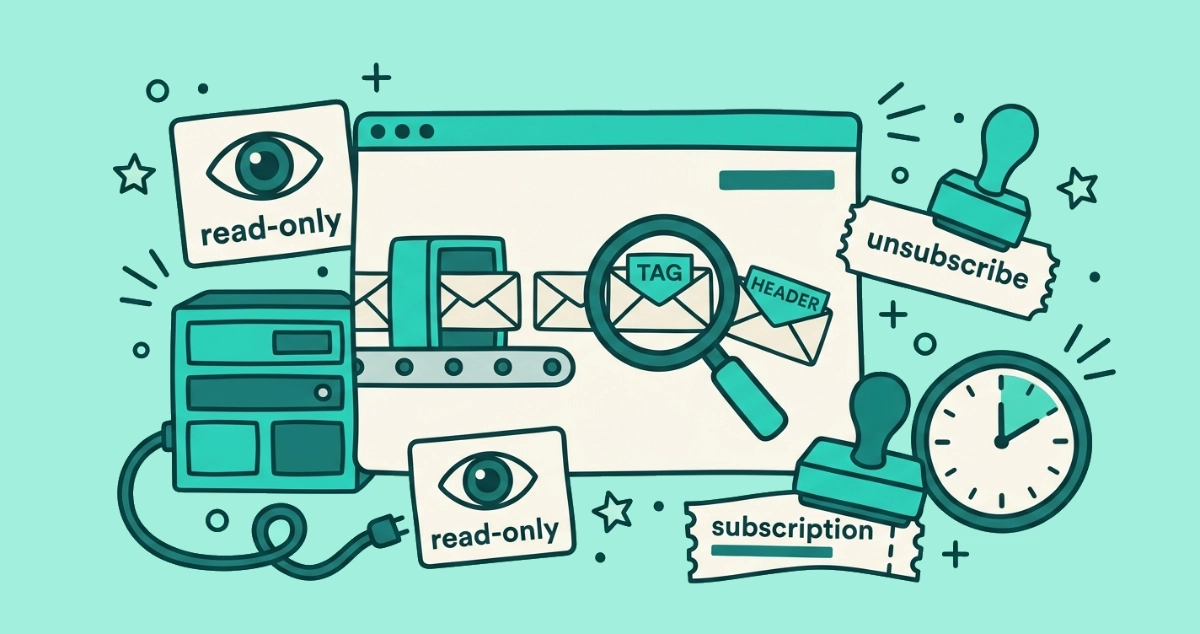
The scan runs inside your browser. When you connect Gmail or a personal Microsoft account, your browser talks straight to Google’s or Microsoft’s API and pulls the list of senders it needs to analyze. Our backend has one job in that moment: hand your browser the scanning code. It never receives the messages that code reads. The sender names and the List-Unsubscribe headers the scan looks at stay on your machine the whole time. Nothing about the content of your mail is uploaded, logged, or stored on our side, because there is no code path that would send it anywhere. The mail you are cleaning up never leaves the room it started in.
What can the app see, and for how long?
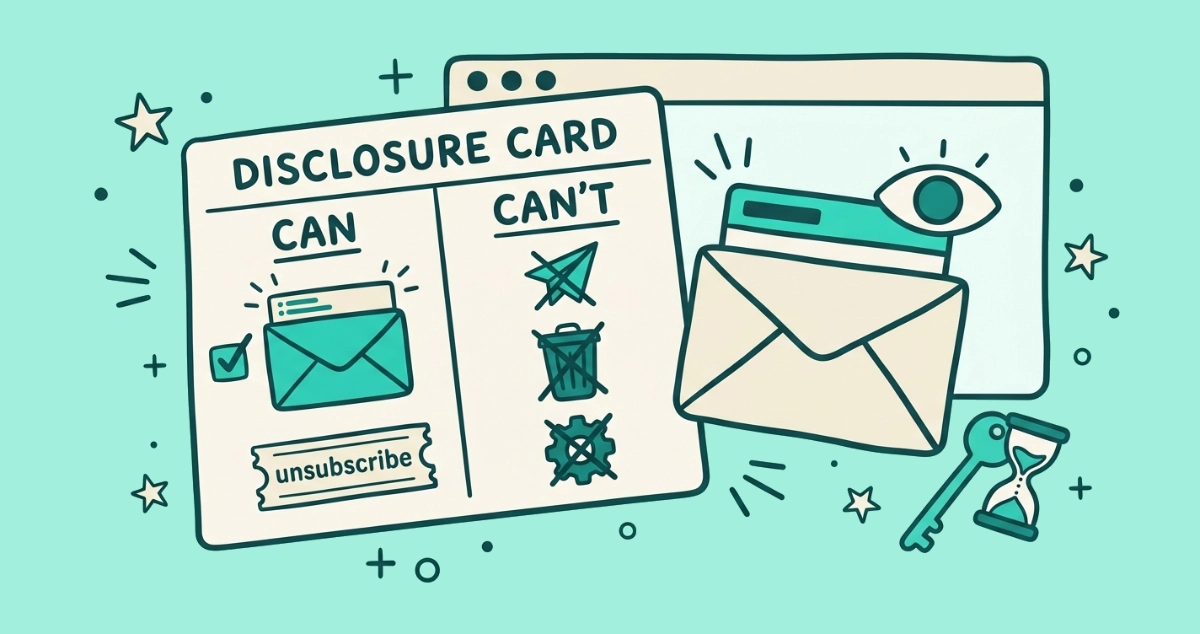
It can read, and only read, for about an hour. We request read-only OAuth scopes, so the app can view your messages but cannot send, delete, or change anything in your mailbox. Google’s consent screen names that scope before you approve it, so you can check it against what we say here.
The access is short by design. According to Google’s authentication documentation, user access tokens “automatically expire after one hour.” We also skip the one thing that would extend them: a refresh token. Per Google’s OAuth 2.0 documentation, an app only receives a refresh token if it explicitly requests offline access during sign-in. We do not. So when that hour is up, our access to your inbox ends on its own, and getting back in means you sign in again. There is no quiet, standing connection to your mail waiting in the background.
How do you sign me in without your servers seeing my token?
The token your browser uses to read mail never passes through our own application servers. Signing in with OAuth involves a step where a temporary code is exchanged for an access token. We run that exchange through a small Cloudflare Worker whose source code is public, at github.com/micro-solutions-llc/email-unsubscriber-open-oauth. You can read every line of it. The email access token that comes out the other side is used by your browser to talk to Gmail or Microsoft directly, and our backend never receives it. This is usually the part you cannot check with a cloud tool, so it is the part we made auditable on purpose.
How is this different from cloud unsubscribe tools?
Cloud unsubscribe tools copy your mailbox to their servers and keep working after you close the tab. That design buys them features we cannot match. It also means your mail sits on someone else’s computer, under whatever access their token holds and whatever their policy says this year.
| Criteria | Email Unsubscriber | Typical cloud unsubscribe tool |
|---|---|---|
| Where scanning happens | In your browser, on your device | On the company’s servers |
| Access requested | Read-only scopes | Often read and write |
| Persistent access | None; no refresh token | Refresh token, access outlives your session |
| What lives on their servers | No email content | A copy of your mailbox or its metadata |
| Sign-in code | Open source, auditable | Usually closed |
| Payment | One-off, see pricing | Recurring subscription |
| Breadth of features | Focused: find senders, unsubscribe, catch violators | Broader: rules, digests, auto-delete, multi-account |
Concede the trade honestly. A server-side tool can run rules while you sleep, mail you a weekly digest, auto-delete by size, and manage several mailboxes at once. Those features need read-and-write access and a token that outlives your session, which is exactly the access we refuse to hold. If you want a full mailbox-management suite, a cloud tool is the better fit, and we will say so.
The free end of that market is where the caution comes in. In 2019 the FTC settled with Unrollme, which the agency said “falsely told consumers that it would not ‘touch’ their personal emails” while sharing their e-receipts with its parent company for market research. Cloud tools are not dishonest by definition. But once your mail sits on a server, the only thing standing between it and a new business model is a policy someone can change.
Why does this matter more now that AI reads your inbox?
AI now reads the inside of your mailbox, and where that reading happens is the whole question. Gemini in Gmail and Apple Intelligence summarize threads, sort messages, and draft replies by processing the content of your mail. Some of that runs on your device and some on the provider’s servers, on their terms, and it is a genuinely useful shift. We wrote a full breakdown in what AI in your inbox actually does.
Our position is narrow and a little old-fashioned. The fewer copies of your mail that exist off your device, the fewer places it can leak, get repurposed, or be fed into a model you never agreed to. Our scanner reads the headers that identify a sender and its unsubscribe link, not the contents of your conversations, and it reads them where they already sit. We are not adding another server that holds a copy of your inbox at a moment when the inbox is already being read from more directions than ever.
How do I verify any of this myself?
You do not have to trust us. Four checks, in rising order of effort:
- Read the scopes. On the Google or Microsoft consent screen, read what the app is asking for before you click Allow. Read-only means it cannot send or delete.
- Read the auth code. The open-source OAuth worker is public. Anyone can audit how sign-in works.
- Watch the network. Open your browser’s developer tools, switch to the Network tab, run a scan, and confirm your message content is not being posted to our domain.
- Check the independent audit. We passed CASA Tier 2, the security assessment Google requires of apps that read Gmail. An authorized lab ran the review, not us. The details sit on our security page, and we wrote up what CASA Tier 2 validation means separately.
Run any one of these and you will see the same thing: the mail stays with you. That is the outcome the whole design exists to produce.
So you really keep nothing?
We keep nothing from your email. We are not a zero-analytics company, though, and pretending otherwise would undercut the point of this post. We run product analytics with PostHog to see how the app itself is used, and only after you accept cookies. What we never do is read, analyze, or monetize the content of your email, because our servers never receive it in the first place. The one-off payment is part of the same logic: you pay once, so we have no retention target to chase and no reason to hoard data you never handed us.
If the architecture is the proof, the last step is to watch it work. Connect Gmail or a personal Microsoft account at app.email-unsubscriber.com, run a scan, and see your inbox stay exactly where it is. And if you are still weighing the whole category, are email unsubscribe apps safe? lays out the questions worth asking before you connect any of them.