An email lands from noreply@somestore.com. You hit reply to ask them to take you off the list, and your message bounces back an hour later or drops into silence. No one answers, because no one is meant to. The address is doing its job.
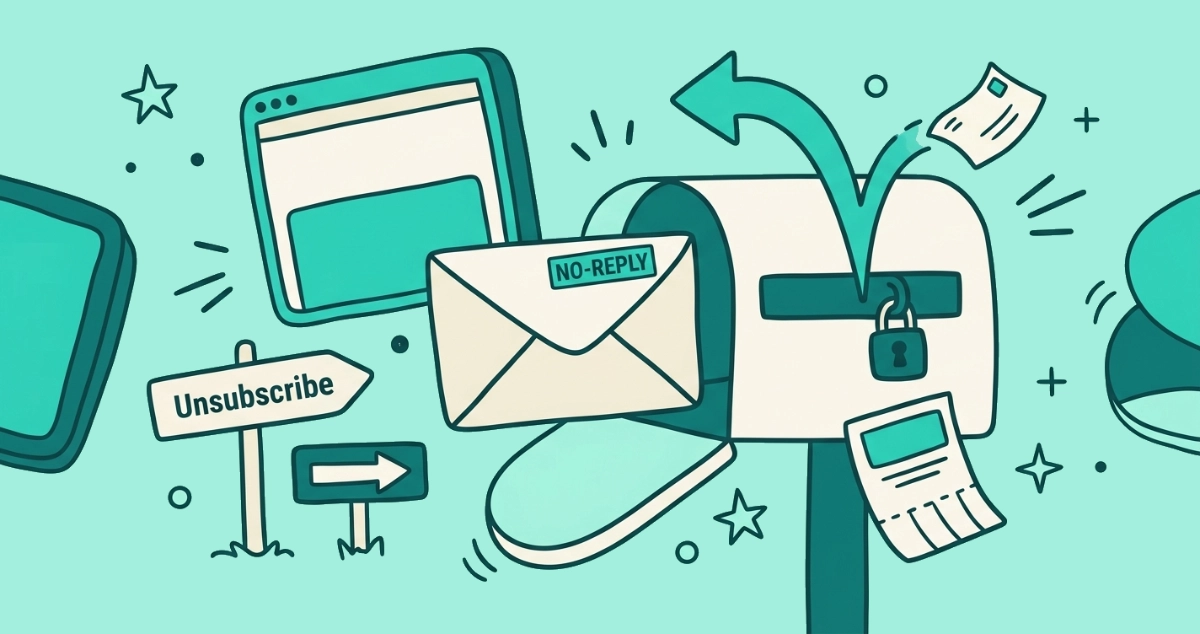
A no-reply email address is a sending address, usually noreply@ or donotreply@, that a company uses for automated mail it will not read replies to. Replies bounce or vanish into an unmonitored mailbox. To reach the sender or opt out, use the unsubscribe link or the contact details in the message, not the reply button.
What is a no-reply email address?
A no-reply email address is an unmonitored mailbox a company sends from but never receives to. You meet it in the From line: noreply@, no-reply@, donotreply@, or a friendly display name like “The Team” sitting on top of that same address. The label changes. The one-way design does not.
Companies attach these addresses to the mail a machine sends without a person behind it: password resets, order receipts, shipping updates, appointment reminders, newsletters, and account notifications. The message reaches you fine. The channel back to the sender stays closed. That closed return path is the whole point of the address, and it is why the reply you send has nowhere to go.
Why can’t you reply to a no-reply email?
You can’t reply because nobody, and often nothing, is listening at the other end. When you hit reply, one of two things happens to your message.
It bounces. If the noreply address does not exist as a real inbox, the sender’s mail server rejects your reply and returns a delivery failure notice, sometimes within seconds. Or it disappears. If the address exists but points at a mailbox no employee opens, your reply is delivered, filed, and ignored, and some systems delete it on arrival. Either way, your question or your please-remove-me request reaches no one who can act on it.
This is deliberate, not a glitch. A company that did not want to field replies set the address up precisely so it would not have to.
Why do companies use no-reply addresses?
Companies use no-reply addresses to keep a flood of automated mail from generating a flood of replies they would have to sort. The reasons are practical, and most come down to volume.
A transactional system can send tens of thousands of messages a day: receipts, resets, alerts. If even a fraction of recipients replied, with a question, a “thanks”, or an out-of-office autoresponder, a real inbox would drown. A no-reply address soaks up all of it and drops it on the floor.
The other common reason is routing. Support teams want questions to arrive through a ticketing system, a help center, or a chat widget, where staff can track and answer them in order, rather than scattered across an inbox tied to a sending server. Pointing you away from reply and toward a support channel keeps their queue tidy. It also, not by accident, keeps you at arm’s length.
Is a no-reply address bad for the company sending it?
Mostly yes, and deliverability experts have spent years saying so. The word noreply does not trip spam filters on its own. According to email deliverability firm Validity, mailbox providers have no rule that junks a message just because it comes from a noreply address. The damage is indirect and slower.
A reply is one of the strongest signals a subscriber can send. Validity notes that a reply tells Gmail or Outlook the message was wanted, which helps future mail from that sender reach the inbox. A no-reply address throws that signal away. A reader who cannot reply to say “stop” often reaches for the spam button instead, and complaints hurt a sender’s reputation far more than a reply ever would. The company trades a small convenience for weaker engagement, more complaints, and a colder relationship with the people it emails.
Is it legal to send from a no-reply email address?
Sending from a no-reply address is legal in the US and the EU, as long as the company still gives you a working way to opt out. A no-reply From line is fine. A no-way-out message is not.
In the United States, the CAN-SPAM Act requires every marketing email to carry a clear opt-out mechanism and a valid physical mailing address, and to honor opt-outs within 10 business days. The opt-out can be a link or a form. It cannot be nothing. In the EU, Article 7(3) of the GDPR says withdrawing consent must be as easy as giving it, so a sender who took one click to sign you up cannot demand a phone call to let you leave.
Mailbox providers add their own rules on top of the law. Since February 2024, Google’s sender guidelines require bulk senders, those mailing 5,000 or more messages a day to Gmail accounts, to include a one-click List-Unsubscribe header on marketing mail and to process opt-outs within 48 hours. That header is what powers the List-Unsubscribe header behind Gmail’s top-bar unsubscribe link. This is general information, not legal advice, but the pattern holds across all three: no-reply is allowed, silence is not.
How do I unsubscribe from a no-reply email?
Use the unsubscribe link, never the reply button. The reply goes nowhere. The unsubscribe route is the one the sender is required to keep open. Here is where to find it.
- Check the top of the message first. In Gmail, a small Unsubscribe link sits next to the sender’s name at the top of any message carrying a List-Unsubscribe header. Outlook and Apple Mail show a similar prompt. One click sends the opt-out for you.
- Scroll to the footer if there is no top link. Legitimate marketing mail carries an unsubscribe or “manage preferences” link in the fine print at the bottom. Click it and confirm on the page that opens.
- Do not reply to ask for removal. A reply to a no-reply address is not a valid opt-out, and the sender will not see it, so nothing changes.
Once you unsubscribe, the sender adds your address to its suppression list and future campaigns skip you, though a few queued messages can still arrive during the processing window. Our guide to what happens when you click unsubscribe walks through that back end in detail.
How do I contact a company that only emails from no-reply?
When you need a human, ignore the From line and look for the real channel the company does watch. It is almost always somewhere in the message or one click away.
Scan the email footer for a support address, a phone number, or a “Contact us” link. Open the company’s website and find its help center, live chat, or support form. If it is a service where you hold an account, log in and use in-app messaging or the support section there, which ties your request to your account automatically. The no-reply address is a dead end on purpose, but a company sending you automated mail almost always runs a staffed channel elsewhere. Your job is to find that door instead of knocking on the sealed one.
How do I stop a no-reply sender for good?
Combine two moves: unsubscribe to leave the list, then block or filter if the mail keeps coming. Unsubscribing is the clean exit for a legitimate sender. Blocking is your backstop when a sender ignores you or never offered a link.
Unsubscribe first, using the link at the top or bottom of the message. Give it the sender’s processing window, a couple of days for a bulk sender under the Gmail rules. If the mail keeps arriving after that, block the sender in your mail app, which reroutes their future messages to spam or trash on your side without needing their cooperation. For obvious junk you never signed up for, marking it as spam is often a better first move than either, and our guide to unsubscribe versus mark as spam covers which button fits which sender.
Doing this across years of no-reply senders is the slow part. Email Unsubscriber scans your Gmail or personal Outlook in your browser, lists every subscription sender in one place, and fires real one-click unsubscribes where the sender supports them, so you clear a backlog of noreply@ mail in one sitting. Your email content never reaches our servers, and its “still emailing” filter flags any sender that keeps mailing after you left, so you know exactly which addresses to block.
The takeaway
A no-reply email address is a one-way street the sender built on purpose. Replying to it does nothing, because the mailbox on the other end either does not exist or nobody reads it. That does not leave you stuck. Every legitimate sender has to keep an unsubscribe route open, so use the link at the top or bottom of the message to opt out, look past the From line to the company’s real support channel when you need to talk to someone, and block the sender if they will not take the hint.
Clearing years of noreply@ senders by hand is the tedious version. Email Unsubscriber does the same job in an afternoon, and you pay once with nothing to cancel.