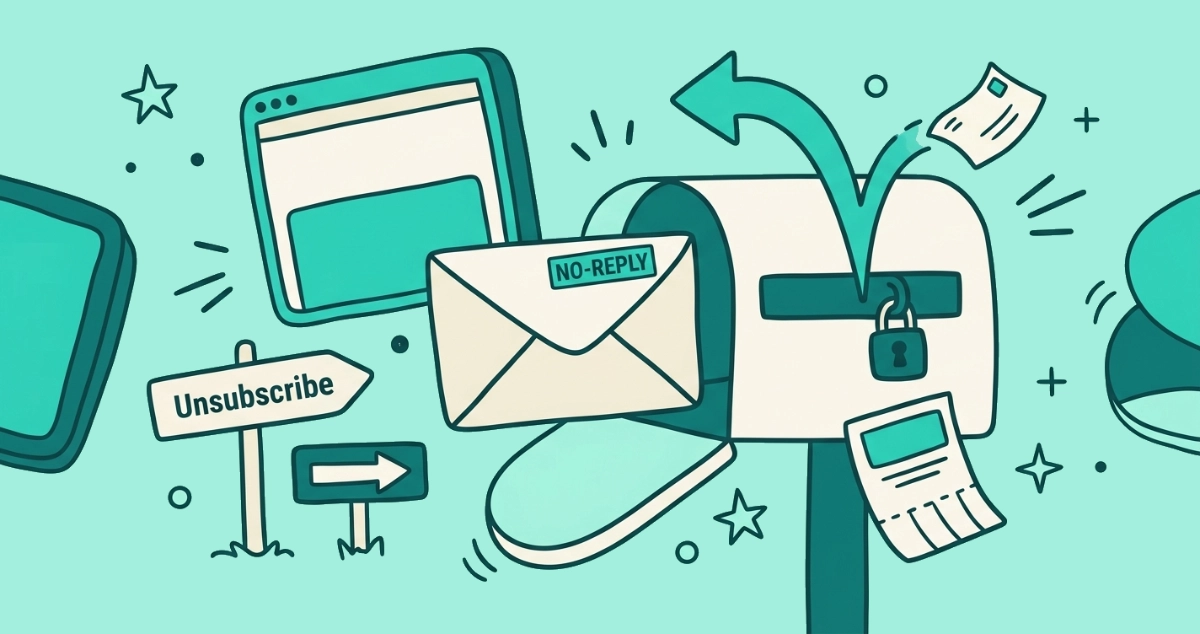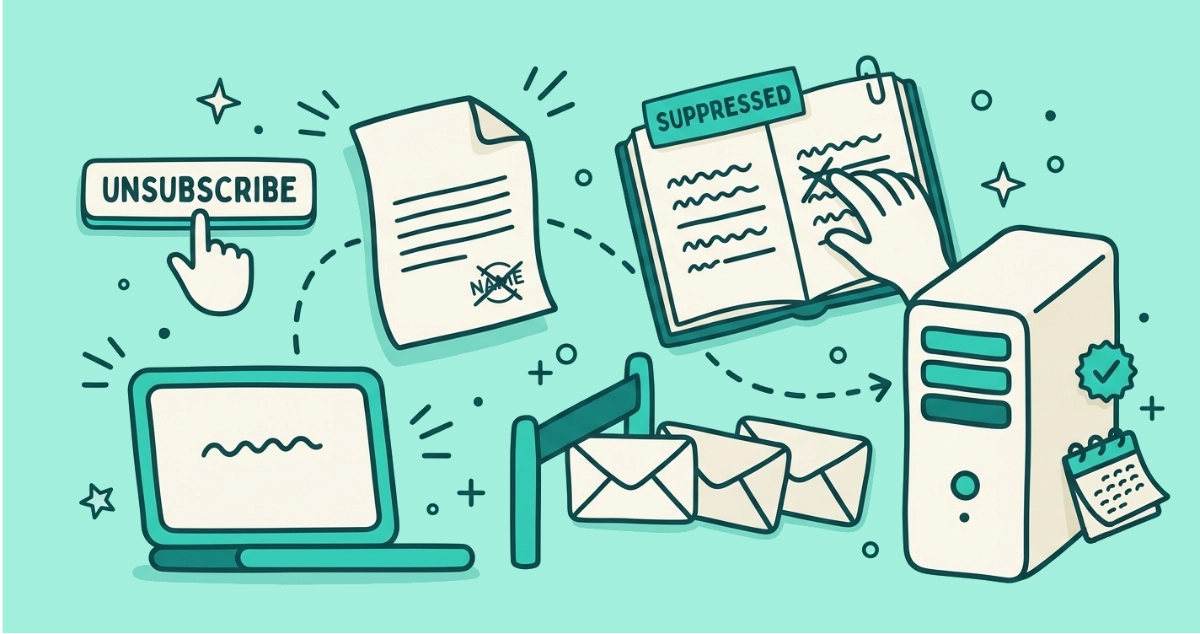
You clicked the unsubscribe link, the tab closed or nothing visibly happened, and now you are wondering where that click actually went. Nothing on your screen tells you. Behind that one tap, a small request leaves your inbox, crosses the network, and ends up in a file on the sender’s server.
When you click unsubscribe, your mail app either fires a silent request straight to the sender, opens a web page that records your opt-out, or emails the sender’s unsubscribe address. The sender’s server reads a token that identifies you, adds your address to a suppression list, and skips you on future campaigns. Mail can still arrive for a few days.
What actually happens the moment you click unsubscribe?
One request leaves your device, and everything else happens on the sender’s side. The click does not stop any email directly. It sends a message that says, in effect, take this address off this list, and the sender’s system is what acts on it.
Picture a short trip with three legs. Your mail app or browser packages the request. The request travels to whatever endpoint the sender named in the message. The server records it and changes what it plans to send you next. You see none of the middle, which is why a working unsubscribe and a broken one can look identical from where you sit.
The rest of this piece walks each leg in order: which route your click takes, where it lands, what a suppression list is, and why the mail sometimes keeps coming after all of it worked.
Which of the three paths does your click take?
Your click takes one of three routes, and the route decides how much travels and how quiet it stays.
The one-click route is the silent one. When you tap the Unsubscribe button your email app shows at the top of a message, the app sends a structured request straight to the sender’s server and no web page opens. This is the RFC 8058 standard, and one-click unsubscribe explained covers exactly what that request carries.
The landing-page route is the visible one. When you click a link buried in the footer, your browser opens the sender’s website, which loads a page that reads your opt-out and often shows a confirmation. A page loading means the sender can see more than a bare request would reveal, a point covered further down.
The mailto route is the oldest. Some senders list an email address instead of a web address, so your app quietly sends a plain unsubscribe email on your behalf. Apple Mail leans on this one.
| Path | What your app does | Does a page open? |
|---|---|---|
| One-click POST | Sends a structured request straight to the server | No |
| Landing page | Opens the sender’s site in your browser | Yes |
| mailto | Sends a plain unsubscribe email from your address | No |
All three start from the same hidden line in the message, the List-Unsubscribe header, taken apart in the header, explained.
Where does your unsubscribe request actually go?
Your request goes to an endpoint the sender chose in advance, and that endpoint usually belongs to their email platform rather than the sender itself. Most companies do not run their own mail servers. They hire a service like Mailchimp, Twilio SendGrid, or Klaviyo, and that service handles the unsubscribe endpoint too.
The address of the endpoint sits inside the List-Unsubscribe header, next to a long token that looks like random characters. That token is doing the real work. It identifies which subscriber and which list the request belongs to, because the standard leaves no other channel to carry that detail. When the request arrives, the server reads the token, finds your record, and marks it.
Twilio SendGrid’s own documentation describes the mechanic plainly: a POST request to the unsubscribe link “should result in an unsubscribe,” and the platform leaves the sender responsible for receiving and processing it. The standard defines how the request travels; the sender’s platform defines what happens when it lands.
What is a suppression list, and why does your address land on one?
A suppression list is the file of addresses a sender is not allowed to mail. When you unsubscribe, the sender does not usually delete you. It moves your address onto this do-not-send list, and every future campaign is checked against the list before it goes out. Your address matches, so the campaign skips you.
Email platforms build this in. Twilio SendGrid calls it a global unsubscribe group. Mailchimp, per its guide to unsubscribes, keeps an unsubscribed contact in your audience under an unsubscribed status rather than erasing it. The name changes from tool to tool; the job does not. It is a standing list of people the system must not email.
Keeping you instead of deleting you is deliberate. If the sender simply wiped your address, a later import of an old contact file could add you straight back, and the mail would start again with no memory of your having left. The suppression list is also the sender’s proof that it honored the request, which matters when the law expects a record. So unsubscribing rarely removes you from a database. It adds you to the one list that keeps the rest of them quiet.
What does the sender see when you unsubscribe?
The sender sees an opt-out event tied to your address, the specific list, and a timestamp. That is the baseline for every route. Their system logs that this address asked to leave this list at this moment, which is what it needs to suppress you and to prove it did.
How much more they see depends on the path. The one-click route reveals almost nothing beyond the request itself, because no page loads to run scripts or read your browser. The landing-page route reveals more. When their website opens in your browser, it can log your IP address, drop a cookie, and note your device, the same way any web page can. None of that is required to unsubscribe you, but a page in front of you is in a position to collect it. That gap in exposure is one reason the native button is the safer click, walked through in is it safe to click unsubscribe?.
Do you get a confirmation that it worked?
Sometimes, and the absence of one does not mean it failed. The three routes confirm differently, and only one of them shows you anything by design.
The landing-page route usually loads a page that says you are unsubscribed, occasionally asking you to click one more button to confirm. The one-click route stays silent on purpose. Your app sends the request, the server acts, and nothing opens to report back, so a successful one-click unsubscribe looks exactly like nothing happening. The mailto route sends an email you never see answered.
A quiet result is normal, then. The real test is not a confirmation screen. It is whether the mail stops within the window the sender is allowed, which is the next question.
Why do emails keep coming for a few days?
Mail keeps arriving because the sender is allowed a processing window, and campaigns already in flight were queued before your request landed. Neither means the unsubscribe failed.
The U.S. CAN-SPAM Act gives a commercial sender up to 10 business days to honor an opt-out, close to two calendar weeks once weekends count. Large senders have to move faster. Since February 2024, Google’s sender guidelines and Yahoo’s matching rules require any bulk sender, meaning more than 5,000 messages a day to their domains, to process a one-click unsubscribe within two days.
There are ordinary reasons too. A big brand often runs several lists, and leaving one does not touch the others. A newsletter that was scheduled an hour ago still goes out to the list it was built from. Past the window, though, continued mail stops being normal and becomes a violation, and unsubscribed but still getting emails sorts the honest delays from the senders who are ignoring you.
So does unsubscribing actually work?
For a legitimate sender, yes, and now you can see why the result is invisible. The request reaches the server, your address goes on the suppression list, and future campaigns skip you. The missing confirmation screen and the few stray emails during the processing window are features of how the plumbing runs, not signs of a failure.
The exception is a sender who was never going to honor the request. Real spammers treat an unsubscribe click as proof that a human reads the address, so they mail you more rather than less. For anything you do not recognize, marking it as spam is the move, because it sends no signal back and trains your filter instead.
Doing this across a full inbox is the slow part, since every sender hides its control somewhere different and only the ones you already trust show a button. A tool can read the List-Unsubscribe header for every sender in one pass and fire the genuine one-click request wherever a sender supports it. Our Email Unsubscriber app does that from inside your browser, so your email content never reaches our servers, the access stays read-only, and the session expires in about an hour.
The takeaway
One click sets off a short, invisible chain. Your app packages the request, sends it by one of three routes, and the sender’s server adds your address to a suppression list that every future campaign checks. You rarely see a confirmation, and a few emails during the legal processing window are normal.
The plumbing works when the sender is honest. When it is not, no amount of clicking will help, and marking as spam is the better tool. Either way, the button stops being a mystery. It is a request with a destination, and now you know where it lands.