You open your Outlook.com inbox one morning and something has quietly shifted. The obvious phishing, the mail that spoofed a bank or a courier you actually use, has thinned out. That is not luck. In May 2025 Microsoft turned on a rule that big email senders had already been living under at Gmail and Yahoo, and it changed what is allowed to reach your inbox.
On May 5, 2025 Microsoft began requiring any domain that sends more than 5,000 emails a day to Outlook.com, Hotmail, or Live addresses to authenticate its mail with SPF, DKIM, and DMARC. Senders who fail get routed to Junk now, with outright rejection planned later. Gmail and Yahoo set the same bar in February 2024.
What changed for Outlook in 2025?
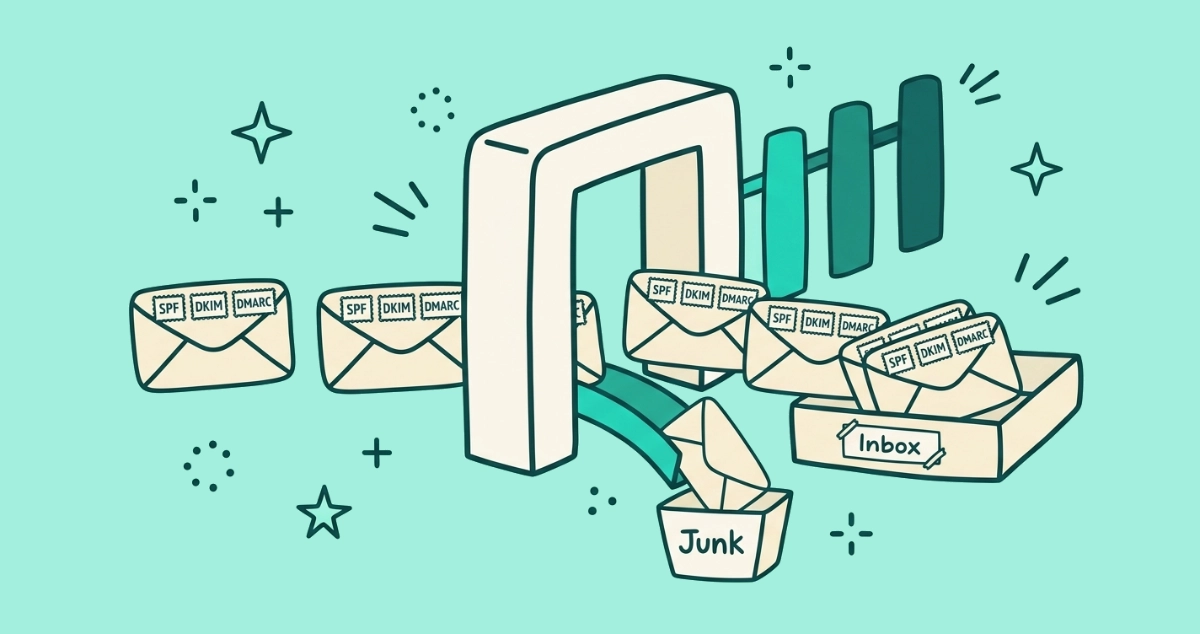
Microsoft added an authentication gate in front of your consumer inbox. According to Microsoft’s announcement for high-volume senders, published in April 2025, any domain sending more than 5,000 messages a day to Outlook.com, Hotmail.com, or Live.com must prove it is a legitimate sender before its mail lands in the inbox.
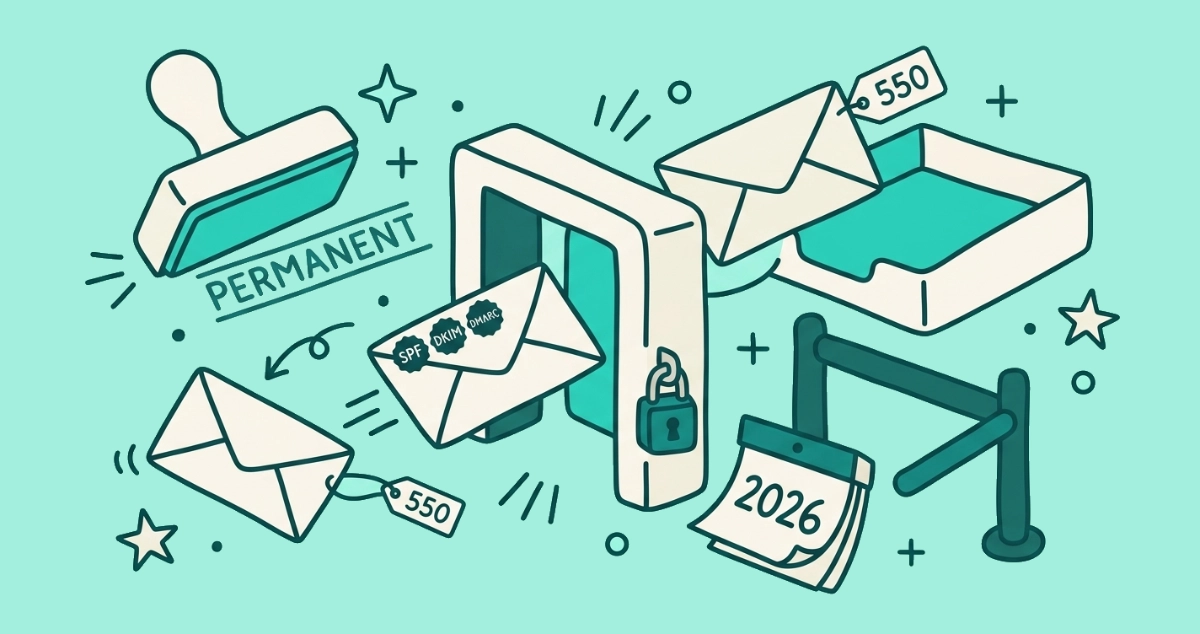
The proof is three technical checks: SPF, DKIM, and DMARC. A sender who passes all three has shown that the mail really came from the domain it claims. A sender who fails one gets a demotion. Starting May 5, 2025, Microsoft routes that failing mail to your Junk folder instead of your inbox. Microsoft has said that at a later date, which it has not yet named, non-compliant mail will be rejected at the server and never delivered at all.
This applies to the addresses ordinary people use: personal Outlook.com, Hotmail, and Live mailboxes. You did not have to change a setting or opt in. The burden sits entirely on the companies mailing you.
Why does this matter for your inbox, not just senders?
Most coverage of this rule was written for marketers who had to comply. The more interesting story is what it does on your side of the screen. Every bulk email you receive now has to carry a verifiable stamp of origin, or Microsoft treats it as suspect.
The immediate payoff is less spoofed mail. A scammer who wants to pose as your bank can no longer send from a forged version of the bank’s real domain and expect it to reach your inbox, because that forged mail fails DMARC. The impersonation that authentication blocks is exactly the kind that fools people, the message that looks like it came from a company you trust.
The second payoff is subtler. Legitimate senders who had grown sloppy about authentication had to clean up their setup to keep reaching you. The overall quality of what lands in your inbox goes up, because the careless and the malicious both get filtered before you ever see them.
What are the new Outlook rules, exactly?
Three authentication checks, one volume threshold, and a two-stage penalty. Here is the whole rule in plain terms.
- The threshold. The rule targets domains sending more than 5,000 messages a day to Outlook consumer addresses. That is a marketing platform or a large company, not your aunt’s mailing list.
- SPF must pass. SPF, the Sender Policy Framework, is a public list of the servers allowed to send mail for a domain. If mail arrives from a server not on the list, SPF fails.
- DKIM must pass. DKIM adds a cryptographic signature to each message that proves it was not forged or tampered with in transit.
- DMARC must be published. DMARC ties SPF and DKIM together and tells receivers what to do with mail that fails. Microsoft requires a policy of at least
p=nonethat aligns with SPF or DKIM. - The penalty. Fail any of these as a high-volume sender and Microsoft sends your mail to Junk today, with outright rejection coming later.
Microsoft also recommends, as a best practice rather than a strict rule, that bulk senders offer a clear and visible way to opt out. That recommendation matters more than it sounds, and it connects Outlook to a standard Gmail and Yahoo already enforce.
How is this the same rule Gmail and Yahoo already made?
Microsoft did not invent this. It followed Google and Yahoo, who set an almost identical bar more than a year earlier. In February 2024 both providers began requiring the same SPF, DKIM, and DMARC authentication from senders of more than 5,000 messages a day, and they went one step further by mandating a working one-click unsubscribe.
With Microsoft now on board, the three providers that carry most of the world’s personal email enforce the same demand. A bulk sender who wants to reach Gmail, Yahoo, and Outlook has to authenticate for all three. The era of anonymous mass mail landing in your inbox is over.
| Provider | In effect since | Applies to senders of | SPF + DKIM + DMARC | One-click unsubscribe | If they fail |
|---|---|---|---|---|---|
| Gmail (Google) | February 1, 2024 | More than 5,000/day to Gmail | Required | Required | Rejected or filtered to spam |
| Yahoo | February 2024 | More than 5,000/day to Yahoo | Required | Required | Rejected or filtered to spam |
| Outlook (Microsoft) | May 5, 2025 | More than 5,000/day to Outlook.com, Hotmail, Live | Required | Recommended, not required | Routed to Junk now, rejection planned |
The one honest difference: Google and Yahoo require the one-click unsubscribe, while Microsoft only recommends a visible opt-out. In practice that gap barely shows, because a sender who mails all three builds the one-click unsubscribe once to satisfy Gmail and Yahoo, and it appears in Outlook too. Google’s rules are documented in its sender guidelines, and Yahoo publishes matching requirements on its Sender Hub.
What do SPF, DKIM, and DMARC actually do for you?
They answer one question: did this email really come from who it says it did? Each check covers a different angle, and together they close the door on forged mail.
SPF checks the sending server against a list the domain owner published. Think of it as a guest list. If the server is not on the list, the mail is not authorized. DKIM attaches a tamper-proof signature to the message itself, so even a message that took an odd route can be verified as unaltered. DMARC is the policy layer that says what happens when SPF or DKIM fails, and it requires the visible From address to match the authenticated domain, which is the part that stops spoofing.
For you, the reader, the combined effect is simple. Mail that pretends to come from a company it does not come from now fails these checks and gets filtered before you see it. That is why the phishing that impersonates real brands, the most convincing kind, is the first thing these rules cut.
Does this mean less spam in your Outlook inbox?
Partly, and it helps to be precise about which part. Authentication rules attack spoofing and impersonation. They do very little to the mail you technically agreed to receive.
The clearest win is against phishing that forges a trusted domain. That mail now fails DMARC and gets stopped, so the dangerous, deceptive messages thin out. What the rules do not touch is graymail: the newsletters, promos, and alerts from companies you once handed your address to. Those senders are perfectly authenticated. They pass every check. They keep arriving because you are still on their list, not because they are breaking any rule.
So the crackdown makes your inbox safer without making it emptier. The spoofed mail leaves. The legitimate flood you opted into stays exactly where it was, and the only way to reduce that is to unsubscribe.
How do you read the new signals in your own inbox?
The rules leave two visible traces you can use. Both point the same way: toward the senders you can safely leave.
The first is the unsubscribe prompt. Because bulk senders now build the one-click unsubscribe to satisfy Gmail and Yahoo, Outlook shows its own Unsubscribe link next to the sender’s name on more marketing mail than before. That link fires a formal opt-out request without opening a web page, which makes it the safest way to leave a list. The mechanics behind it are covered in one-click unsubscribe explained, and if the button is missing from a message you expected it on, why the unsubscribe button is missing walks through the reasons.
The second signal is the Junk folder itself. When a big sender’s mail starts landing in Junk, Microsoft is telling you that sender failed its authentication checks. That is a sender worth distrusting rather than rescuing. For the step-by-step routes to leave a list cleanly across new Outlook, the desktop app, and mobile, see how to unsubscribe from emails in Outlook.
What these rules still don’t fix
Authentication solves identity, not consent. That distinction is where the new rules stop helping.
A sender can pass SPF, DKIM, and DMARC perfectly and still bury you in mail you never wanted, because passing those checks only proves the sender is who it claims to be, not that you asked to hear from it. The rules also cannot force a sender to honor your unsubscribe. If mail keeps coming after you opt out, that is a separate problem with its own remedies; unsubscribed but still getting emails covers why it happens and what to do.
Clearing years of accumulated subscriptions is still manual work, one sender at a time, whether you do it through Outlook’s built-in prompt or by hunting footer links. That is the gap a dedicated unsubscribe tool fills. Our Email Unsubscriber app reads the same List-Unsubscribe headers these rules encourage and fires a genuine one-click opt-out for every sender that supports it, across your whole inbox in one pass. The scan runs inside your browser, so we never read, analyze, or monetize your email content. It connects personal Microsoft accounts, meaning Outlook.com, Hotmail, and Live, alongside Gmail; it does not support work or school accounts.
The takeaway
Microsoft’s May 2025 rule completed a shift that began with Gmail and Yahoo in February 2024. All three major providers now demand that high-volume senders authenticate their mail with SPF, DKIM, and DMARC before it reaches you, and two of them require a working one-click unsubscribe on top. The result is an inbox with less spoofed, forged, and impersonated mail, and marketing messages that carry a safer, standardized way to leave.
The one thing these rules do not do is clear the legitimate subscriptions you accumulated over the years. Those senders pass every check. Getting them out of your inbox is still on you, and it is easier now that the unsubscribe button they were forced to add actually works.