You clicked into your inbox and found two hundred emails that were not there an hour ago. Not the usual promo trickle. A wall of “Confirm your subscription” and “Welcome to our newsletter” from services you have never heard of, arriving several a minute. This is not a glitch, and it is rarely random. It has a name.
A sudden flood of hundreds of newsletter confirmations is usually an email bomb, also called subscription bombing. An attacker signs your address up to hundreds of sign-up forms so the wave buries a real message, often a fraud alert or password reset, while they drain an account. Check your bank and logins first, before you delete anything.
What is an email bomb, or subscription bomb, attack?
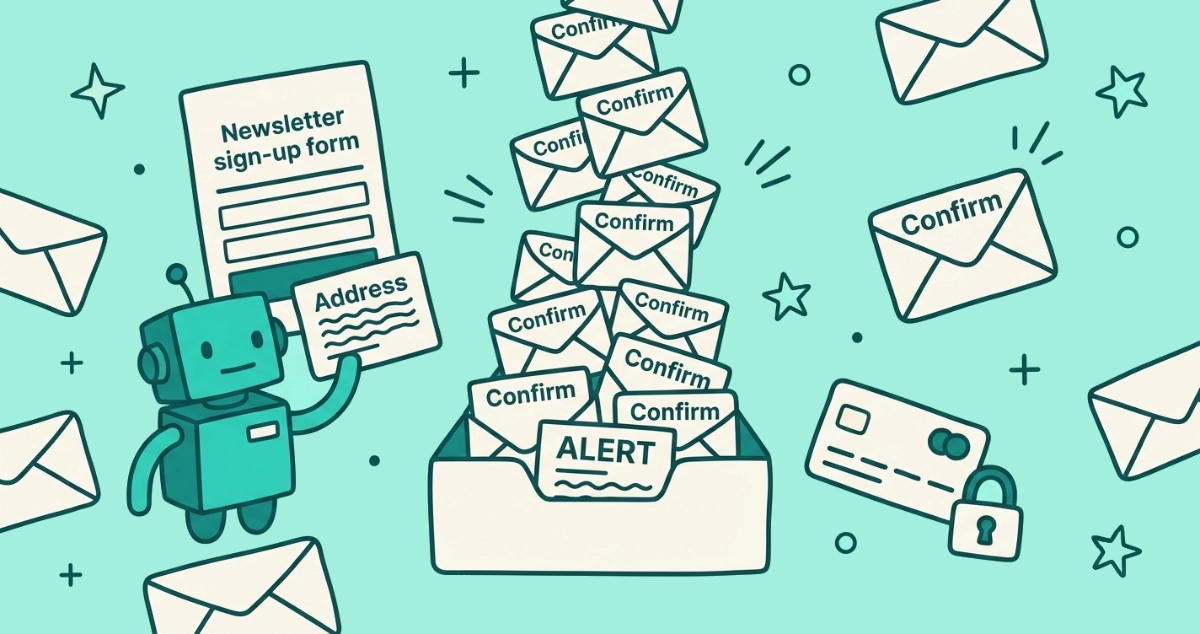
An email bomb is a deliberate flood of mail aimed at a single address. The most common version, called subscription bombing or a link listing attack, uses automated bots to enter your address into hundreds or thousands of newsletter and account sign-up forms across the web. Each form fires back a confirmation or welcome email, so your inbox fills in minutes with no attachment or malicious link needed.
The technique is old and still works because of one weakness in how newsletters handle sign-ups. Many forms do not verify that the person entering an address actually owns it. Reporting on a 2016 campaign against U.S. government inboxes, Brian Krebs found that a single bot could subscribe each address to hundreds of newsletters, and that the attack succeeded largely because most senders never send a confirmation link to check that the request was genuine. Ten years on, plenty of forms still skip that check.
The scale is what makes it feel like an emergency. Proofpoint, in a December 2025 analysis, measured bombing runs delivering more than 1,500 emails an hour, enough to make an inbox unusable within minutes. The point is almost never the mail itself.
How can I tell an email bomb from normal spam?
Look at three things: speed, volume, and whether the senders are real. Normal spam arrives as a slow trickle from shady strangers pushing counterfeit goods or scams. An email bomb arrives as a sudden wall of genuine confirmation and welcome messages from real, unrelated services, all at once.
| Signal | Ordinary spam | Email bomb |
|---|---|---|
| Timing | A steady drip over days and weeks | Hundreds in minutes or hours |
| Senders | Unknown, often spoofed | Real newsletters and services you never joined |
| Content | Sales pitches, scams, phishing | “Confirm your subscription”, “Welcome”, “Verify your email” |
| Spam folder | Much of it filtered out | Most of it reaches your inbox |
| Likely cause | Your address is on sold lists | Someone entered your address into forms on purpose |
That last row surprises people. The bomb reaches your inbox precisely because most of it is legitimate. As Proofpoint notes, the confirmation messages come from real services with valid email authentication, so Gmail and Outlook see trustworthy senders and deliver them. Your spam filter is built to stop fake and malicious mail, not a surge of genuine messages you never asked for.
Why is someone signing me up for all these newsletters?
Three reasons, and the first is the dangerous one. Attackers use the flood as a smokescreen. While you are drowning in confirmation mail, a real alert is buried in the same wave: a “your password was changed” notice, a “wire transfer initiated” message from your bank, or a receipt for a purchase you did not make. Proofpoint lists exactly these as the messages subscription bombing is meant to hide. By the time you dig them out, the money or the account is gone.
The second reason is pure harassment. Someone with a grudge points a bombing service at your address to make your inbox unusable, with no financial angle at all.
The third reason is the newest and the most calculated. An email bomb is increasingly the opening move in a social-engineering scam. Microsoft documented a group it tracks as Storm-1811 that email bombed targets, then called or messaged them posing as IT help desk staff offering to fix the spam, in a May 2024 report. Victims who accepted the “help” handed over remote access to their machines, which ended in ransomware. CISA and the FBI reported the same operators behind Black Basta had hit more than 500 organizations by May 2024. The flood is the bait, not the attack.
What should I do first if I’m being email bombed?
Check your accounts for fraud before you touch the flood. The mail volume is a distraction; the real damage happens somewhere else while you are staring at your inbox. Work through this order.
- Check your money first. Open your bank and card accounts directly, by typing the address yourself, not through any link in your inbox. Look for transfers, new payees, or charges you did not authorize, and call the number on the back of your card if anything looks wrong.
- Check your key logins. Look at your email, and your main shopping and payment accounts, for password-reset or new-device-login notices. If you find one you did not request, change that password immediately from a device you trust.
- Turn on two-factor authentication. Add a second step to your email and financial accounts if it is not already on. Email is the master key, because password resets for everything else land there.
- Do not reply or click. Do not answer any message in the flood, and do not click a link inside one. Treat the pile as read-only until it stops.
- Warn the people who share your accounts. If a family member or coworker shares access, tell them what is happening so nobody gets talked into “fixing” it the wrong way.
The expected outcome: within a few minutes you know whether an account is under attack, and you have closed the door the bomb was trying to keep open.
Should I unsubscribe from all of them?
No. Mass-clicking unsubscribe during an active bomb is the wrong move for three reasons. It burns the time you need for checking accounts. It cannot keep pace with hundreds of new messages an hour. And some links buried in the pile are traps rather than genuine opt-outs.
That last risk is real. According to DNSFilter’s chief technology officer, cited by Popular Science in June 2025, roughly 1 in 644 unsubscribe links leads to a possibly malicious site. In a flood of hundreds of unfamiliar senders, the odds of clicking a bad one climb fast. Our guide to fake unsubscribe links shows what those traps look like.
Leave the unsubscribing for later. Most of these are real lists you can leave cleanly once the attack stops, and there is a faster way to clear them in bulk than clicking through hundreds by hand. First, contain the flood so your inbox stays usable.
How do I stop the flood and clean up the aftermath?
You cannot shut off the source, but you can sweep the mail out of sight while it runs. Use your provider’s own tools to triage, and save the real cleanup for after the attack eases.
- Filter the confirmations into a folder. Most bombing mail shares words like “confirm”, “verify”, “welcome”, or “subscription”. In Gmail, create a filter matching those terms and apply a label that skips the inbox; in Outlook, use a rule that moves matching mail to a folder. Your important mail stays visible; the flood piles up out of the way.
- Do not delete blindly yet. A real alert is hiding in there. Move the flood aside rather than deleting it, so you can search it once you have secured your accounts.
- Wait it out. Bombing runs usually taper off within hours or a few days once the bots finish and move on. The filter holds the line until then.
- Block the genuine repeat offenders. For any single sender that keeps mailing after the wave passes, block the address using the steps in our block-a-sender guide.
Once the bomb stops and your accounts are secure, you are often left subscribed to a long tail of real newsletters the bots signed you up for. That is the cleanup. Reviewing and leaving them one at a time is slow, which is where a bulk unsubscribe pass helps. Email Unsubscriber scans your Gmail or personal Outlook in your own browser, lists every subscription sender in one place, and sends real one-click opt-outs where the sender supports them. Your email content never reaches our servers; we never read, analyze, or monetize it. For the wider toolkit, our guide to stopping spam for good maps every method to the right kind of sender.
Watch out for the fake support call that follows
Expect a “helpful” stranger, and refuse them. The most dangerous phase of a modern email bomb is not the flood; it is the person who contacts you a short while later offering to make it stop. They call your phone, message you on Teams, or email you posing as IT support, your email provider, or a security company, and they sound calm and competent because that is the job.
Their real goal is remote access. The moment you install their software or share your screen, they can move money, plant malware, or lock your files, which is exactly the Storm-1811 pattern Microsoft documented. No legitimate provider watches your inbox and rings you unprompted to fix spam. If someone contacts you about the flood, hang up, and reach your bank or provider through a number you look up yourself.
Where do I report an email bomb?
Report it, even if nothing was stolen. Investigators build cases from volume, and a single bombing service often targets many people at once, so your report helps connect a campaign. This is general guidance, not legal advice.
In the United States, file with the FBI Internet Crime Complaint Center at ic3.gov and with the Federal Trade Commission at reportfraud.ftc.gov. In the EU, contact your national data protection authority; in the UK, the Information Commissioner’s Office. If money moved or an account was taken over, tell your bank and the affected service directly, and ask them to flag the account. Keep the timestamps of the flood and any follow-up call as evidence.
How do I stop it happening again?
Shrink where your real address lives, and lock the accounts behind it. You cannot fully prevent someone typing your address into a form, but you can make yourself a smaller and less rewarding target.
Give out a masked or plus-addressed alias for signups instead of your primary address, so a bomb hits a forwarding address you can switch off. Turn on two-factor authentication everywhere that matters, so a buried password-reset email is not enough to take an account. Keep a standing filter for confirmation-style mail so a future surge sorts itself. And understand how your address got exposed in the first place: our piece on where your email address travels after a leak traces the path from breach to inbox.
The takeaway
A wall of subscription confirmations is not a random glitch. It is an email bomb, and the flood is usually cover for something quieter and worse. Do not start deleting or unsubscribing. Check your bank and your logins first, turn on two-factor authentication, and filter the confirmation mail into a folder so a buried alert cannot slip past you. Refuse anyone who calls offering to fix it, because that call is often the real attack. Report it, then clean up the leftover subscriptions once the wave has passed. The volume is loud on purpose. The calm move is to protect the account it was trying to distract you from.