You send Google a task by email, the way you would ping a coworker, and something reads your inbox, drafts a reply, checks a website, and reports back while your laptop is shut. That is the pitch for Gemini Spark. It is a different kind of AI in your mail from the summaries you already have, because this one does not just describe your email. It acts on it.
Gemini Spark is Google’s 24/7 AI agent, announced at I/O on May 19, 2026. Unlike earlier tools that only summarize mail, Spark takes action: it reads your Gmail, drafts and monitors messages, and browses via Chrome from cloud servers. Google says it asks before sending email or spending money. It is a US-only Ultra beta.
What is Gemini Spark?
Gemini Spark is an agentic personal assistant that Google announced at I/O on May 19, 2026. Google describes the shift plainly: Spark transforms Gemini “from an assistant that can answer your questions into an active partner that does real work on your behalf and under your direction.”
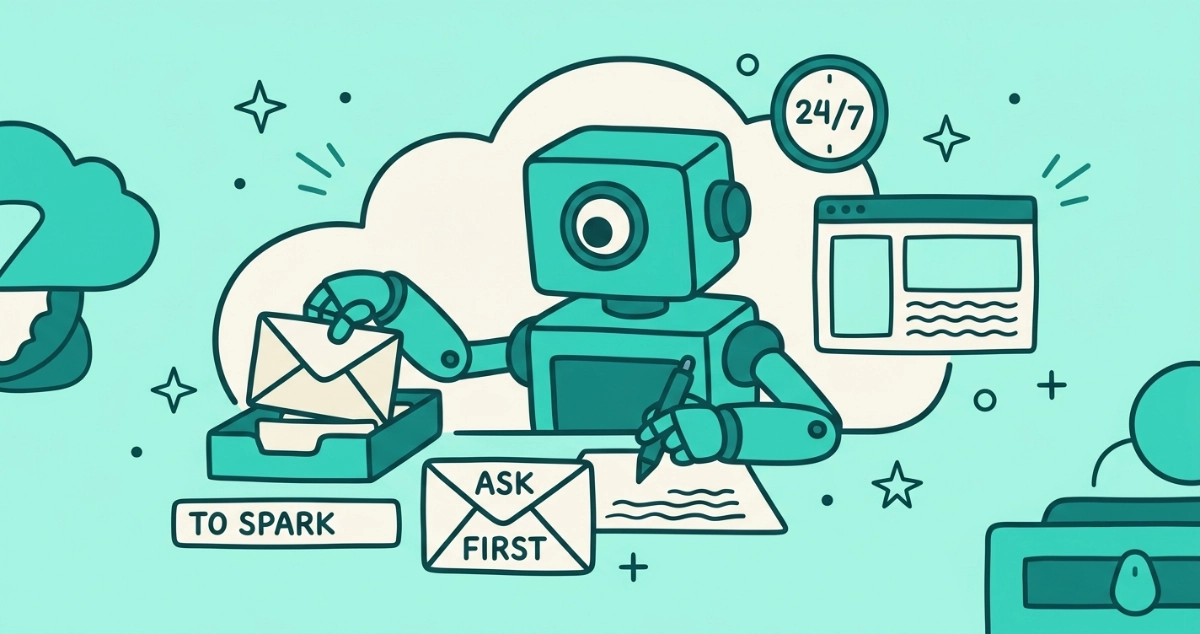
The mechanics matter here. Spark runs on Google Cloud virtual machines, not on your phone, so it keeps working after you close the laptop or lock the screen. Google says it is built on the Gemini base models paired with the Antigravity agentic harness, and it connects to Gmail, Calendar, Docs, Sheets, and Slides. Alphabet CEO Sundar Pichai framed it as “your personal AI agent that helps you navigate your digital life, taking action on your behalf.”
The word doing the work in that sentence is action. Everything else Gmail’s AI does up to now is passive: it reads, it summarizes, it suggests. Spark is the first mainstream version pitched to a general audience that reaches into your inbox and changes things.
What can Gemini Spark actually do with your inbox?
Spark reads, drafts, monitors, and fetches. According to Google, it can draft an email by pulling details from your other messages, documents, sheets, and slides, so a reply arrives pre-filled with the context it needs. It can watch an inbox for specific incoming mail, a use Google pitched to small businesses as catching customer questions. And it can browse the open web through Chrome to gather what a task requires.
At launch, TechCrunch reported one detail that captures the model best: you can email Spark at a dedicated Gmail address, “much as they would message a human colleague,” and it pulls context from Gmail and Workspace on its own. You assign the task in a message. The agent goes off and does it.
Early hands-on testing shows the ceiling and the floor. A TechCrunch reviewer (May 30, 2026) set Spark a recurring job to search Gmail and summarize interesting newsletters. It worked, and it also returned four articles when asked for five and handed back a broken Google redirect link instead of a clean source. Useful, and not yet a coworker you would stop checking.
How is Gemini Spark different from AI email summaries?
Summaries describe your mail; an agent acts on it. That is the whole distinction, and it decides how much trust each one asks for. A summary reads a thread and writes you a shorter version. Nothing in your inbox moves. An agent reads the same thread and can draft the reply, open the tracking link, and queue a send.
Gmail already has the summary layer. If you want the reading side of AI in your inbox, the way Gmail and Apple Mail now summarize your email covers what those features do and how to switch them off, and Gmail’s new AI Inbox view reshapes that reading layer into a briefing. Spark sits a step beyond that. There is also a sorting layer worth knowing about, the models that decide which email you see first, and a sending layer, where marketers use AI to write the mail you get. Spark is the acting layer. It is the one that needs the most access to be useful, because doing a task requires more reach than describing one.
What is the Daily Brief, and what does it read?
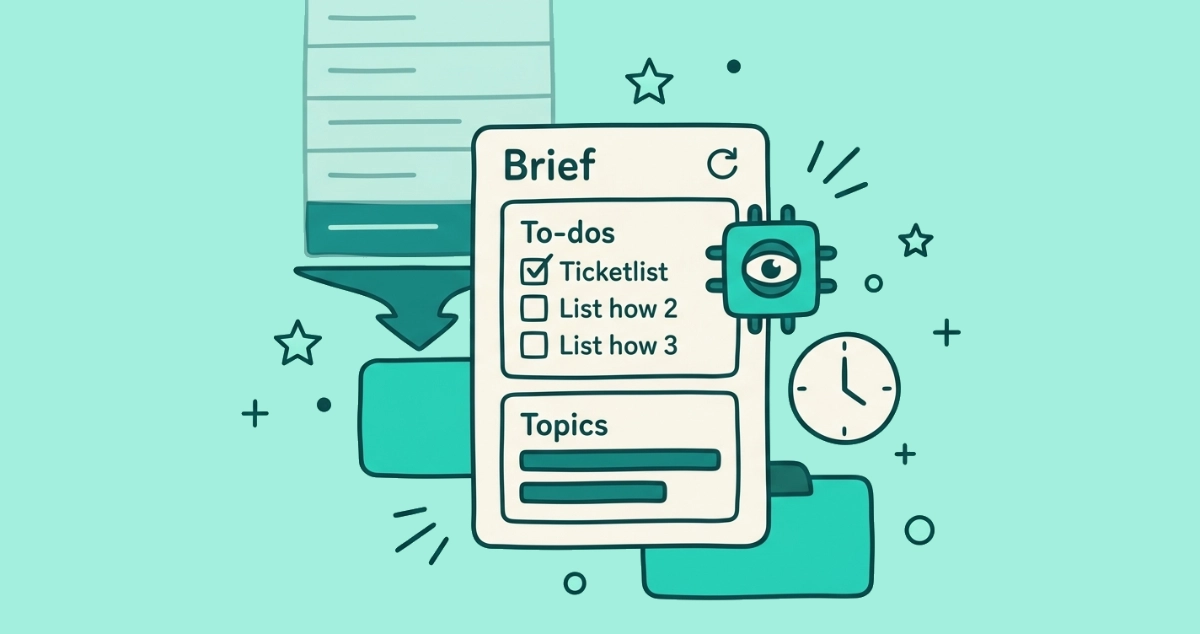
Daily Brief is Gemini’s morning digest, and it is the feature most inbox owners will meet first. Google says it “gathers urgent updates from your Gmail inbox, tracks upcoming events from your Calendar and compiles relevant follow-up details into a skimmable briefing,” with suggested next steps. It is meant to be the first thing you check each day.
The reach is wider than Spark’s beta. Google is rolling Daily Brief out to AI Plus, Pro, and Ultra subscribers in the US, while Spark itself stays limited to the top Ultra tier for now. To build the brief, it reads your inbox and calendar every morning, so the same trade-off applies: a convenient summary in exchange for standing access to your mail.
One thing a Daily Brief does not do is shrink the pile it summarizes. If forty newsletters land overnight, the brief reads all forty and hands you a tidier version of the same overload. The volume does not drop. Only removing the senders does that, which is a different job from summarizing them.
What is the trade-off of an agent in your inbox?
You trade standing access for background convenience. Spark cannot draft from your mail without reading your mail, and it cannot work while your laptop is shut unless it runs on Google’s servers rather than your device. Both of those are the point of the product, and both are the cost.
This is a larger grant than the AI features already in Gmail. A summary reads a message when you open it. An agent holds ongoing read access and the ability to take actions, running on cloud infrastructure around the clock. That is not a reason to avoid it. It is a reason to decide deliberately, the same way you would decide before giving any app persistent reach into your mailbox. The convenience is real. So is the access it runs on.
Does Gemini Spark send emails without asking?
Not without a check-in, according to Google. Google states that Spark “is designed to ask you first before performing high-stakes actions like spending money or sending emails.” So the agent can prepare a message on its own, but a human approval step is meant to sit between the draft and the send.
That confirmation gate is the main safeguard, and it is worth understanding as exactly that: a gate, not a wall. It depends on the agent correctly classifying an action as high-stakes and on you reading the confirmation before you approve it. For a background agent that works while you are away, the moment you tap approve is the moment the trust actually transfers. Treat those prompts as the real decision point, not a formality.
Do you need Gemini Spark to get your inbox under control?
No. An agent is a heavy tool for what is often a simple problem. If the thing wearing you down is volume, years of newsletters and promos you no longer read, the fix is not an assistant that summarizes them faster or drafts around them. It is removing the senders, and that takes no AI and no standing access to your mail.
That is the job Email Unsubscriber does, and it does it the opposite way to an agent. It reads the standard List-Unsubscribe header that bulk senders attach to their mail, not the words inside your messages. The scan runs in your browser, we never read, analyze, or monetize your email content, and there is no model acting on your inbox on our end. You pay once and there is nothing to cancel. No agent sitting in your mailbox, no cloud VM reading your mail overnight, just a list of who to cut loose and a few clicks to do it.
Gemini Spark is a genuine shift, from AI that talks about your inbox to AI that works inside it, and for some people that background help will be worth the access it needs. It is worth meeting it clear-eyed: an agent with read and action reach into your mail, running on Google’s servers, gated by a confirmation prompt, still new enough to hand you four articles when you asked for five. Know what it touches before you hand it the keys.