You clicked unsubscribe on a junk email, hoping the flood would slow down. A week later there is more of it, from names you have never heard of, and you are starting to wonder whether that button made things worse.
Unsubscribing can increase spam, but only when the sender is illegitimate. Clicking the link inside a junk message confirms your address is live and monitored, so a spammer resells or promotes it and the volume climbs. Unsubscribing from a real company you recognize is safe and legally required. The whole trick is telling the two apart before you click.
Does unsubscribing really cause more spam?
Yes, but only in one case: when the message is actual spam and the sender never intended to honor your request. For a legitimate company you recognize, unsubscribing does the opposite of what you fear. It removes you from a real list, and the law requires the sender to comply. One click, two senders, two completely different outcomes.
The advice sounds contradictory because “unsubscribe” describes two different things. On a newsletter from a store you bought from, it is a genuine opt-out control the sender is obligated to respect. On a message from a stranger selling knockoff sunglasses, it is bait. Same word, same gray footer link, opposite consequences. Everything below is about reading which one is in front of you.
Why does clicking unsubscribe in spam make it worse?
A spammer learns one valuable fact the moment you click: a real person reads this address and is willing to act on unsolicited mail. Most spam gets blasted at millions of scraped or guessed addresses, and the sender has no idea which ones are real. Your click answers that question. It marks your address as live, attended, and responsive, which is the most valuable kind an address can be on a spam list.
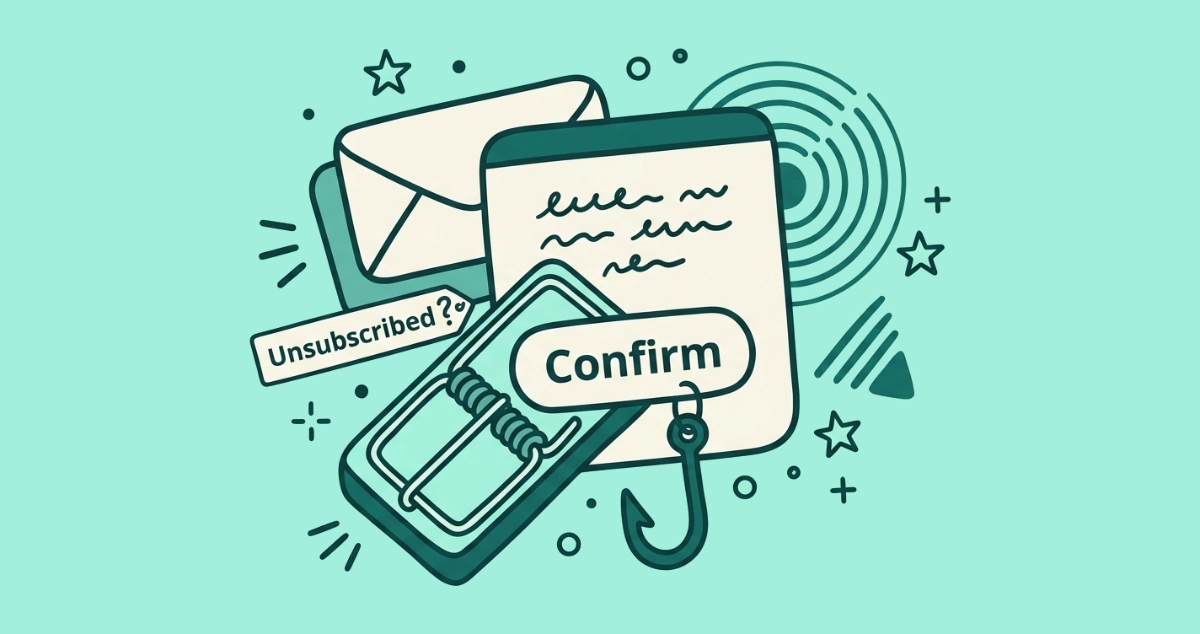
The odds that a random unsubscribe link is a trap are not trivial. According to DNSFilter chief technology officer TK Keanini, cited by Popular Science in June 2025, roughly 1 in 644 email unsubscribe links leads to a possibly malicious site. Spammers treat that footer link as a tripwire. It does not take you off any list. It reports back that you are worth mailing more.
Why do I suddenly get spam from senders I never contacted?
Because a confirmed-live address rarely stays with one spammer. Once your click flags the address as active, it turns into inventory. The sender promotes it to a higher-value list and resells it to other operators, so mail starts arriving from names you never contacted. The single click did not just earn you more of the same. It multiplied the number of people mailing you.
That is why the flood after unsubscribing from junk usually looks new rather than familiar. You are not watching the original sender ignore you. You are watching your address change hands. If the mail that keeps coming is from the same legitimate company you unsubscribed from, that is a different problem with different causes, and our guide to why you still get emails after unsubscribing walks through all seven of them.
When is it safe to unsubscribe?
Unsubscribing is safe and effective when you recognize the sender and can remember signing up. The newsletter from a shop you ordered from, the app that mails a weekly digest, the airline you hold an account with: these are legitimate senders running real lists, and the unsubscribe link does exactly what it says.
The law backs you here. Under the U.S. CAN-SPAM Act, a commercial sender must honor your opt-out within 10 business days, and it cannot charge a fee or make you log in to leave. The FTC’s own guidance is to opt out of unwanted marketing from real companies, then report any that keeps mailing you past that window at ReportFraud.ftc.gov. A few more messages in the days right after you click are normal processing, not a broken button.
How do I tell a real sender from a spammer before I click?
Read three things before you touch the link: whether you recognize the sender, where the message landed, and what the opt-out asks of you. Each one alone can settle it. Together they sort almost every message you will ever see, and our 60-second checklist for judging an unsubscribe link turns them into a click-by-click routine.
| Signal | Likely legitimate | Likely spam |
|---|---|---|
| Do you recognize the sender? | You remember signing up or buying | Never heard of them |
| Where did it land? | Your inbox | Already in the spam folder |
| The from-address | Matches the real brand’s domain | Lookalike or random domain |
| The unsubscribe option | Native button at the top, by the sender name | Only a gray link in the footer |
| What the opt-out asks for | Nothing beyond confirming you want out | A login, a password, or payment |
If a sender clears every column on the left, the footer link is almost always fine. If anything falls on the right, do not click inside the message at all. A page that asks for your password is never a real unsubscribe. It is a phishing trap wearing an opt-out costume, and the login box is the whole point of it.
What should I do with spam instead of unsubscribing?
Mark it as spam. For anything you do not recognize, marking as spam beats hunting for the unsubscribe link, because it sends no signal back to the sender and cannot confirm your address. It also trains your provider’s filter to catch similar mail on its own. The FTC gives the same instruction for junk that reaches your inbox: mark it as spam or junk, block the address or domain, and report it at ReportFraud.ftc.gov.
Blocking stops the messages from reaching you whether or not the sender ever cared about your request. For the full breakdown of when each button is the right one, see our guide to unsubscribe versus mark as spam. The short version: unsubscribe reaches out to senders you trust, and marking as spam quietly protects you from the ones you do not.
Why doesn’t the top-bar unsubscribe button carry this risk?
Because there is no footer link and no page to load. The unsubscribe button your email app shows at the top of a message, next to the sender’s name, is backed by the RFC 8058 one-click standard. Tapping it sends a quiet, structured request straight to the sender’s endpoint. No browser tab opens, so an attacker has nothing to imitate.
That button also almost never appears on real spam, because RFC 8058 requires the message to carry a valid DKIM signature, a cryptographic proof of who actually sent it. Genuine bulk senders sign their mail. Spammers spoofing a brand usually cannot. So when your client offers the top-bar button, you are looking at a sender that already cleared a bar most junk never reaches.
When years of subscriptions have piled up, checking each footer link by hand is slow, and every one you open is another small roll of the dice. Email Unsubscriber reads the unsubscribe headers for every sender in your Gmail or Outlook and fires the safe one-click request wherever the sender supports it, so you stay off landing pages entirely. The scan runs in your own browser and your email content never reaches our servers, and a “still emailing” filter flags the senders who ignore you so you know exactly which ones to block. You can run it on your own inbox and review the full list before you touch a thing.
The takeaway
Unsubscribing is not the villain. Doing it to the wrong sender is. A click inside real spam confirms your address is live and multiplies what lands in your inbox, while a click on a newsletter you actually joined removes you from a list the sender is legally bound to honor. Recognize the sender, read where the message landed, and never enter a password to opt out. When you cannot tell, mark it as spam and let your filter do the quiet work.