You have the list now: the shopping site you used once in 2018, the forum whose password you lost, three free trials that went nowhere, an old social account you never touch. Knowing the accounts exist is one thing. Getting rid of them is the part almost nobody makes easy.
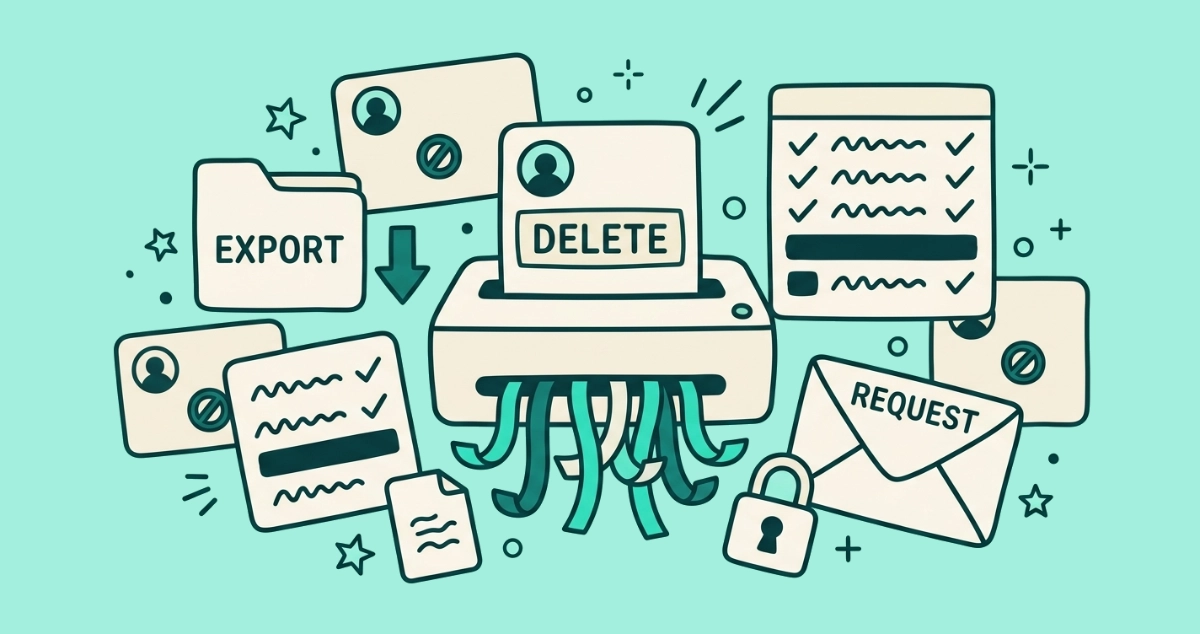
To delete an old online account, sign in, open the service’s account or privacy settings, and look for “delete account” or “close account.” Export anything you want to keep first, since deletion is usually permanent. If there is no delete option, send a data-deletion request citing GDPR or CCPA, which the company must answer.
If you have not built the list of accounts tied to your address yet, start with how to find every account linked to your email. That guide reconstructs the full picture from your inbox, your single sign-on lists, and your password manager. This one is about the next step: closing the dead ones for good.
Why should you delete old online accounts?
Because every account you keep is a copy of your data sitting on a server you do not control, and a live entry in that company’s next breach. A dormant account is not harmless. It is a login you no longer watch, holding an old password you may have reused, on a company whose security is now entirely out of your hands.
Deleting the account removes most of that data from the service and takes you out of its next leak. That matters more than it sounds, because a leaked address does not sit still. It gets copied, merged with older breaches, and resold across the market we mapped in where your email address goes after a data breach. Each account you close is one fewer place that can feed your address into that chain.
There is an inbox payoff too. A live account keeps sending you receipts, security alerts, and marketing mail long after you stop using it. Close the account and that sender stops at the source, which is one less line in your morning triage.
How do you delete an online account, step by step?
You work service by service, and the shape is the same almost everywhere. Sign in, find the option, save what matters, confirm.
- Sign in and open account settings. Look under Settings, then a section named Account, Privacy, or Security. The delete control is rarely on the front page; it usually sits at the very bottom, below the options the company would rather you use.
- Find the delete or close option. The wording varies. Watch for “Delete account,” “Close account,” “Delete your profile,” or “Deactivate and delete.” Deactivate on its own is not deletion, so read the label closely before you click.
- Export your data first. Once you confirm, most of it is gone for good. Pull anything you would miss before you take the final step. The next section covers what to grab.
- Confirm, then leave it alone through any grace period. Many services hold a deleted account in a reversible state for a cooling-off window, often 14 to 30 days, before erasing it. Signing back in during that window can quietly cancel the deletion, so once you confirm, stay out.
- Delete third-party accounts before you abandon the email itself. You need the inbox to receive the confirmation link and any password reset. Close everything tied to an address first, and retire the address last.
At the end you have an account marked for deletion, a saved copy of anything you cared about, and one less service holding your data.
What should you save before you delete an account?
Export anything you would miss, because deletion is usually irreversible and the download link disappears with the account. Most services offer a “download your data” or “export” button under privacy or account settings. That button exists in large part because GDPR gives people a right to data portability, so companies serving EU users tend to provide one for everyone.
For a Google account, the tool is Google Takeout. According to Google’s own support guidance, Takeout lets you download your Gmail, Drive, Photos, and other data as an archive. Two details matter. Downloading your data does not delete it, so the export and the deletion are separate steps. And a large archive can take hours or days to build, so wait until it finishes and you have opened it before you delete anything.
Think about what is expensive to lose: order and purchase history, invoices and receipts, photos, and anything you wrote or created on the platform. Grab those, confirm the file is intact, then delete.
How do you find the delete button when it is hidden?
Start by searching the settings page itself for the word “delete,” then check both the website and the mobile app, since some services only allow account deletion on one of the two. When the option is buried or missing, a directory does the hunting for you.
JustDeleteMe is a free, open-source directory of direct links to the deletion page for hundreds of web services. Its real value is the difficulty rating on each entry: easy, medium, hard, or impossible, color-coded so you know what you are in for before you start. Easy means a simple delete button. Hard means you have to email support or jump through hoops. Impossible means the service offers no way out at all. The project also ships as a browser extension for Chrome and Firefox that flags the rating while you are on a site.
If the directory sends you to a dead end, email the company’s support or privacy address directly and ask them to close the account. That request is also the doorway to the legal route below.
What can you do if there is no delete option at all?
Send a data-deletion request under privacy law. Two rights cover most readers, and both put the obligation on the company rather than on you.
If you live in the EU, EEA, or UK, the GDPR right to erasure under Article 17 lets you ask a company to delete the personal data it holds on you. If you live in California, the CCPA right to delete does the same. To use either, email the company’s privacy or data-protection contact, often listed in the privacy policy, and state plainly that you are exercising your right to erasure or deletion of your account and personal data.
Be clear-eyed about what the request guarantees. It compels a response, not automatic deletion of everything. Both laws carve out exemptions: a company can keep data it needs to meet a legal obligation, such as tax or accounting records, to complete a transaction, or to defend a legal claim. And a statutory deletion right depends on where you live, so residents outside these regimes may have weaker footing. This is general information, not legal advice.
How long does a company have to delete your data?
The law sets a clock, and it starts when the company receives your request. Under GDPR, the response window is one month. Under California’s CCPA, it is 45 calendar days, with a receipt confirmation due sooner.
| Law | Who it covers | Deadline to respond |
|---|---|---|
| GDPR (Article 17) | EU, EEA, and UK residents | Within one month, extendable by two months for complex requests |
| CCPA (right to delete) | California residents | Confirm receipt within 10 business days; substantive response within 45 calendar days, extendable to 90 |
Both figures are drawn from the official guidance: the UK regulator and the EU statute for GDPR, and the California Attorney General’s CCPA guidance for the 45-day window. Remember that responding within the deadline is not the same as deleting everything, because the exemptions above still apply. If a company ignores a valid request entirely, you can escalate to your data protection authority.
What about the accounts you want to keep?
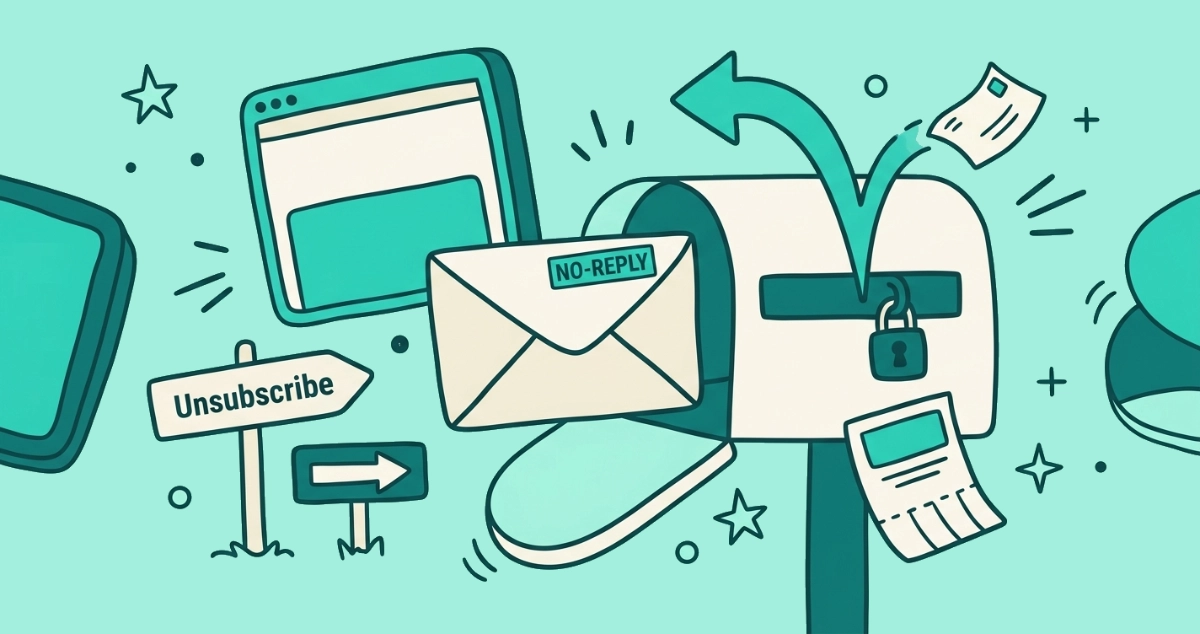
Do not delete the accounts you still use. Quiet them instead. For a bank, an email provider, or a service you rely on, the problem is rarely the account and almost always the mail it sends. Unsubscribing at the source stops the newsletters and promos without closing anything you need.
Doing that by hand across dozens of senders is slow, and not every unsubscribe tool deserves the inbox access it asks for. Email Unsubscriber scans your Gmail or Outlook in your own browser, lists every subscription sender in one place, and fires the real one-click opt-out where the sender supports it. The scan runs on your device, and we never read, analyze, or monetize your email content.
Then change how you sign up, so the next cleanup is smaller. Hand out a masked alias for accounts you might keep, and a burner address for one-time signups you know you will never revisit. When one of them leaks, it burns the alias instead of your main inbox, and you learn exactly which service to blame.
The takeaway
Closing an old account is a small, repeatable move: sign in, open account settings, export what you want, delete, then leave it alone through any grace period. When the button is hidden, JustDeleteMe finds it. When there is no button, a GDPR or CCPA deletion request forces a response, subject to a few legal exemptions. Delete what is dead, unsubscribe from what you keep, and give out aliases from here on, so your list of forgotten accounts never grows back to this size.